


All-in-One
Trading Platform
Place orders, automate alerts into live trades, and backtest strategies without leaving the chart.
Make more on every trade with up to 50% cashback on your trading fees.


Chart-Native Execution
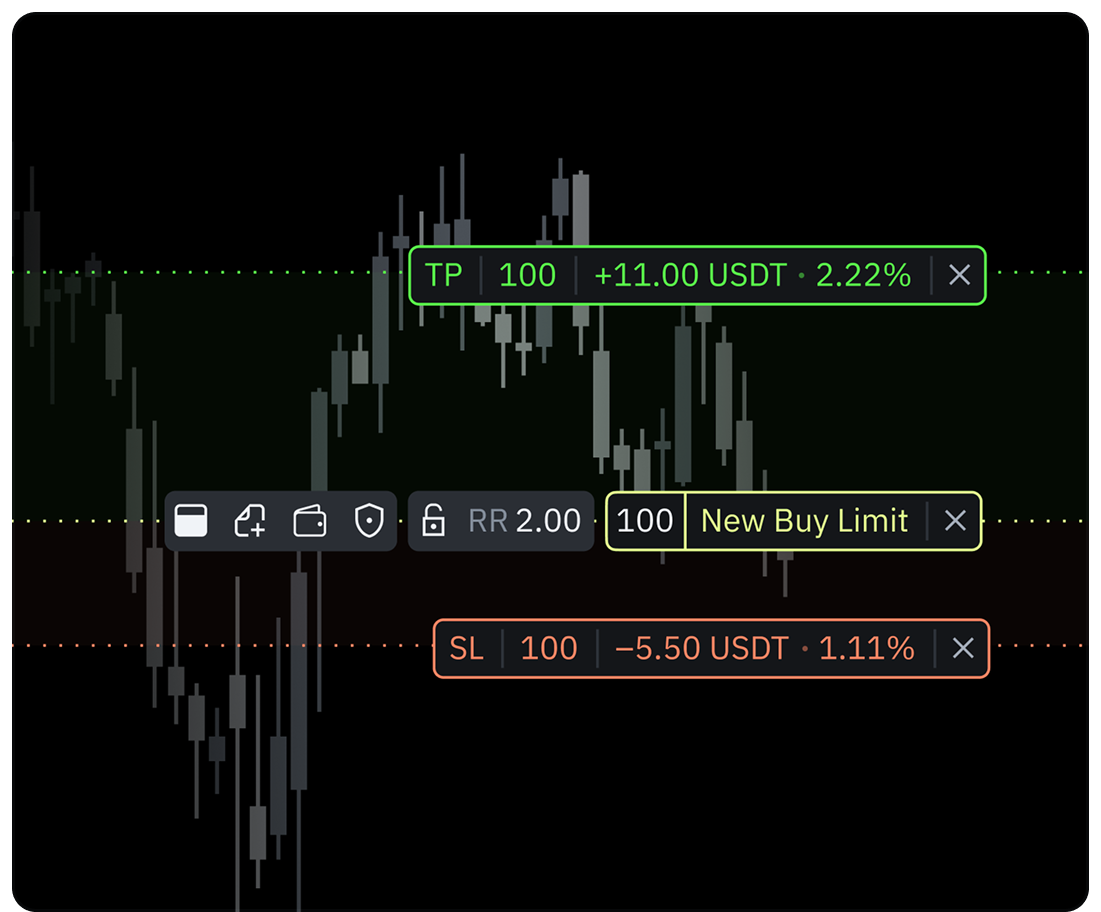
Place orders from the chart and drag levels to set your entry, Stop Loss, and Take Profit with fee-adjusted risk/reward ratios.
Account Management
Monitor live margin, available buying power, active leverage limits, and total equity while routing your active orders inside the trading platform.
Trade & Get Cashback
Get up to 50% of your exchange trading fees reimbursed automatically. The more you trade, the more you earn back.
Trade & Get Cashback
Receive up to 50% of your trading fees back automatically. Cashback applies to every trade routed through supported exchange integrations and stacks directly in your balance.
Explore Cashback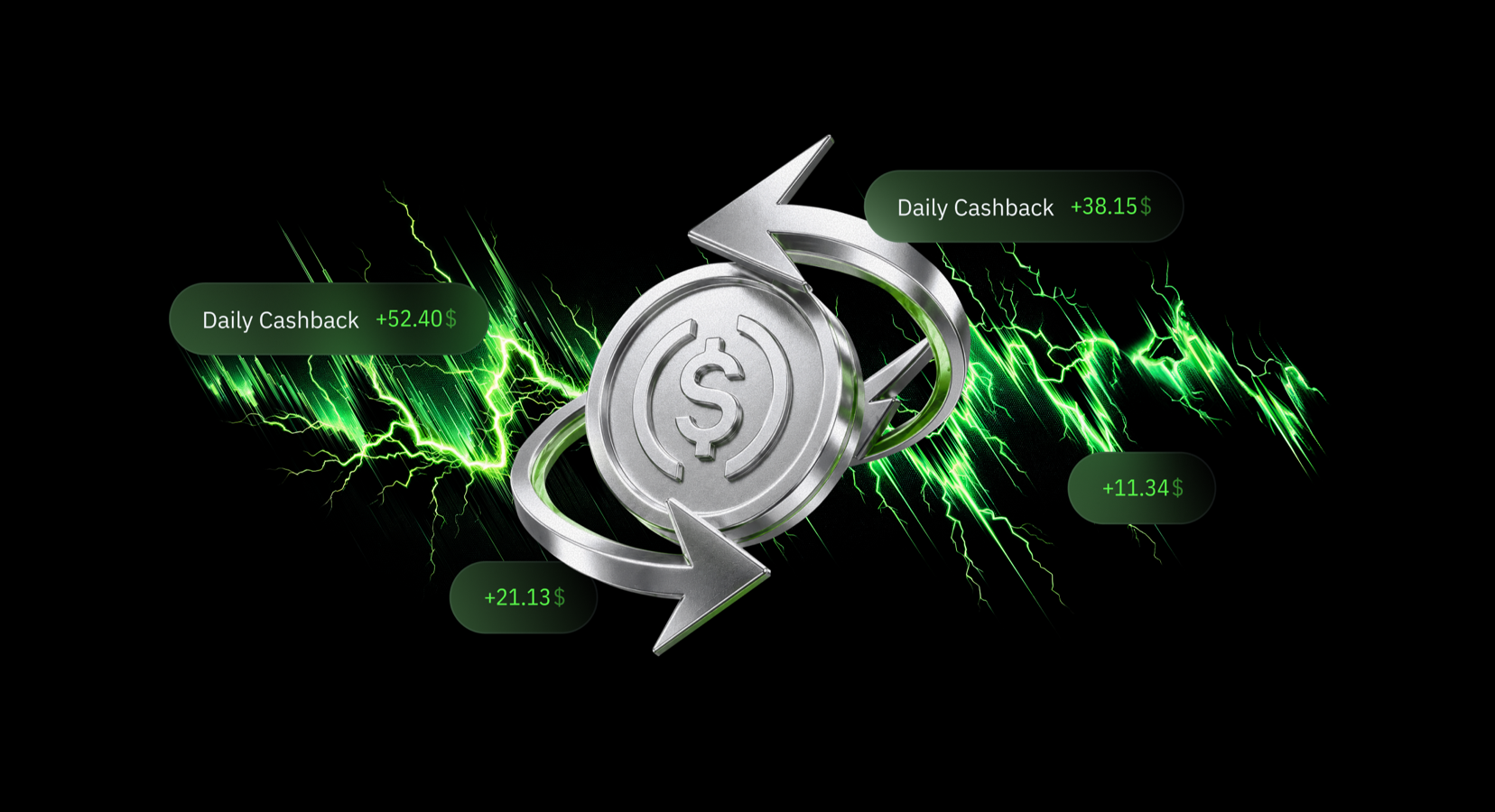
Cut Trading Costs
Connect your exchange account to automatically get up to 50% of your trading fees back into your withdrawable cash balance on every trade.

Start Earning Cash Rewards
Build multiple income streams with lifetime referral revenue, marketplace indicators, and paid subscriptions through posts.
Analysis to Trading
Place orders without leaving your selected chart. The same workspace where you make your technical analysis is the workspace where you execute your trades.
Instant Trade Execution
Click Buy or Sell from the top-left corner of any crypto chart to open the order panel. Drag price levels directly on the chart to set your entry in real time.
Advanced Risk Management
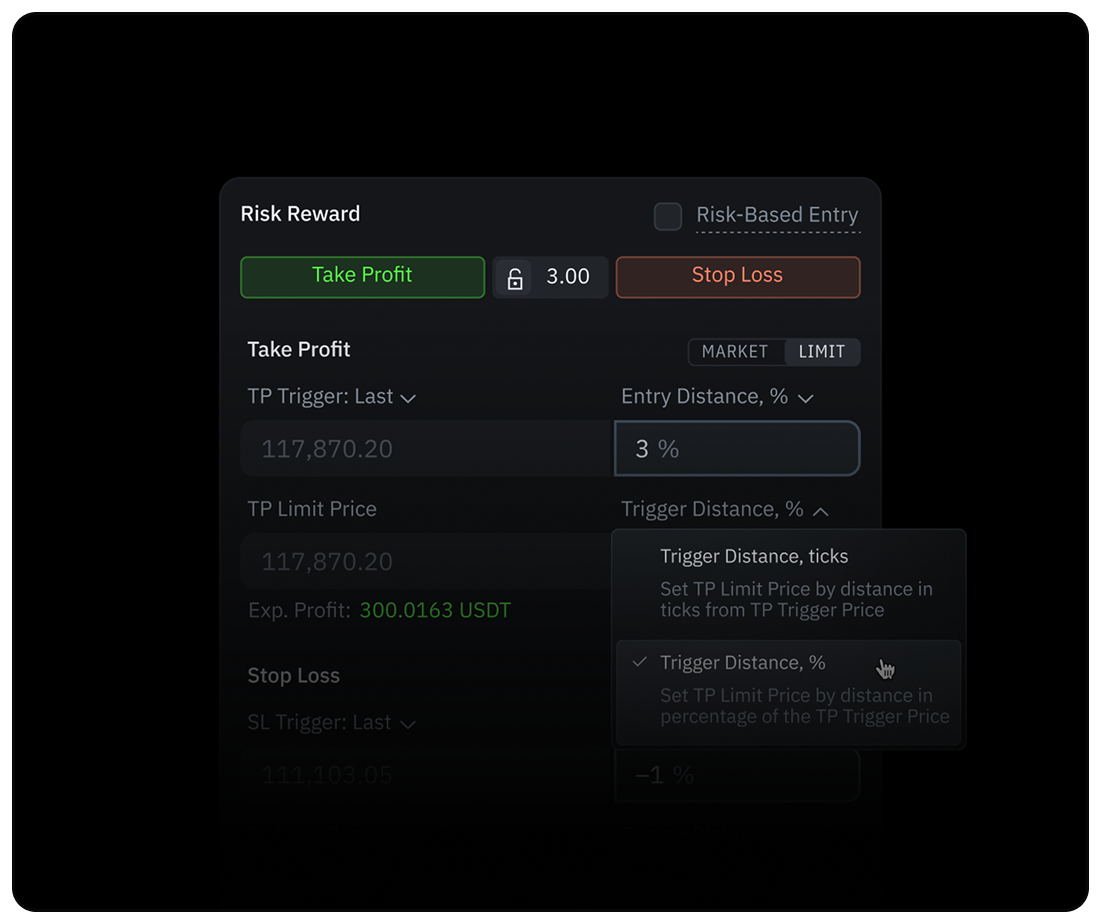
Set Take Profit, Stop Loss, and Risk/Reward ratio in Order Entry or on the chart. Reduce-Only ensures you only close existing positions if needed.
Risk-Based Entry
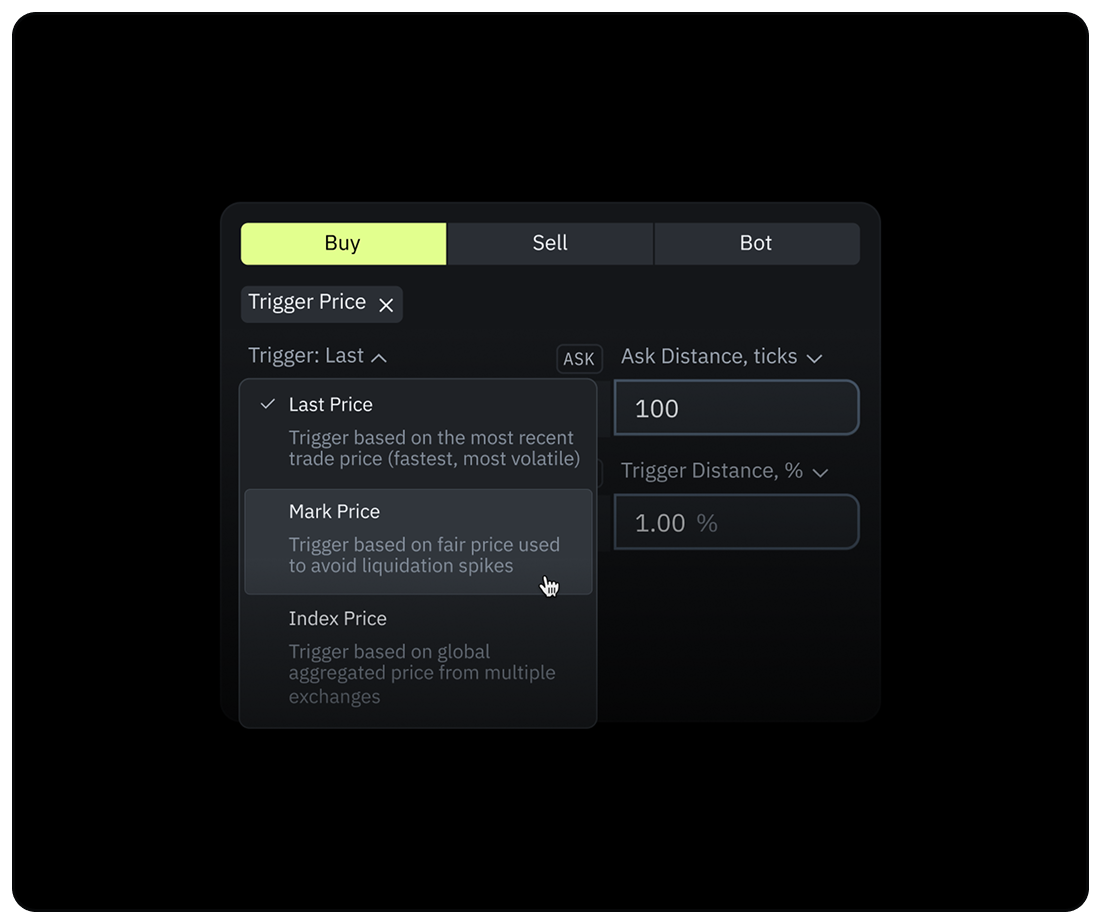
Set your stop loss by cash amount or %. Position sizing automatically calculates to cap your loss at your exact budget.
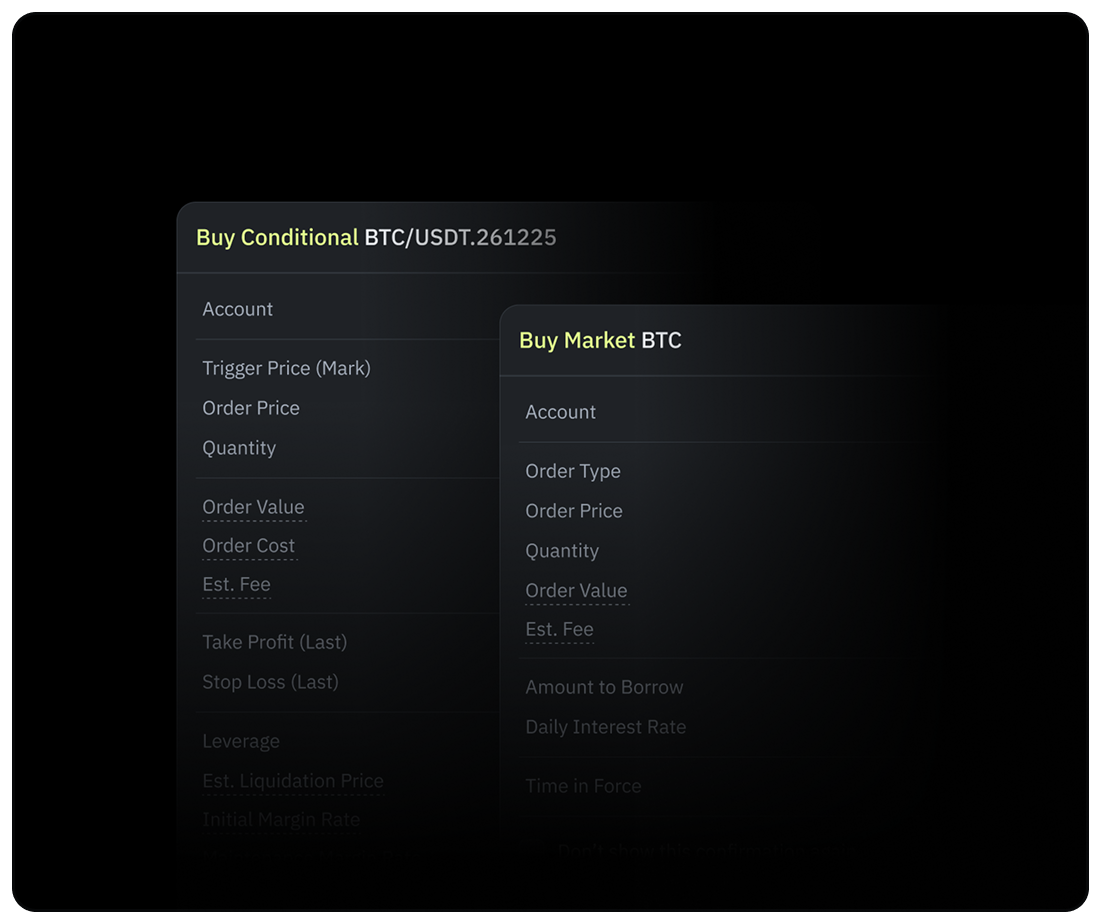
Confirmation Modal
Every order shows price, quantity, cost, value, estimated fee, Take Profit and Stop Loss levels, and leverage before submission — no accidental fills.
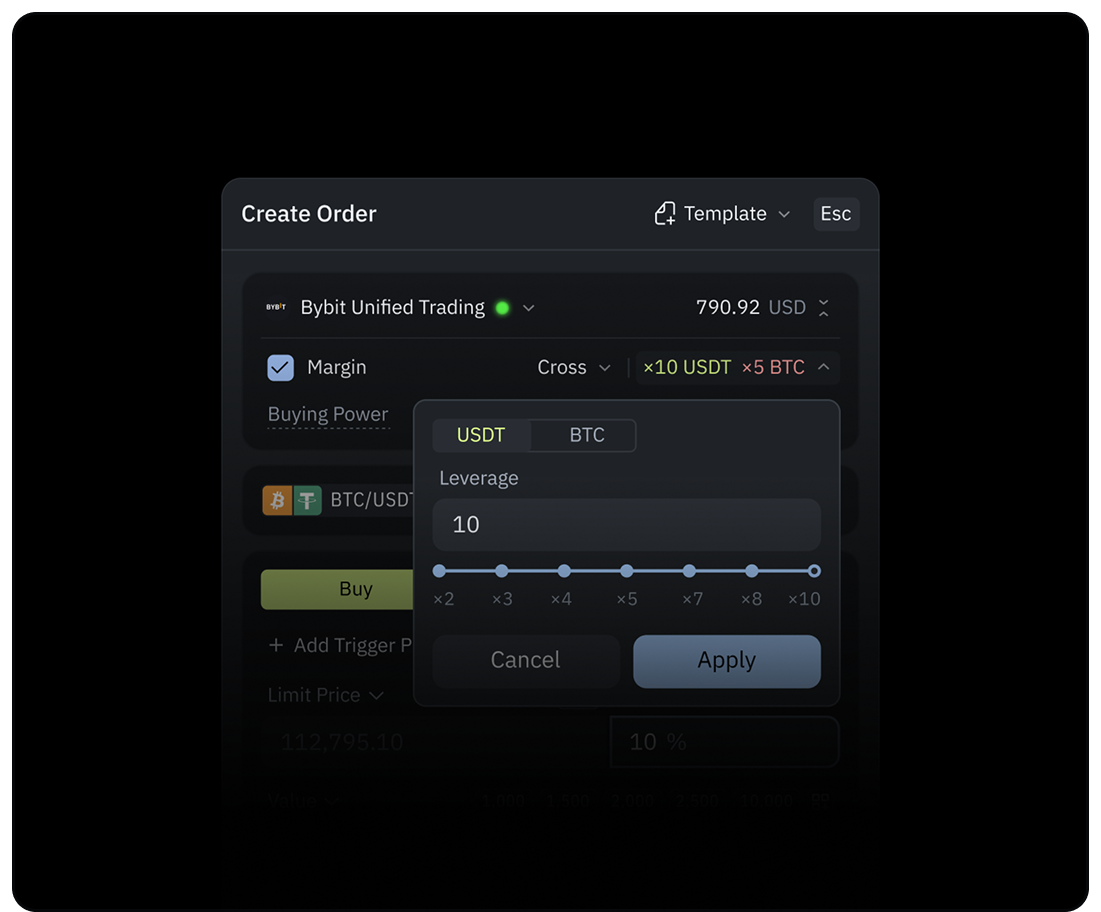
Margin & Leverage
Configure your position with Cross or Isolated margin. Set leverage per position. Changes apply based on the exchange and specific cryptocurrency rules.
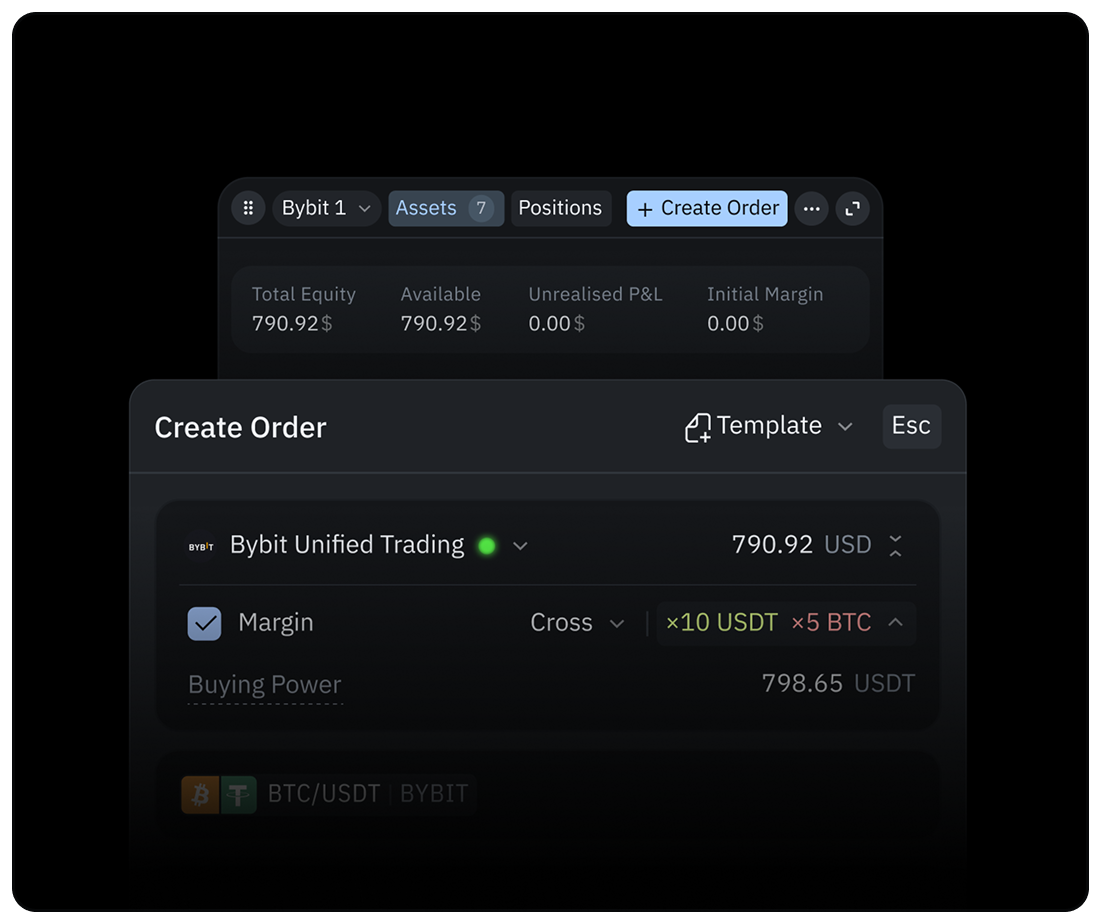
Synced Account
View Open Orders, Total Equity, Available Balance, Unrealized PnL, and Margin Mode directly in TakeProfit, including orders that are placed on the exchange.
Depth of Market &
Order Flow
Track real-time market liquidity and trade activity in the crypto market.
Explore Market Depth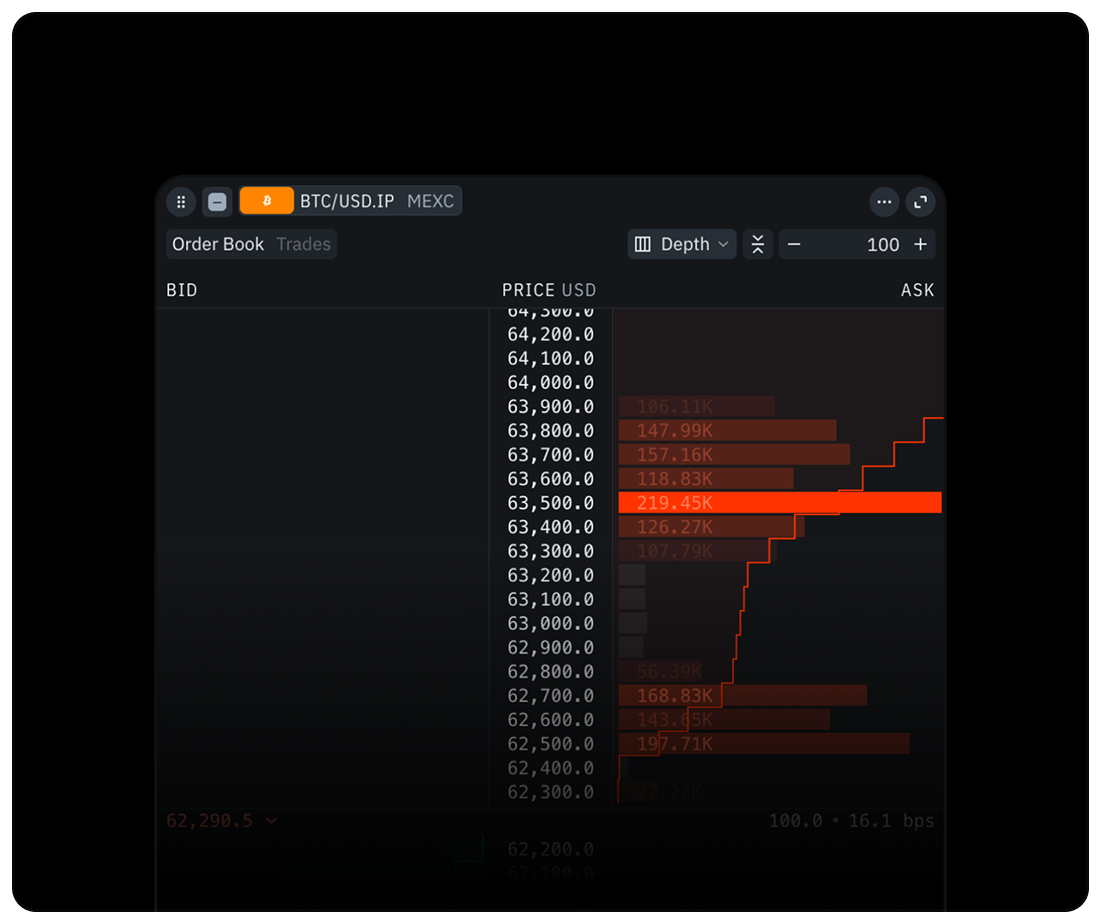
Analyze Liquidity Structure
Use Depth Mode to map support or resistance zones formed by order walls, and spot thin zones where price can move faster.
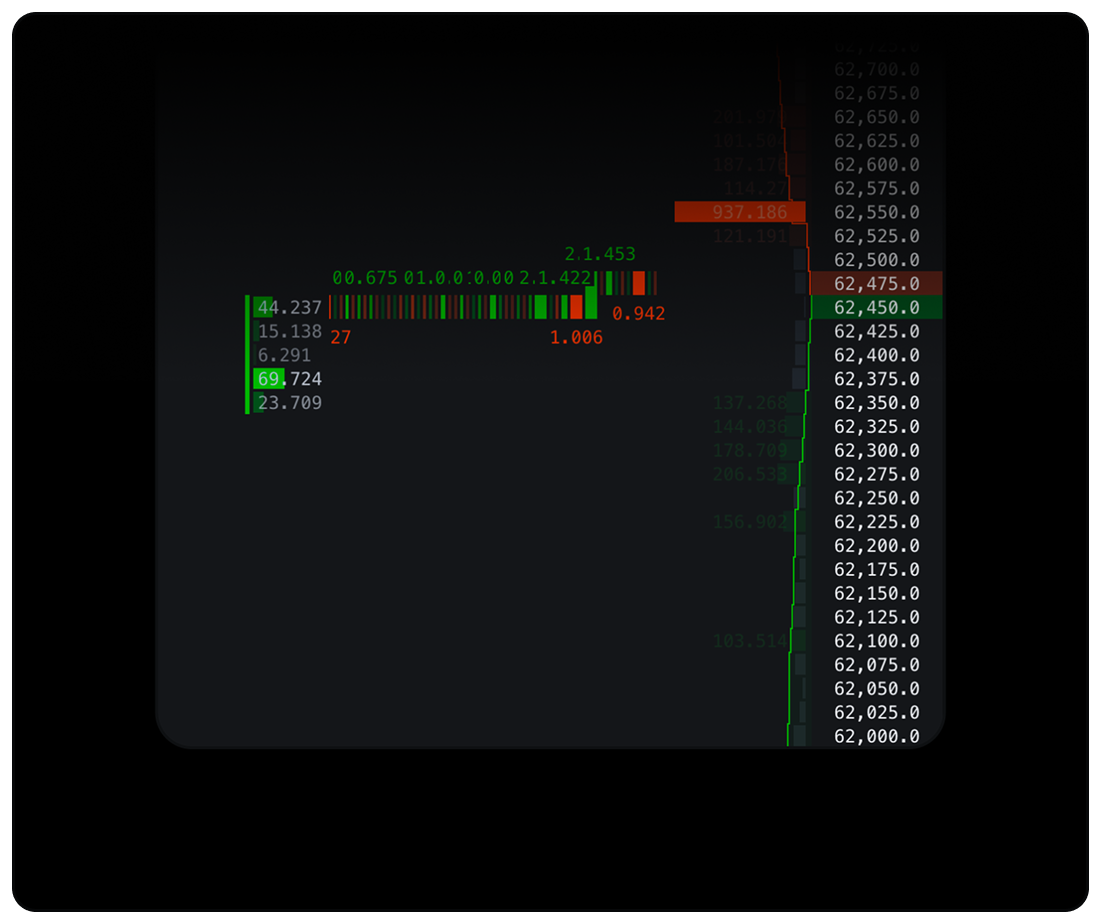
Track Real-Time Executions
Use Flow Mode to monitor real-time executions. Overlay trade clusters to spot buyer and seller pressure and track liquidity.
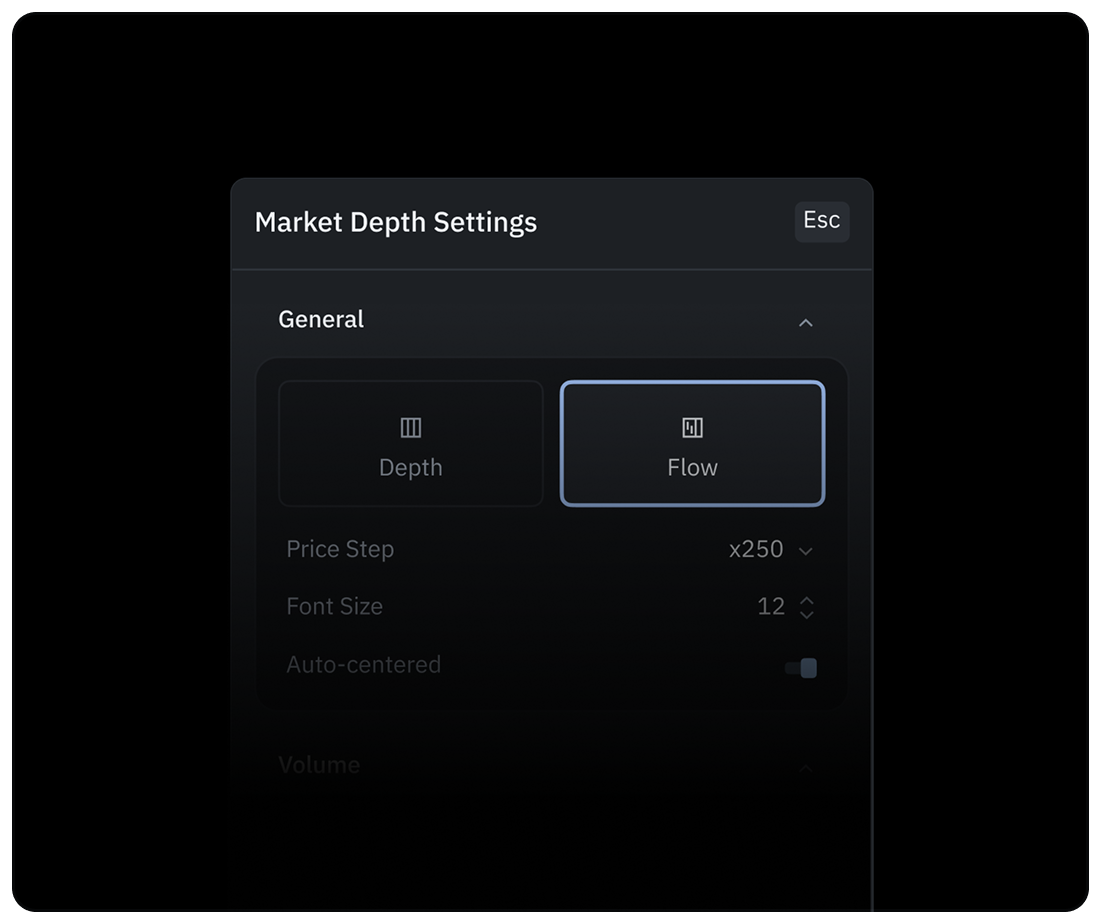
Customize Your View
Tailor the workspace to your strategy. Hide empty rows, group price steps, and auto-center the live spread to keep focus locked.
Trading Automation
via Webhooks
Configure alerts to execute trades automatically through external platforms.
Explore Alerts
Create a Signal Bot
Connect your favorite external trading bot, or route signals directly to your in-house setup. If you are using your own servers, authorize our connection to ensure secure delivery.
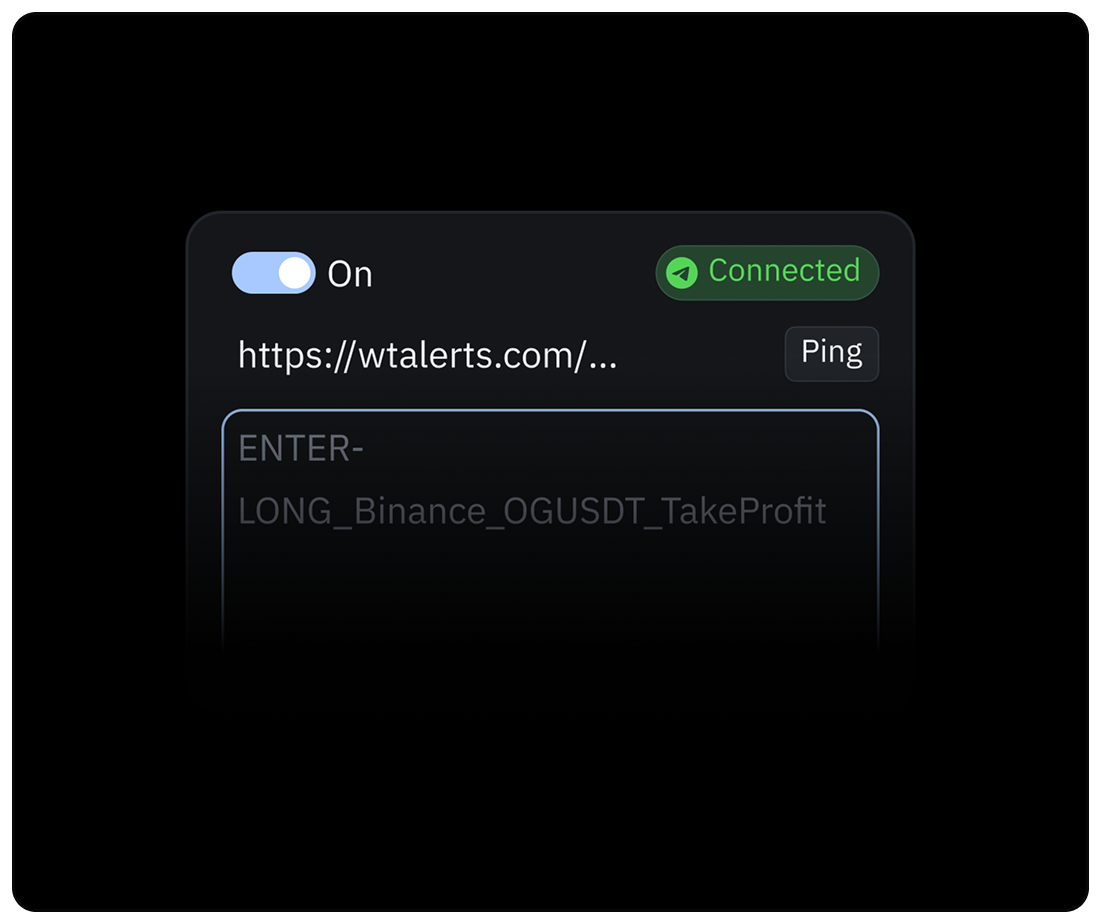
Create Alerts
Open any chart and create a new alert. Turn on the Webhook setting and paste the link where you want the alert sent — whether that is to your bot or your own system.
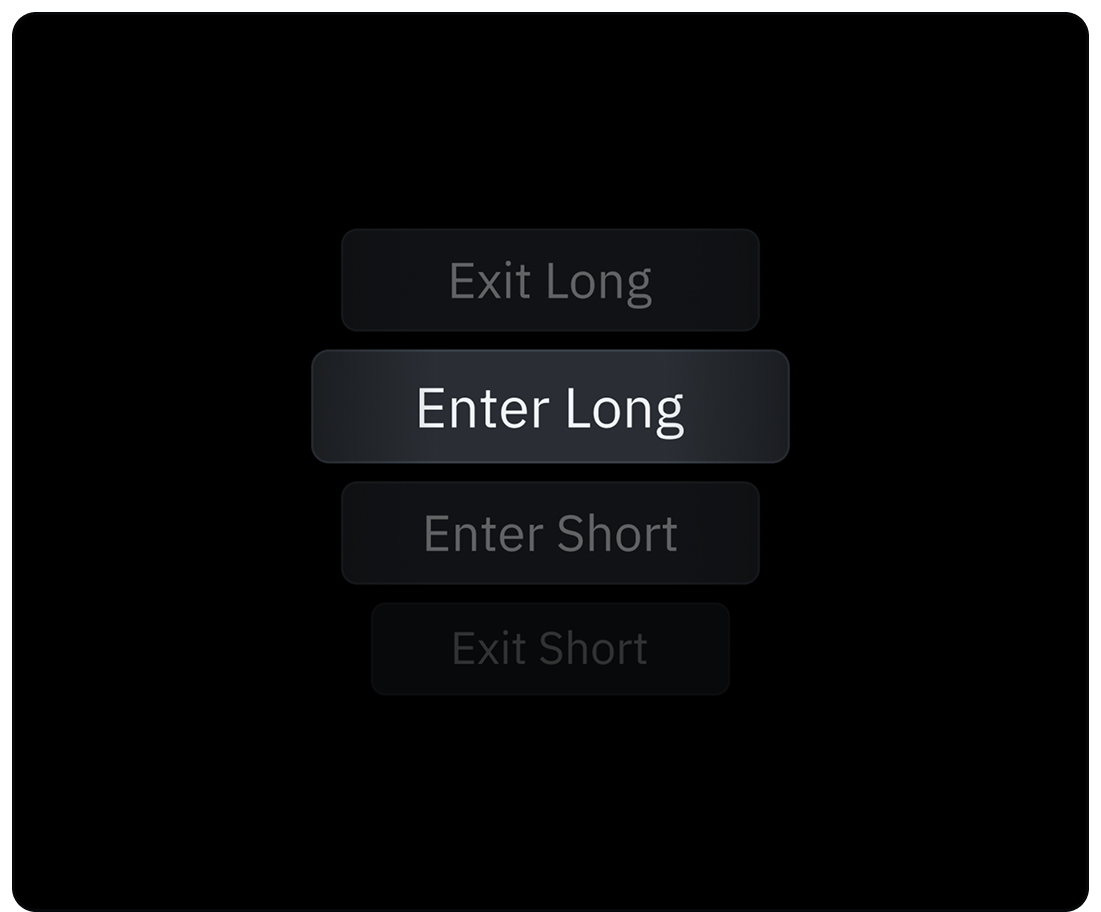
Automate Trading
Paste your bot credentials or custom trade instructions right into the alert message box. Just remember to set up separate alerts for when you want to enter and exit a trade.
Custom Strategies
Use your set of technical indicators to deploy a strategy on live markets — or test it against historical market data. Measure performance, surface edge cases, refine logic before a single dollar is at risk.
Explore Strategies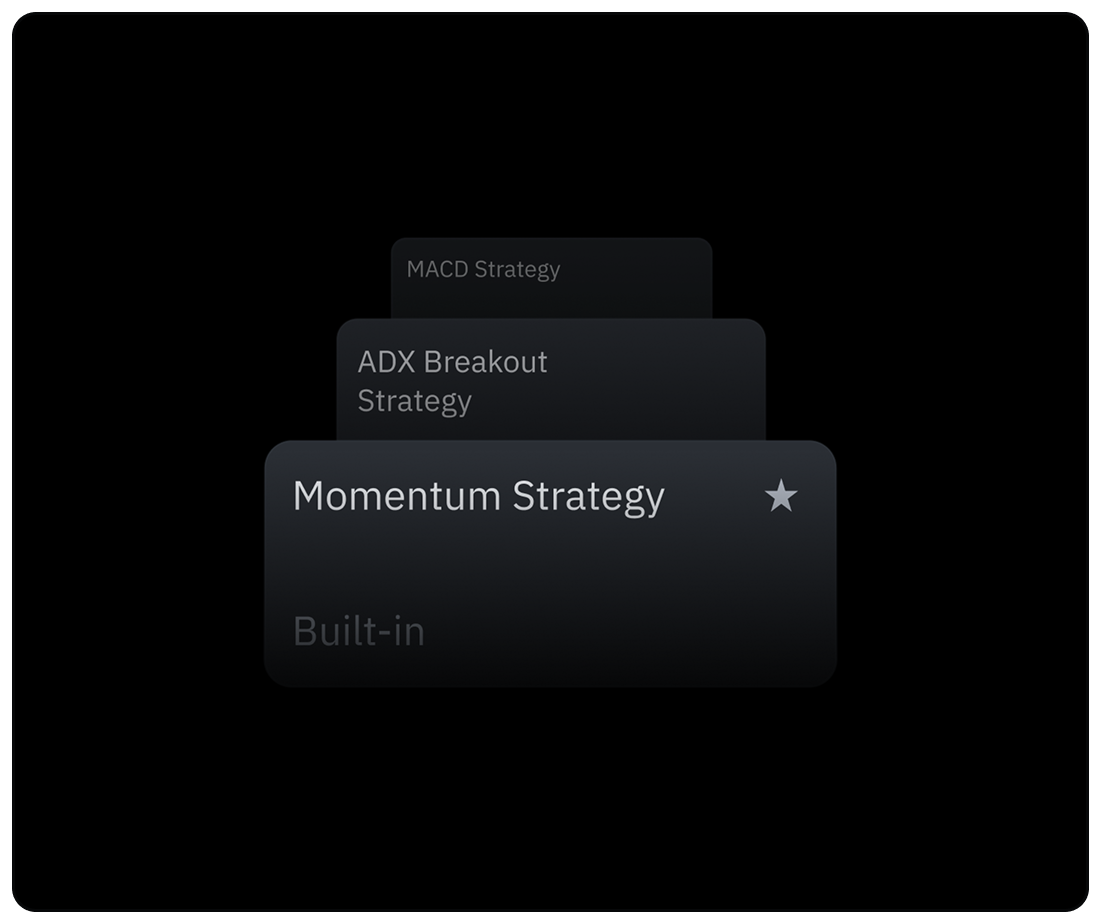
Develop Algorithms
Combine indicators, entry confirmations, and exit rules into a trading strategies. Same Indie® language, same IDE, same cloud runtime.
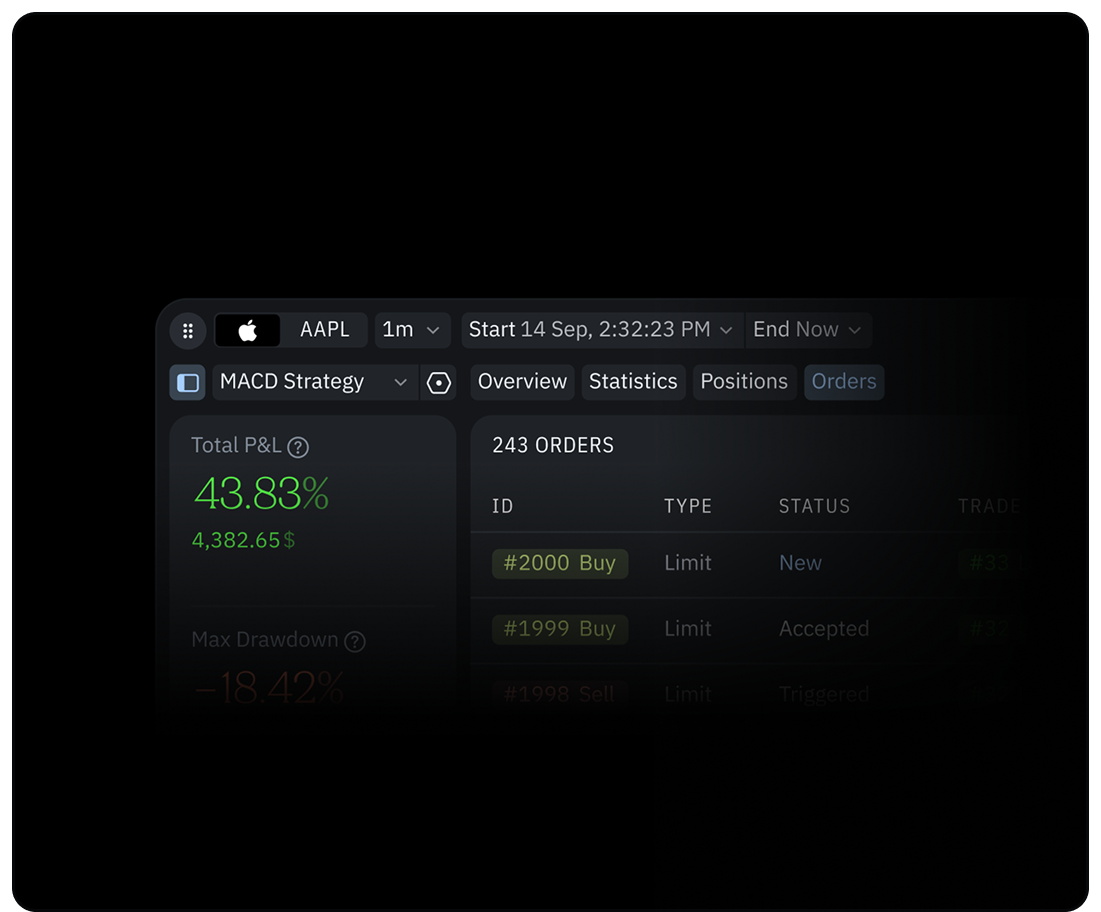
Backtest Your Strategy
Validate logic against historical data and analyze performance: win rate, max drawdown, equity curves, and trade distribution.
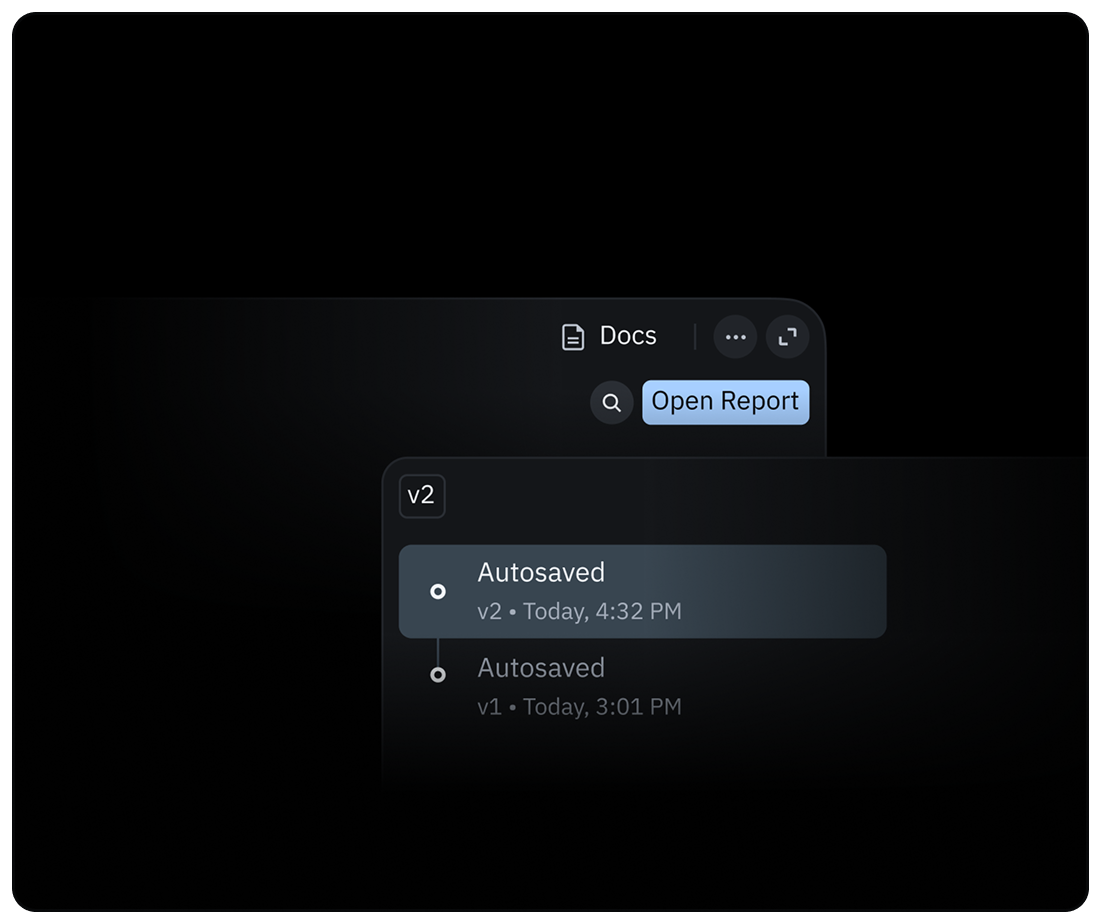
Refine Your Trading
Rewrite logic, re-run the test, compare results. Zero deploy cycle, no separate environment. All inside our real-time charting platform.
Connect Your Exchange
Connect your account to execute trades, manage risk, and monitor positions directly within your trading workflow, all while earning cashback on your trading fees.
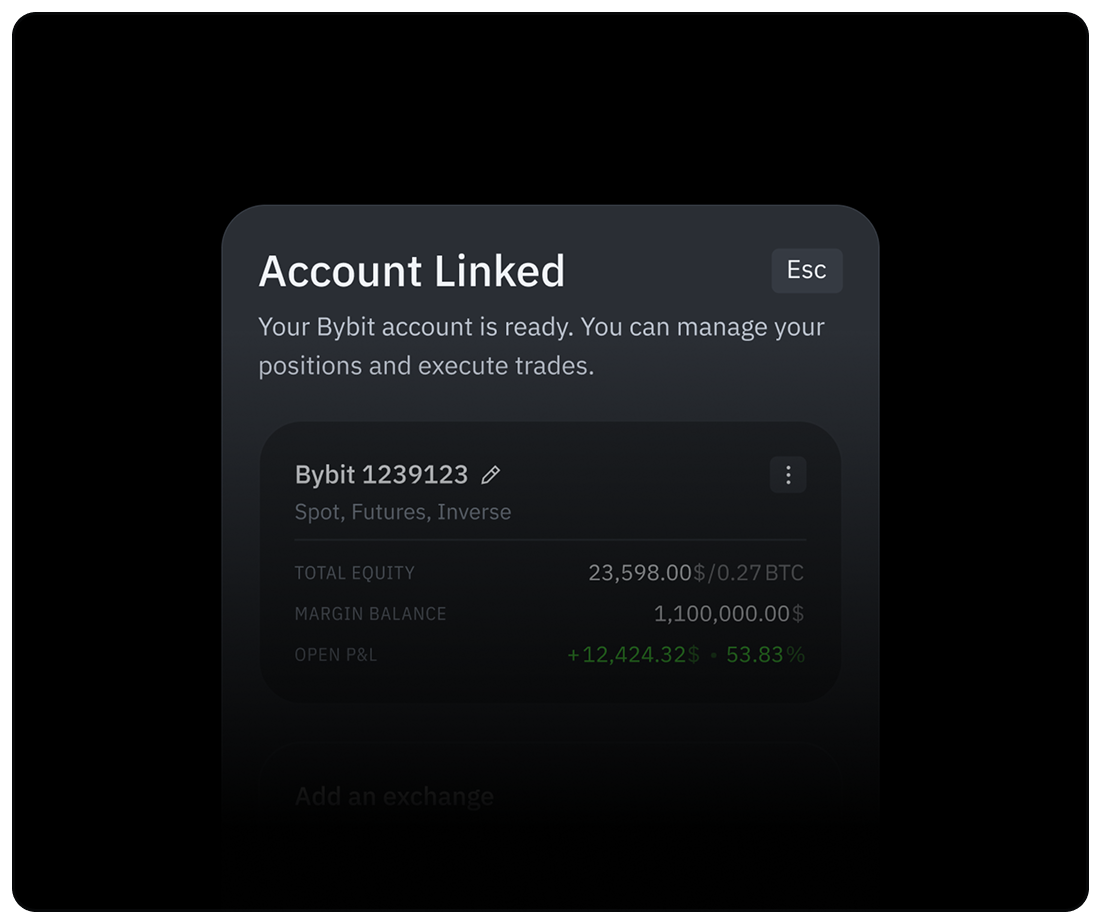
Connect Account
Register a new Bybit account via TakeProfit, or link an existing one instantly using secure OAuth. Zero manual API keys required.
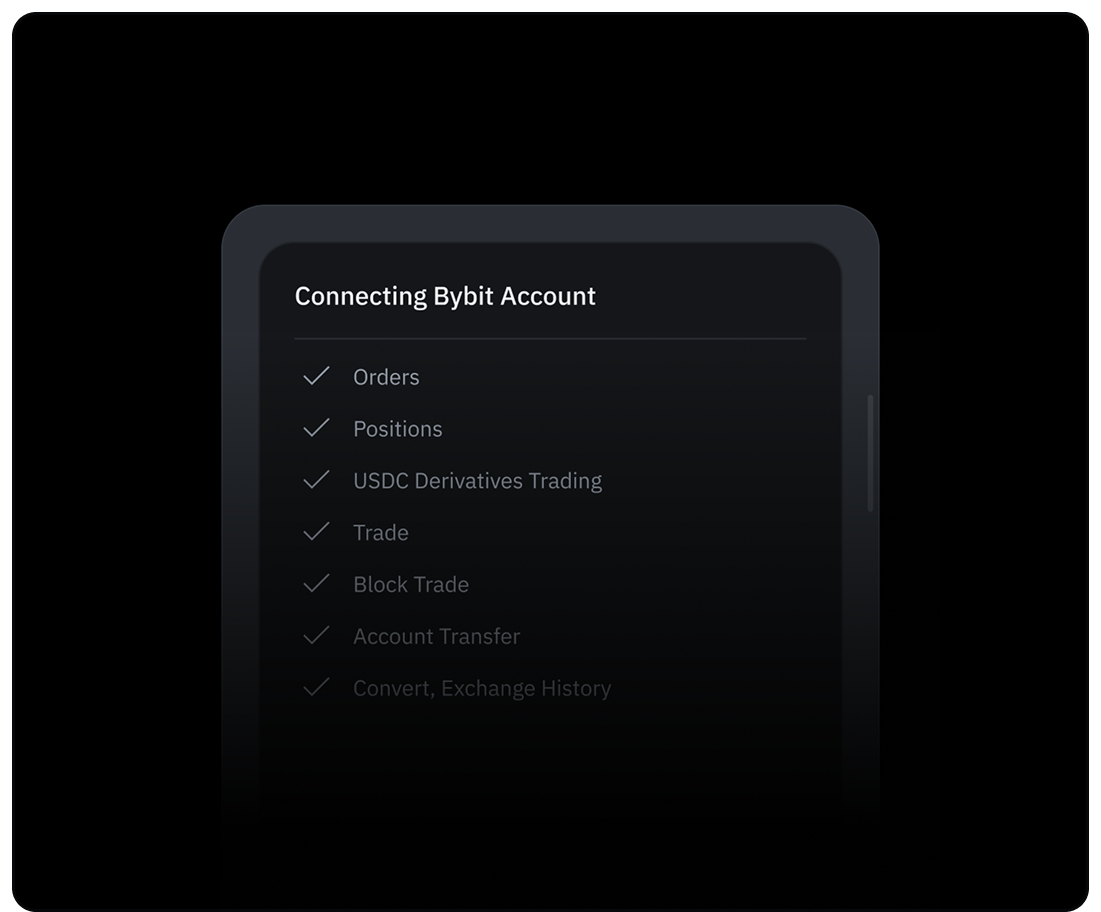
Trade-Only Access
Our connections use strict, trade-only permissions. Your funds stay at your broker, and we never have withdrawal access.
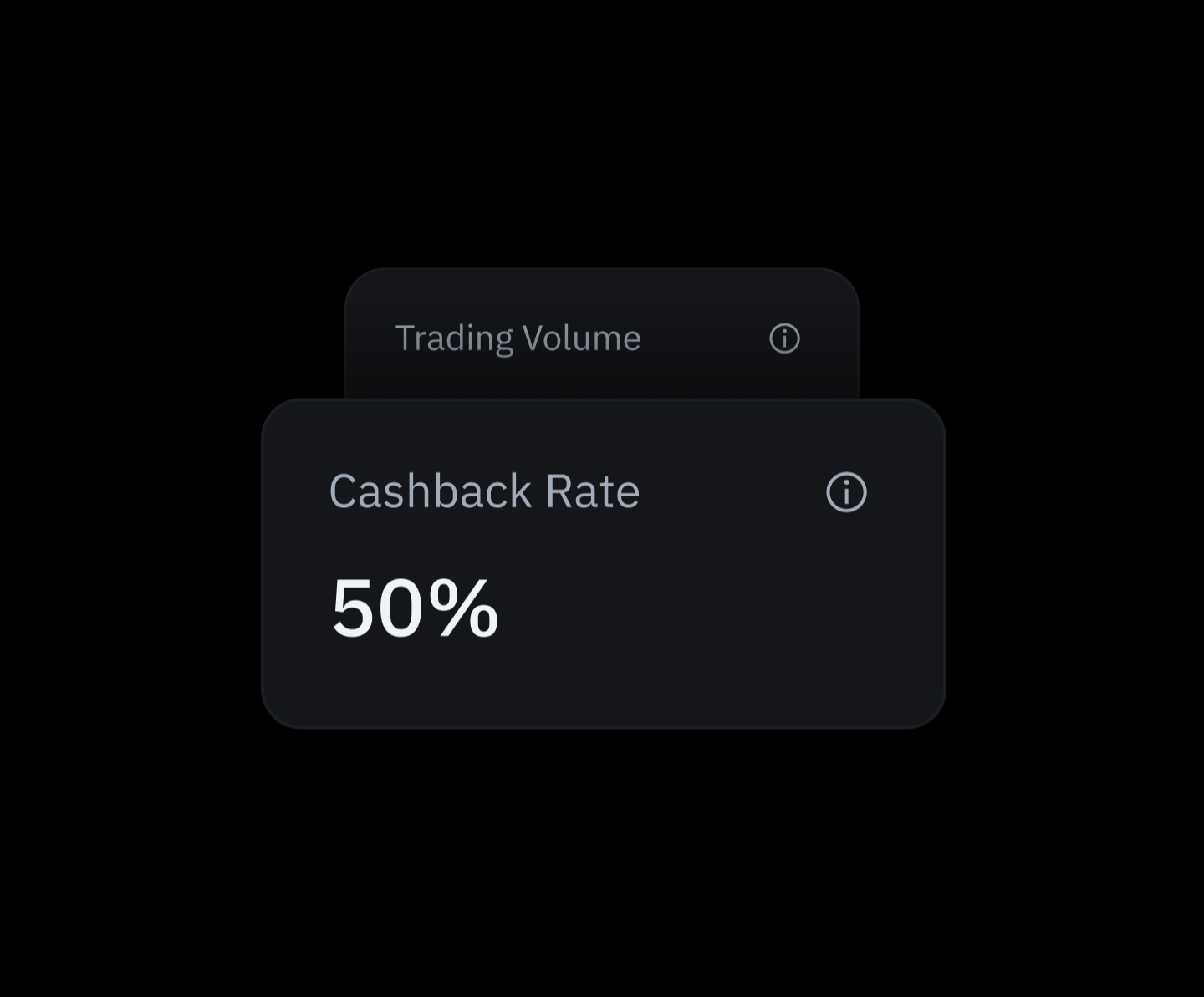
Cashback Rewards
Earn up to 50% cashback on your trading fees, stacking directly in your TakeProfit balance automatically.
The Platform
Traders Recommend
Firstly, literally just stumbled across your site, whilst looking for alternatives to Trading view. I like the layout and the modularity it’s very well done, the unorthodox design is appealing also.
Everything you need in one platform! 🔥
Outstanding design and functions! Fresh feeling. For me as an indicator programmer, the monitoring program is ideally suited for billing my clients directly.
Just logged into TakeProfit. I like the ease of the drag/drop widgets.
Revolutionizing Innovative Trading Platform. Also, the affiliate program they just launched is by far the best I've seen in the entire industry, which is especially great for me as an influencer.
Woah.. no limit on indicators on a free account??? Sign me up!!!
The platform and the possibilities for coding indicators and Technical Analysis Tools is solid. The team is always looking for community feedback to further improve the platform.
This looks incredible! ❤️
Finally found a killer alternative to TradingView! Came across takeprofit.com, and it's a total game-changer for anyone looking to switch things up.
@TakeProfitHQ ya caught me with the cool domain, ya hooked me with the snazzy platform, i look forward to tire kicking and button pushing ;)
I like your UI design. looks very cool and intuitive.