


Cloud Indicators
in Indie®
Build, deploy, and monetize custom indicators with Indie, our Python-based scripting language — AI-assisted, cloud-native, and always running.


Python-Powered
Indie® is Python-based code rebuilt for traders. Write, run, and deploy in the browser — no local runtime or environment setup needed.
AI-Assisted
Use the built-in AI assistant to write, convert, and adjust your scripts. Describe your logic, and the AI generates functional Indie® code.
Always-On
Indicators execute server-side. They run continuously in a sandboxed cloud environment, whether your terminal is open or closed.
Indie® Script
A Python-based syntax engineered specifically for technical analysis. Native server-side runtime. Full IDE support. Instant Deployment.
Python-Based Syntax
Indie® uses a subset of Python built for traders. Generate, debug, and deploy scripts without fighting proprietary syntax with the help of our AI assistant.
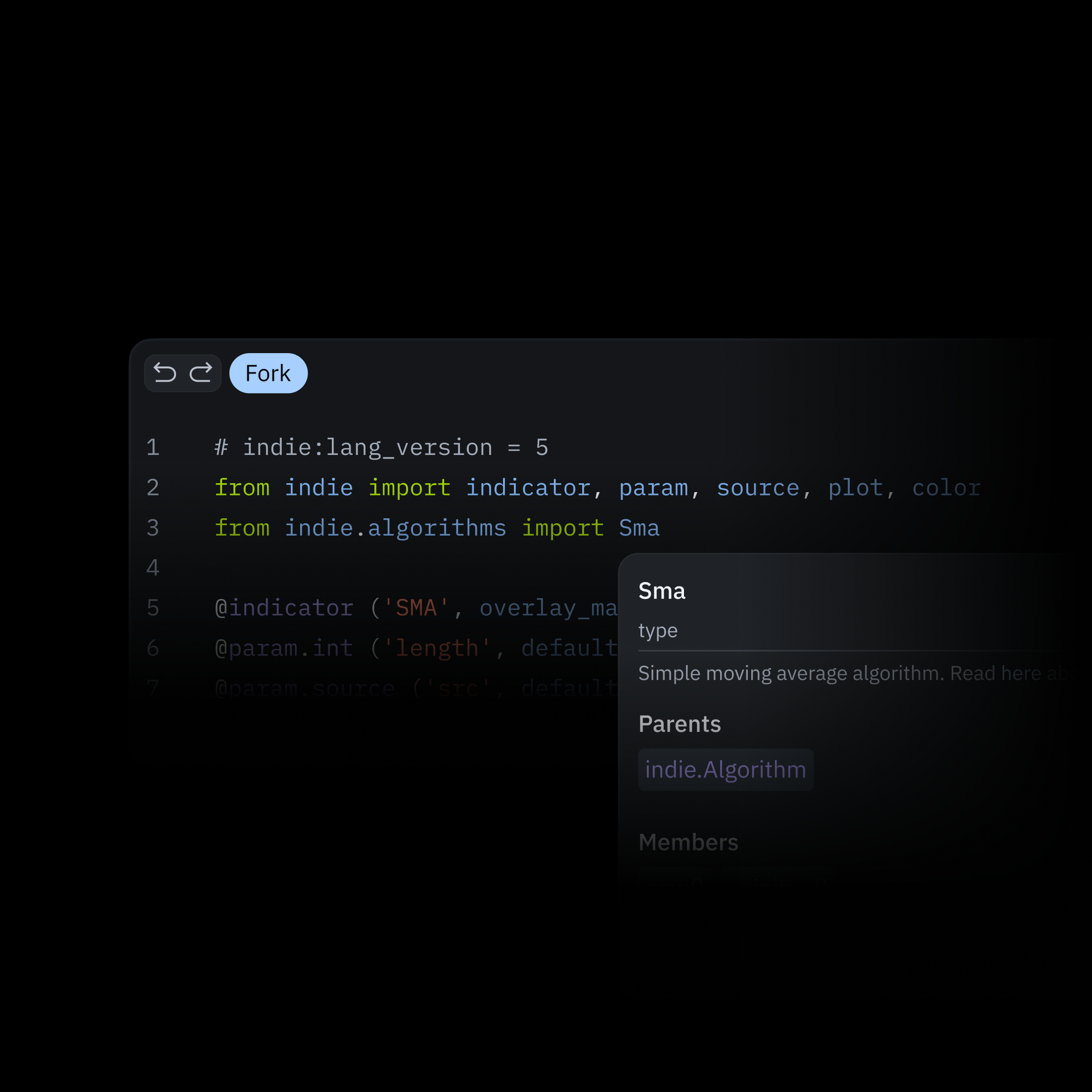
Integrated Code Editor
Write, debug, and deploy indicators inside the terminal. The native IDE features syntax highlighting, intelligent code completion, and instant chart previews. Zero local setup.
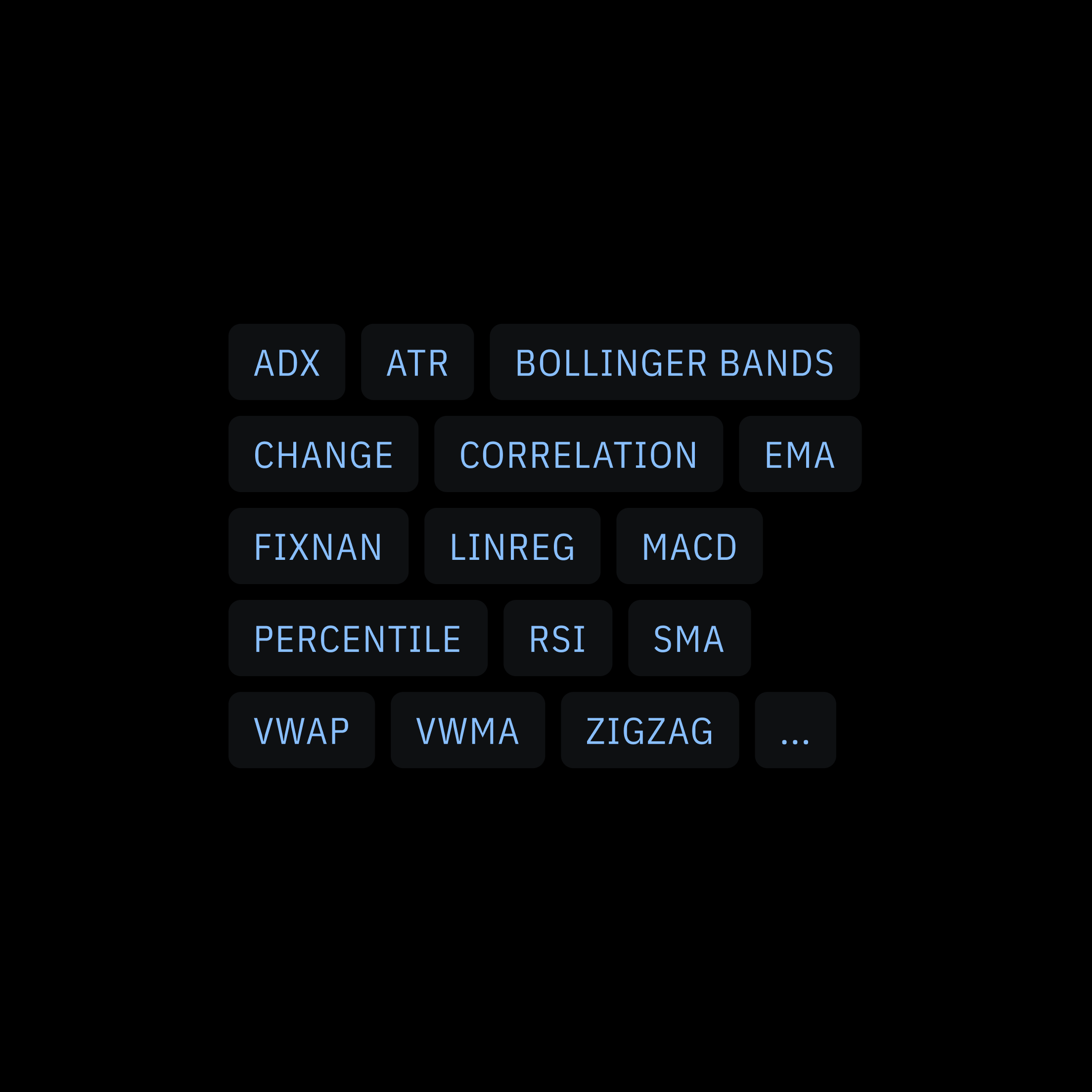
Built-In Trading Functions
Moving averages, RSI logic, Bollinger math, session handling — the core calculations every indicator needs are built-in, ready to use, and fully adjustable.
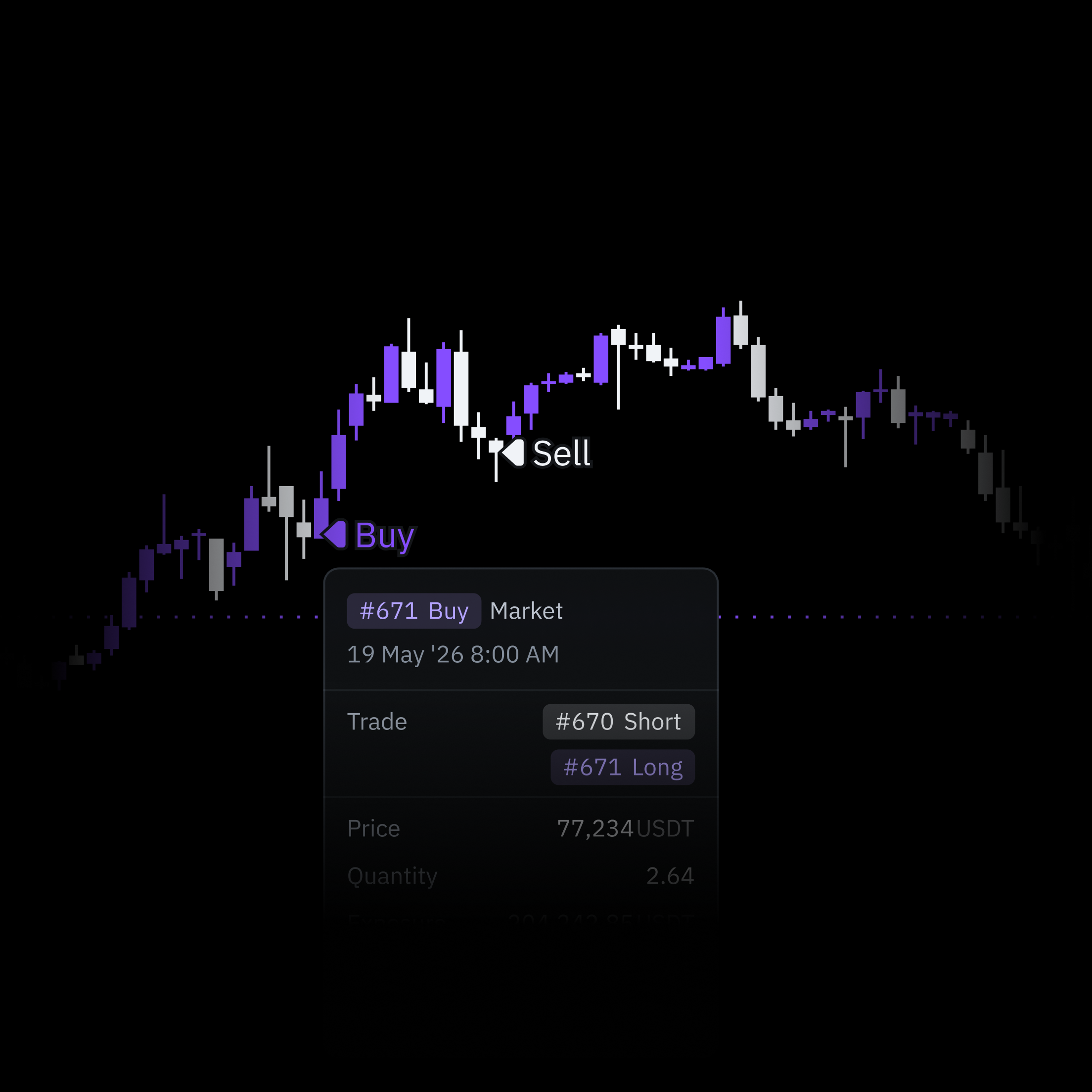
Built for Chart Data
Engineered for streaming market data. Indie® processes time-series data exactly the way you trade, ensuring your historical indicator backtests match live execution natively.
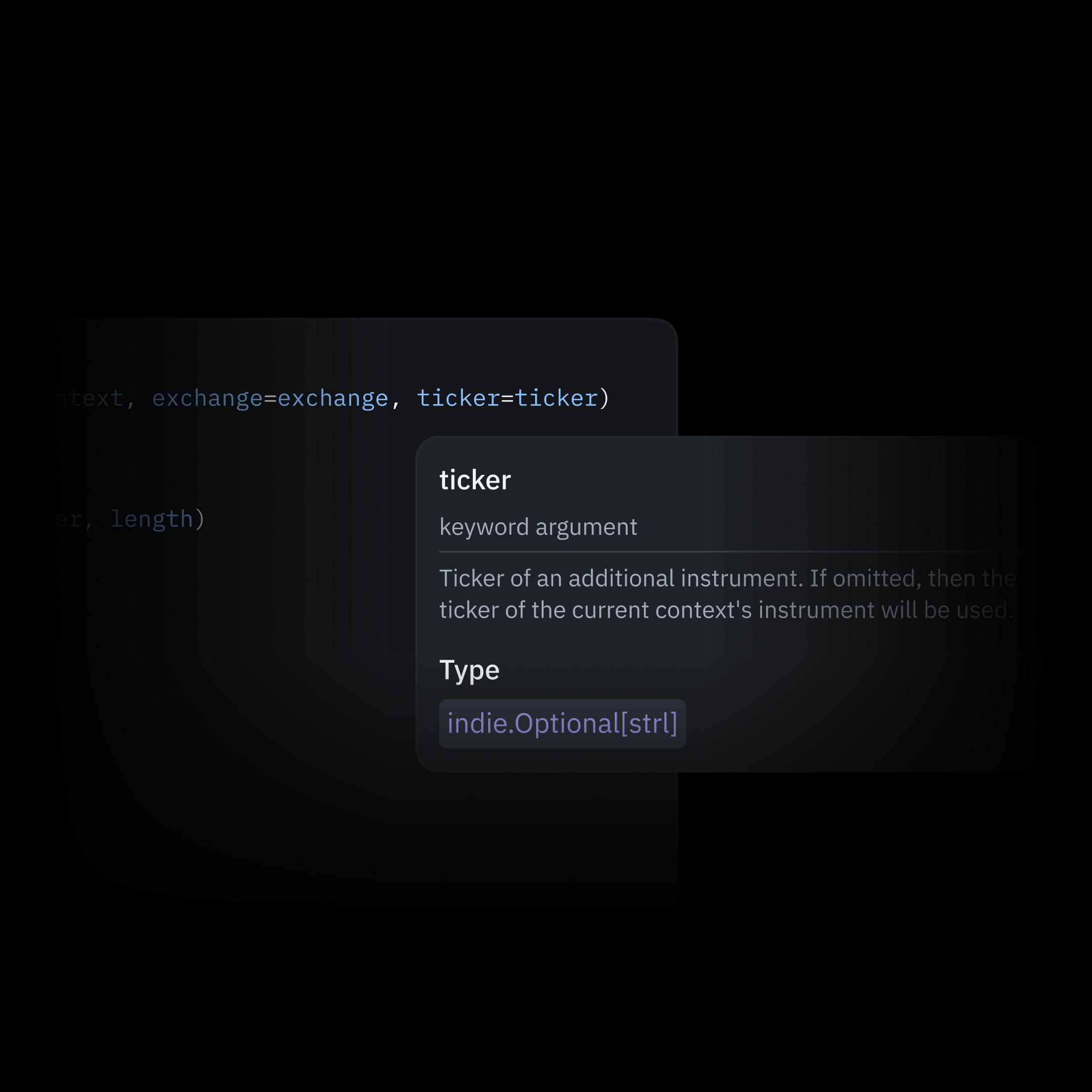
Multi-Symbol, Multi-Timeframe
Route data from secondary tickers or timeframes directly into a single script. Easily map cross-asset correlations and spreads without juggling multiple charts.
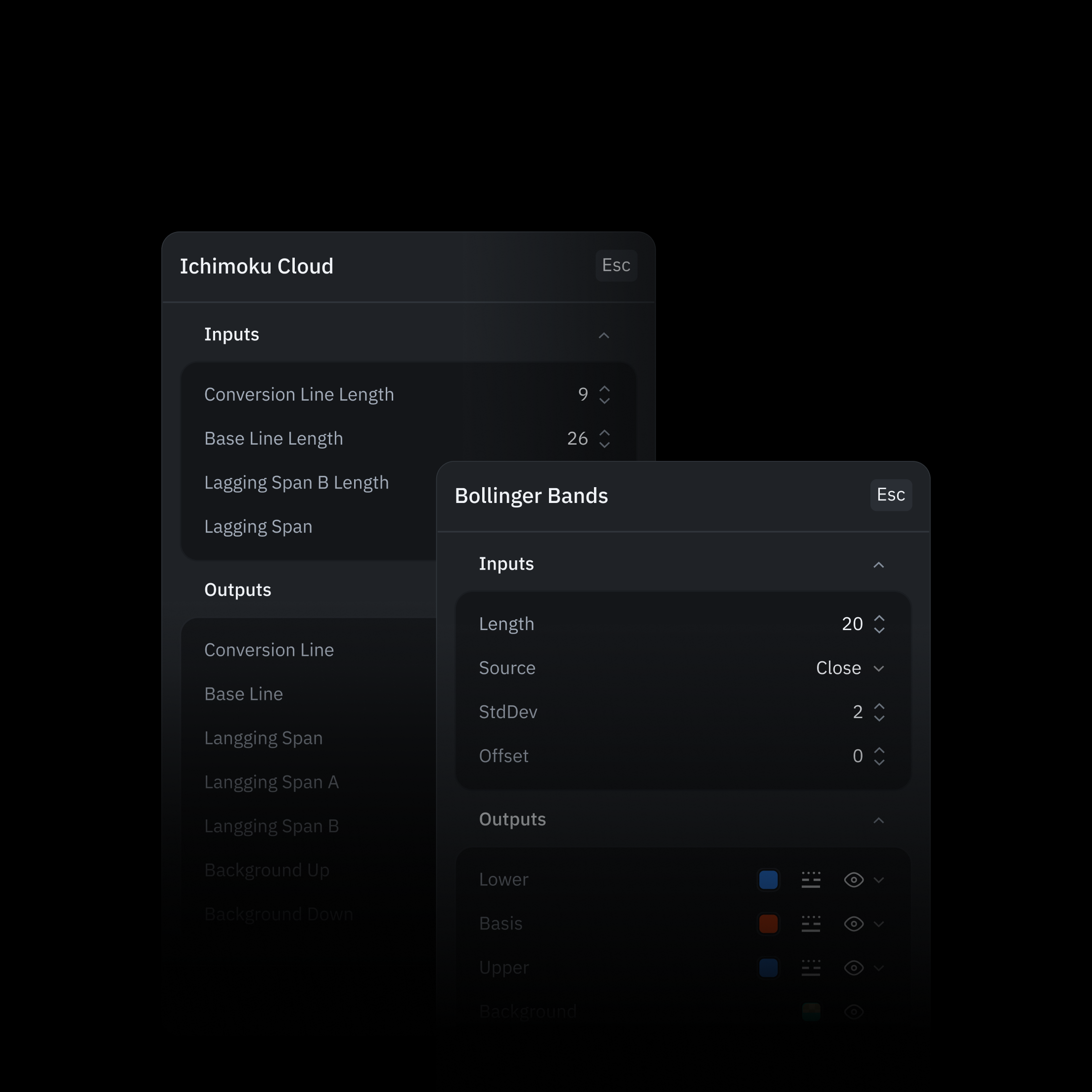
Adjust Inputs
Map your script variables directly in the terminal UI. Build configurable tools that let traders adjust settings and parameters instantly, without touching the code.
Build, Convert and Run
Indicators with AI
Bring your trading ideas to live markets, faster. Translate your existing indicator scripts to Indie®, accelerate custom indicator development, and debug complex logic with an intelligent co-pilot.
Ask the AI Assistant

Indicators from Scratch
Turn your trading ideas in plain language into a complete Indie® script — with full context on your inputs, data, and logic.
Explain Algorithms
Whether you're auditing your own code or learning from someone else's. Paste a script, get a technical breakdown.
Refactor & Optimize
Prompt the assistant to refactor existing scripts, suggest execution improvements, and rewrite complex sections for readability.
Convert Script to Indie®
Translate your Pine Script and JavaScript indicators into Indie® automatically. Most core logic and TA functions convert cleanly.
Trading Indicators
Access a comprehensive suite of fully open, highly extensible indicators built for advanced technical analysis.
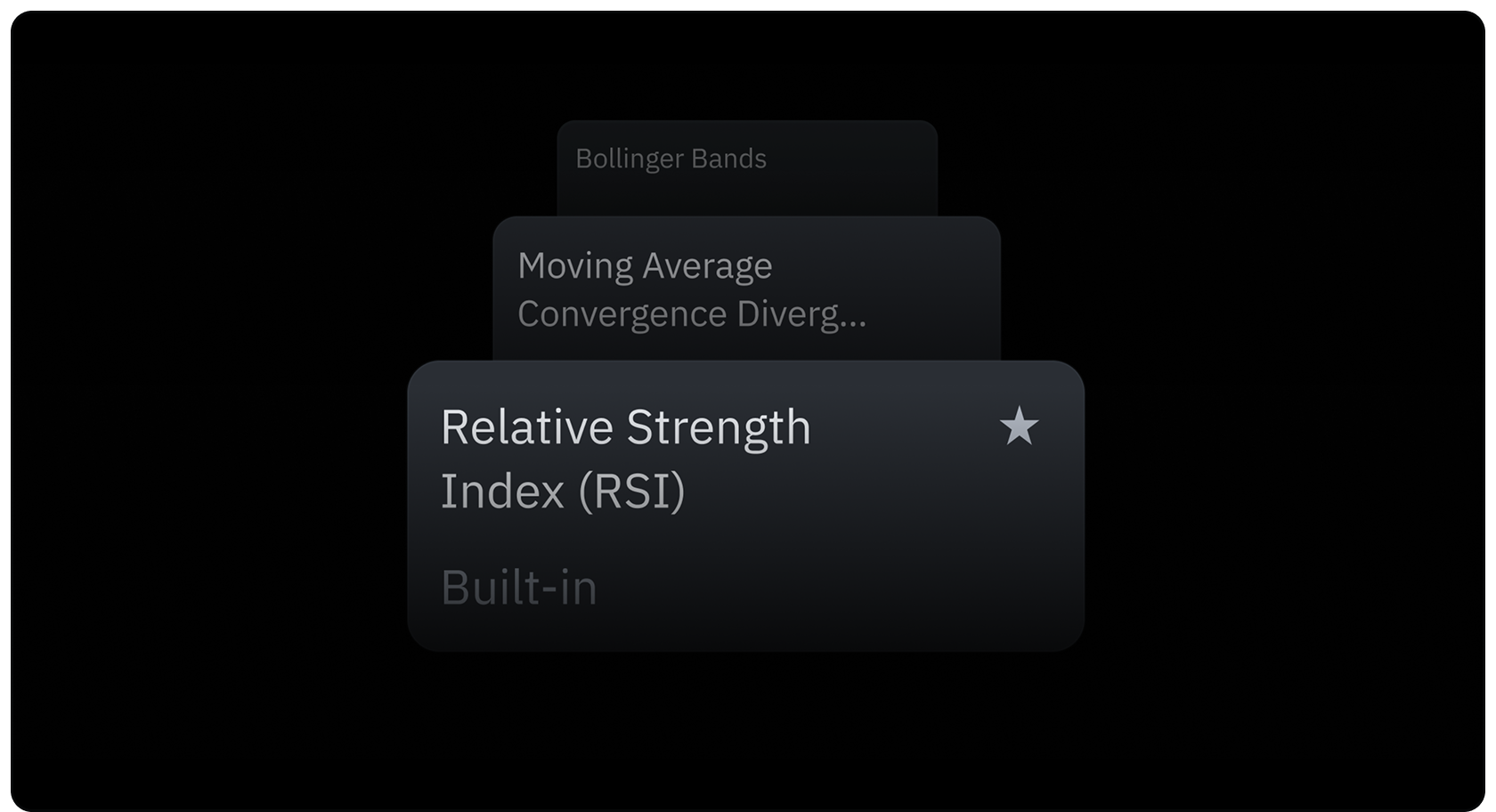
80 Native Chart Indicators
Discover a set of technical indicators covering trend, momentum, volatility, and market structure — ready to use or extend.
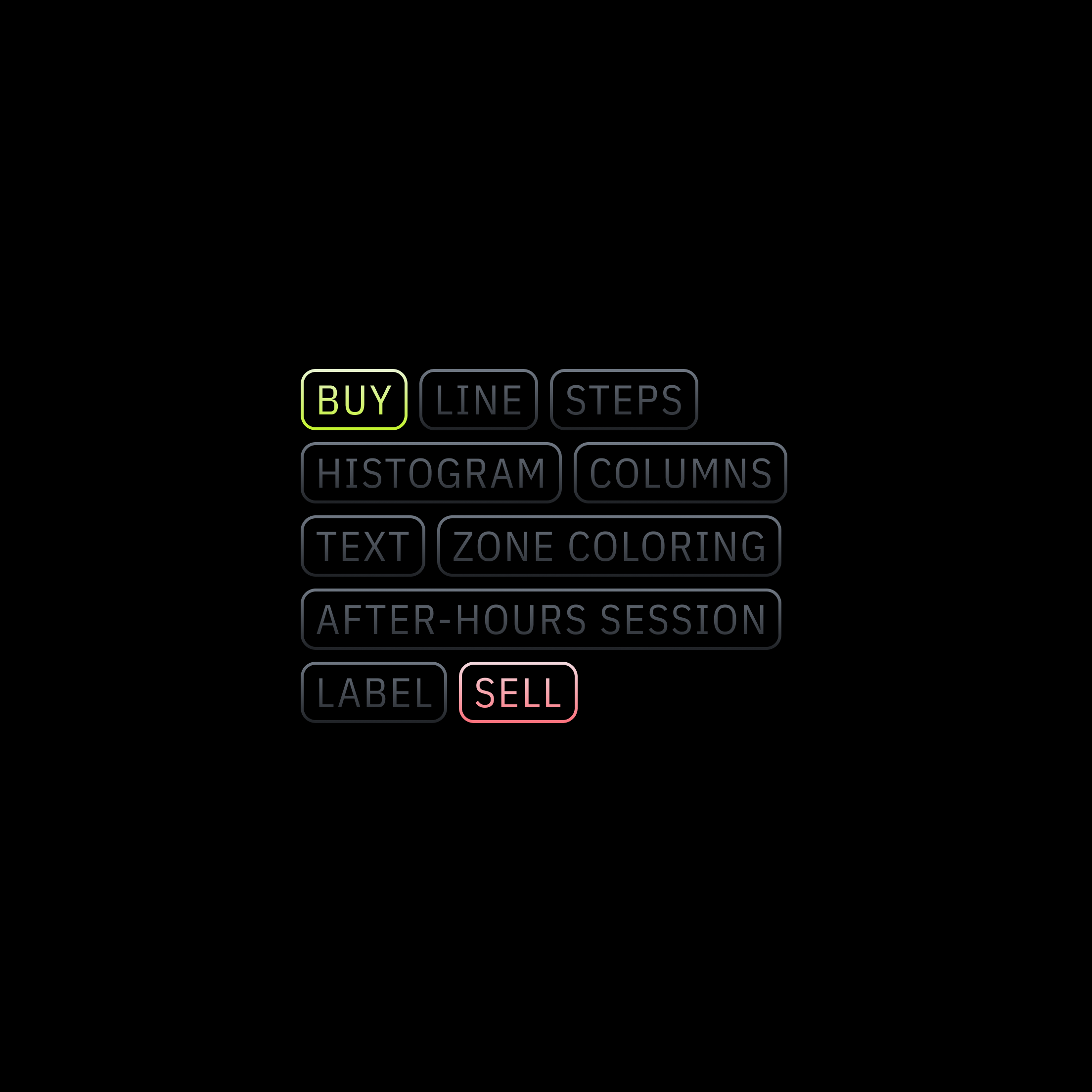
Visualization & Drawings
Beyond basic plots. Place signal markers, background highlights, fills, labels, lines, and shapes anywhere on the chart — straight from your script.
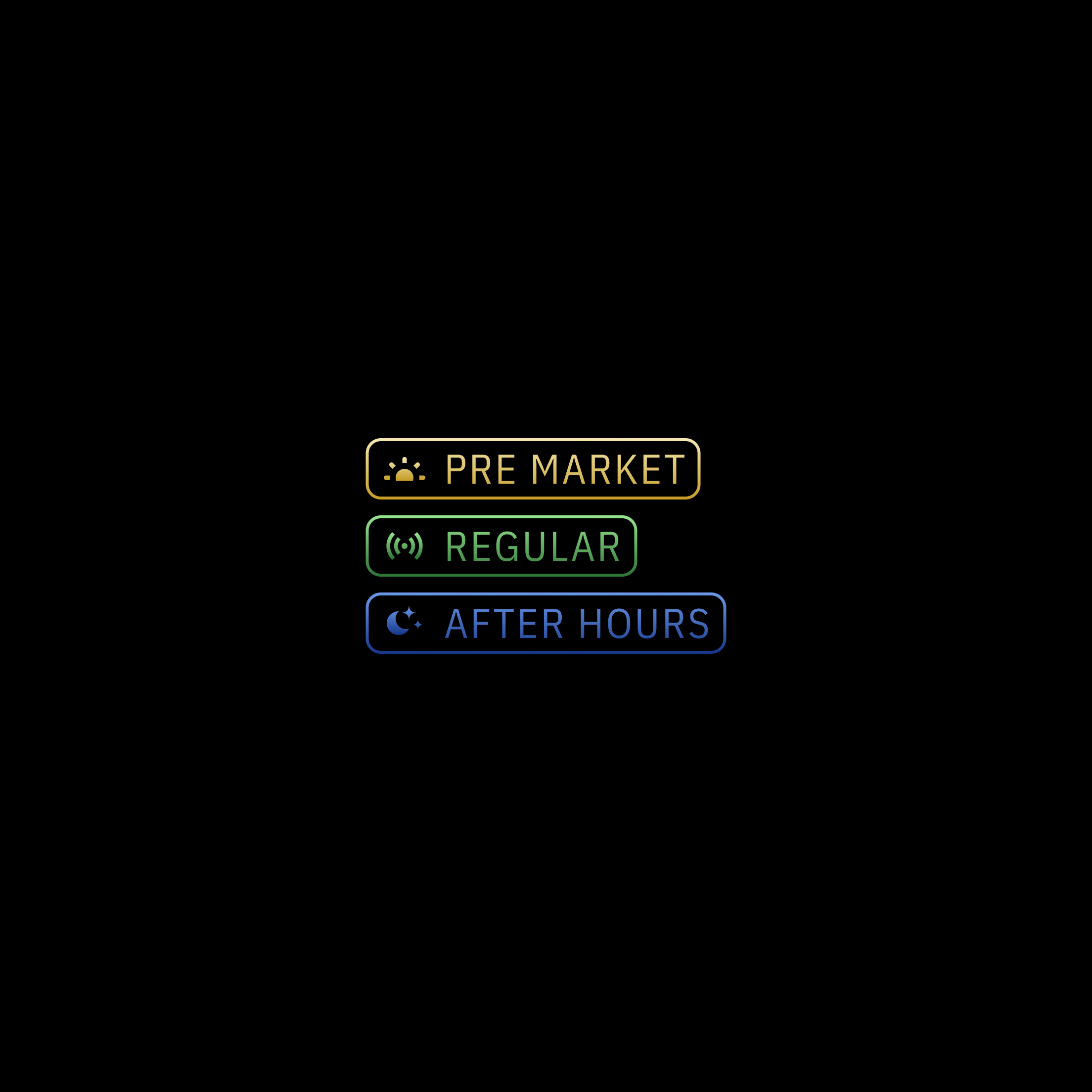
Session-Aware Logic
Apply different rules to pre-market, regular hours, and after-hours sessions. First-class schedule support — no manual time-of-day checks.
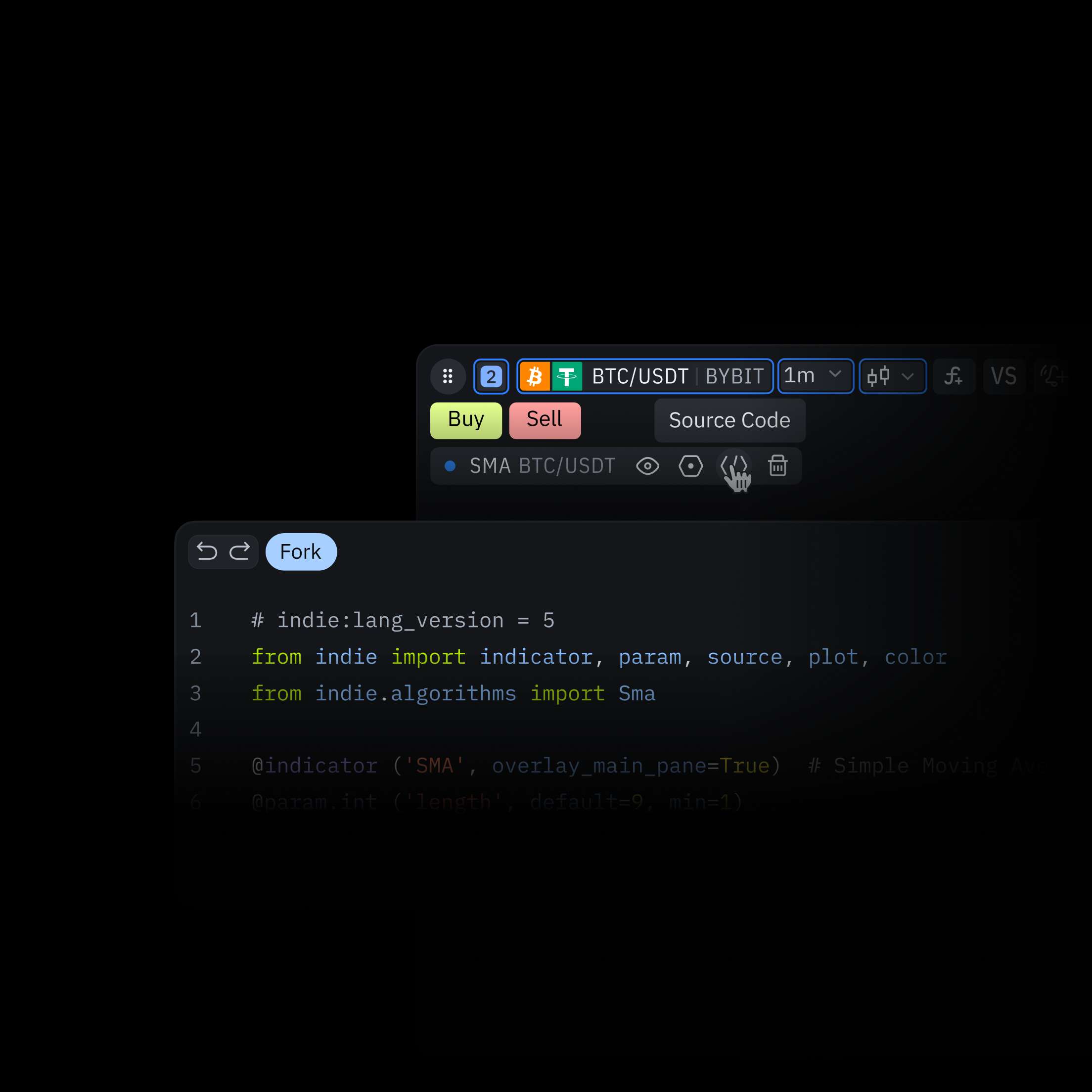
Fork Built-in Indicators
Every native indicator is open in Indie®. Fork the source, modify it, re-deploy as your own — no reverse engineering, no permission required.
Cloud Trading Alerts
Multi-conditional Trading Alerts. Monitor price action, liquidity shifts, and custom Indie® scripts 24/7 without keeping your browser open.
Explore Alerts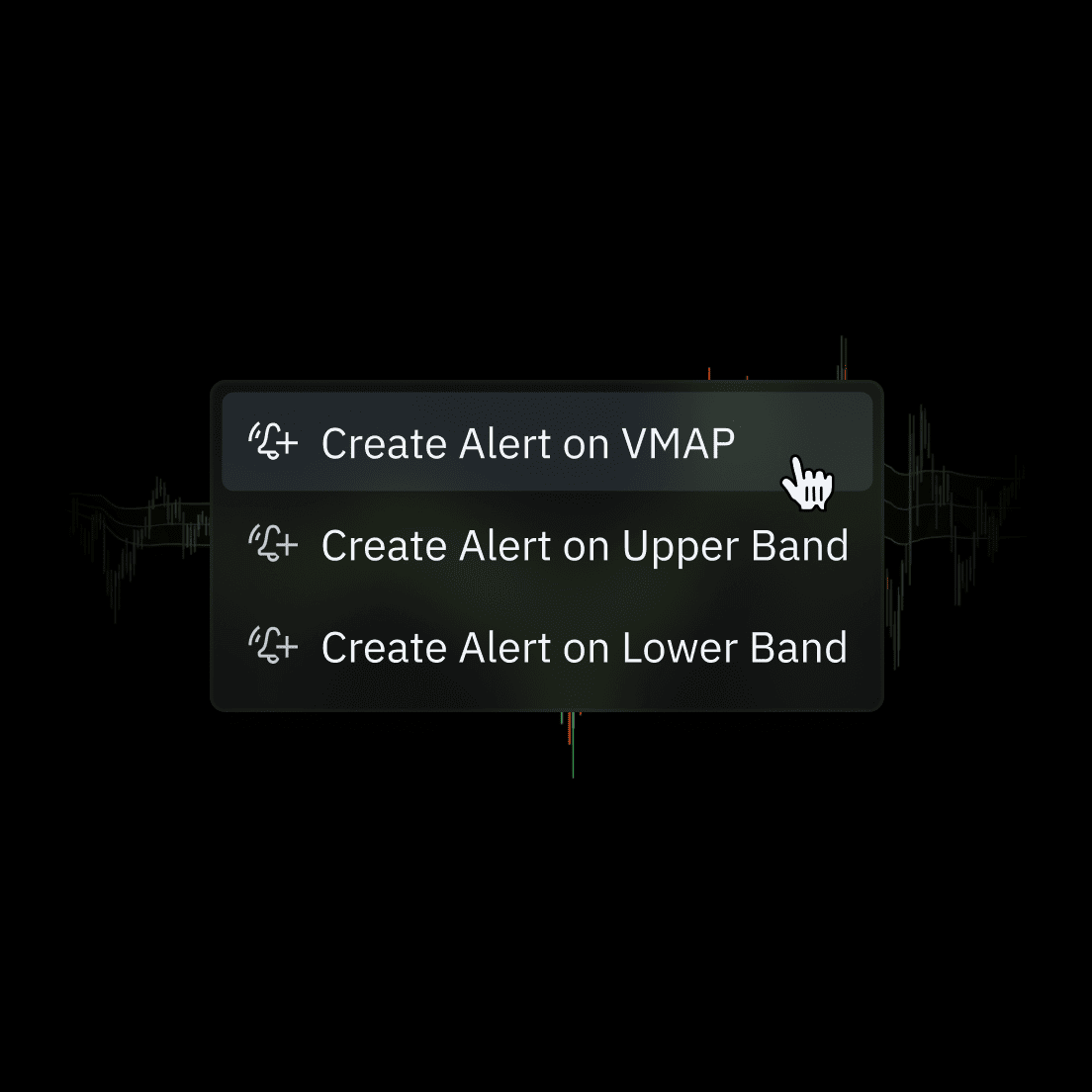
Indicator-Based Alerts
Deploy alerts on both native tools and custom Indie® scripts. Combine multiple indicator plots into a single alert. Supports 80 built-in technical analysis tools.
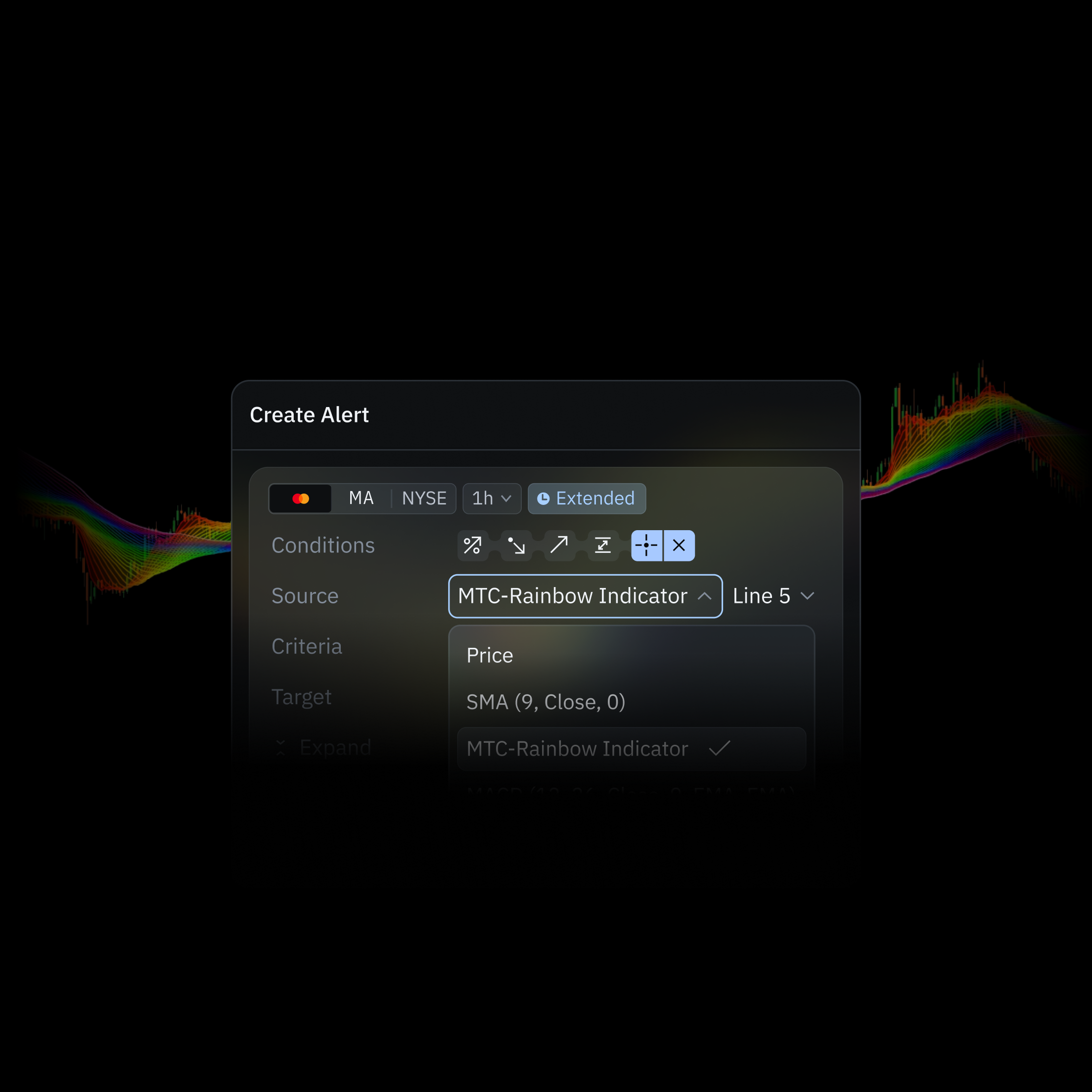
Multi-Conditional Alerts
Source: Choose between Price and/or Indicator. Criteria: Select the conditions that will trigger the alert. Target: Enter the specific value (price level or indicator parameter).
Webhooks
Send alerts to any API. Automate execution, logging, or notifications across your stack.
Telegram
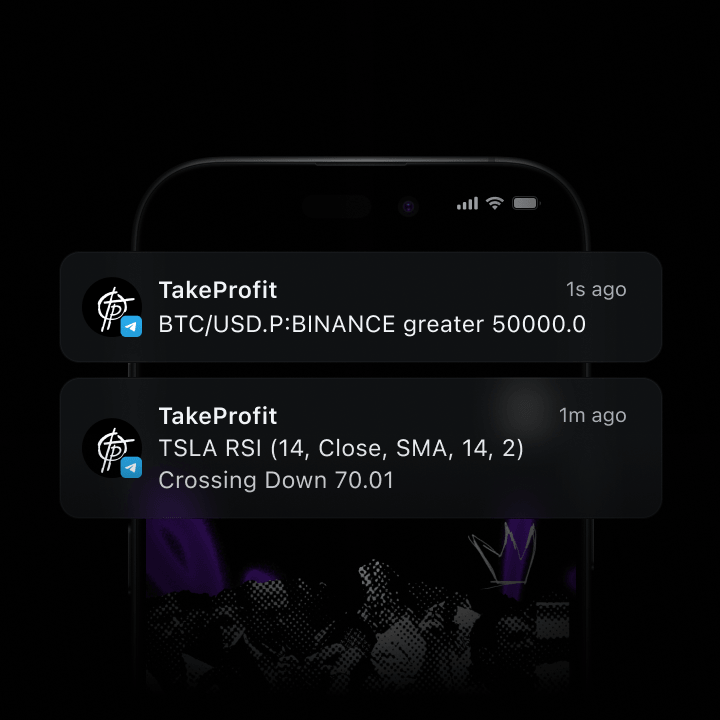
Directly to your private channels or bots. Stay on the top of the market, anywhere.
Dynamic Alert Messages
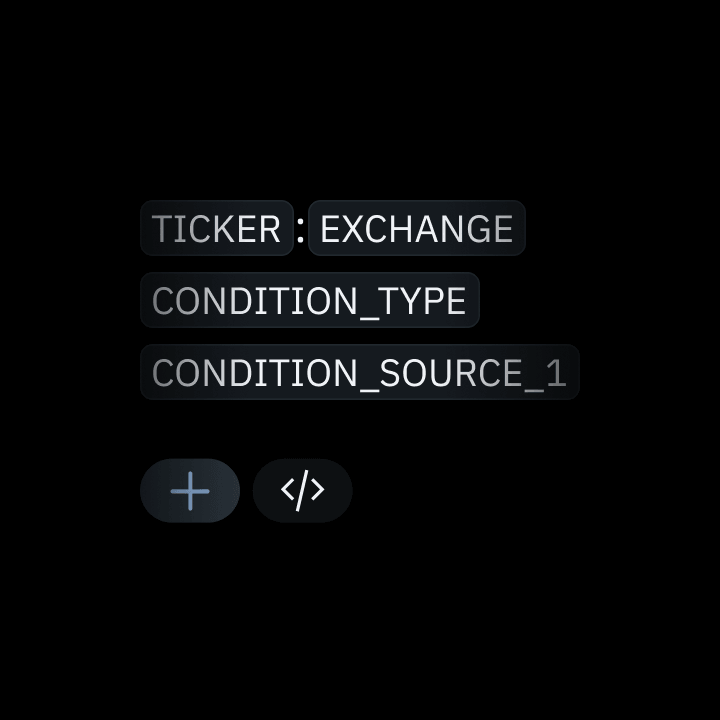
Execution-ready JSON payloads with live variables — ticker, OHLC, triggers, and more.
Custom Strategies
Use your set of indicators to deploy a strategy on live markets — or test it against historical market data. Measure performance, surface edge cases, and refine logic before a single dollar is at risk.
Explore Strategies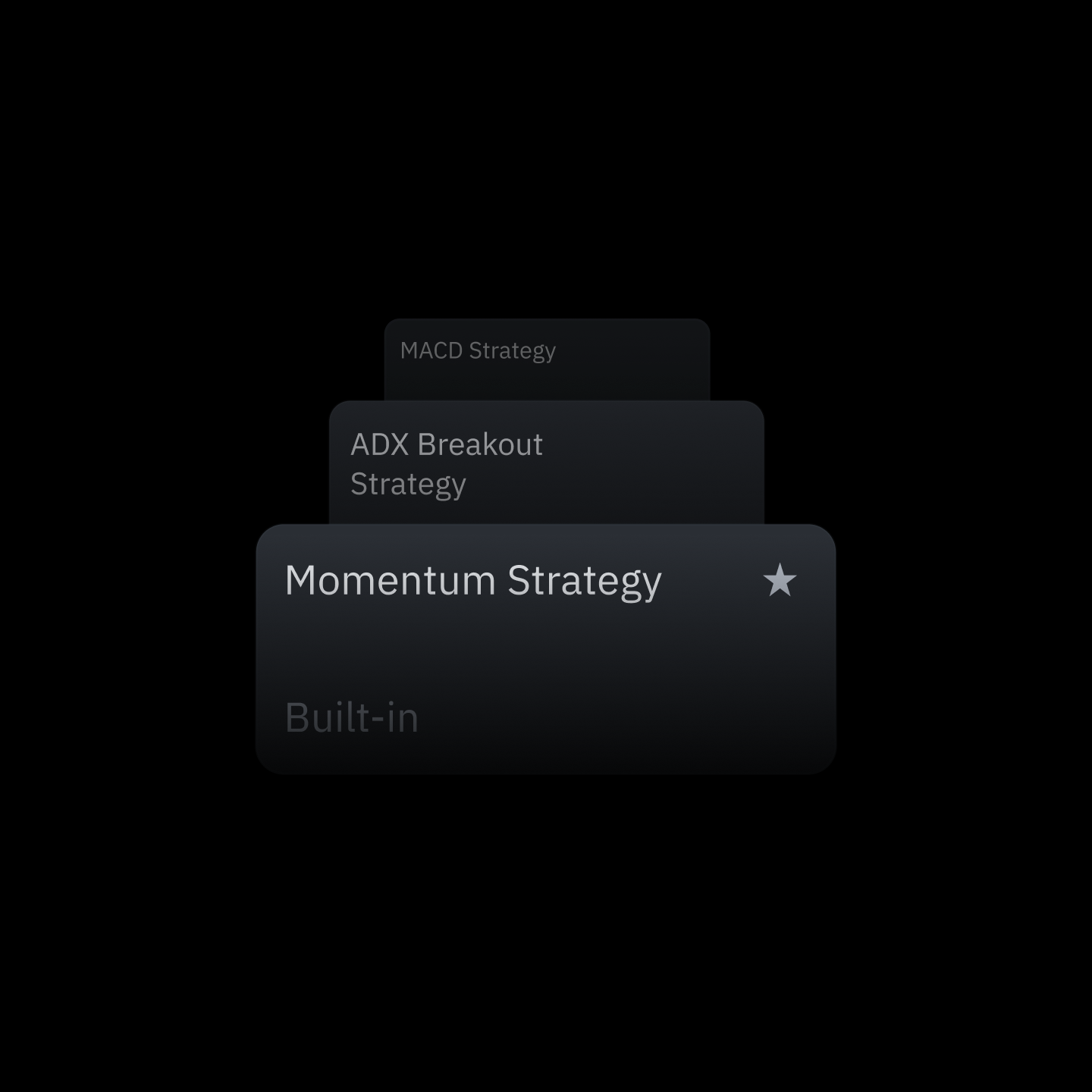
Develop Algorithms
Combine indicators, entry confirmations, and exit rules into trading strategies. Same Indie® language, same IDE, same cloud runtime.
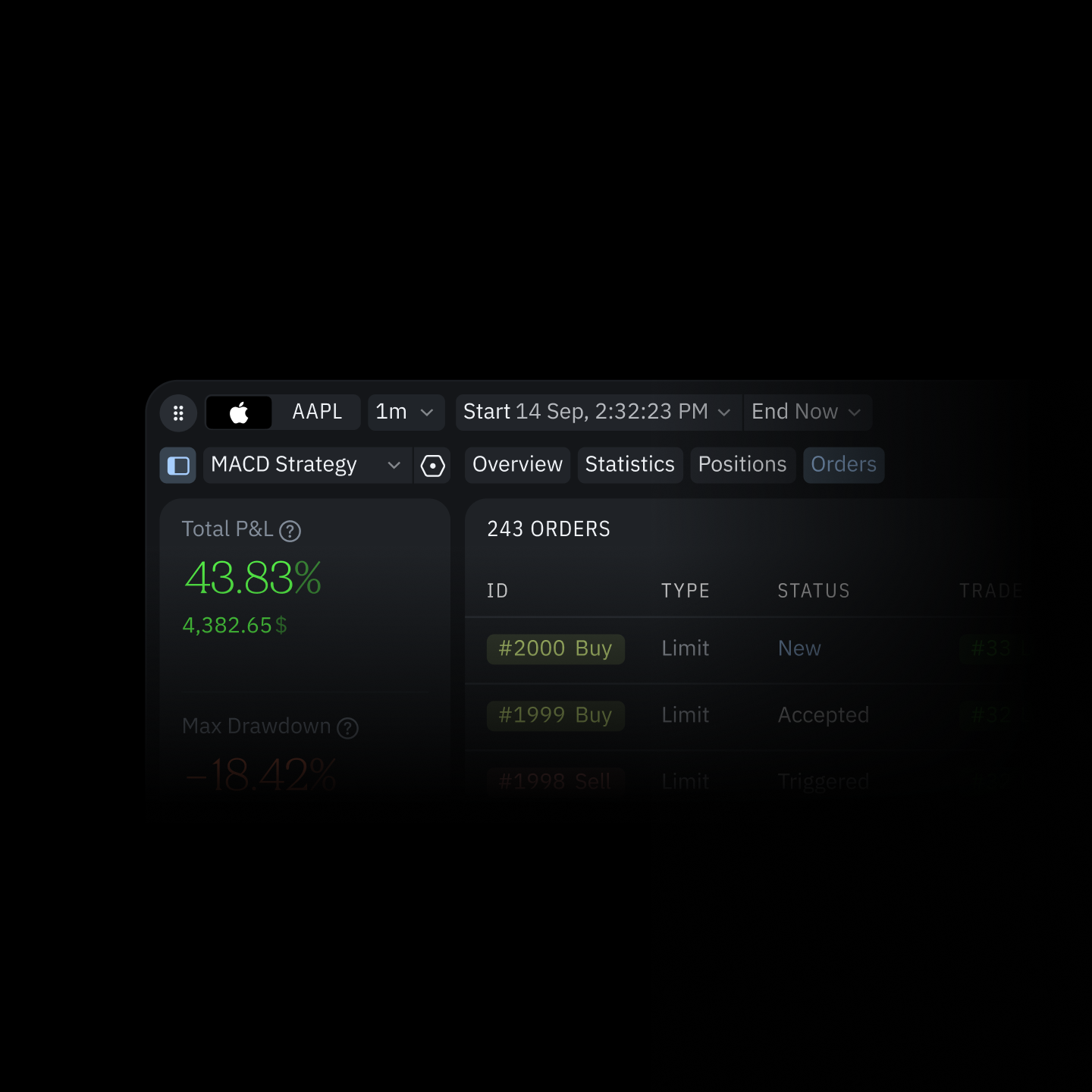
Backtest Your Strategy
Validate logic against historical data and analyze performance: win rate, max drawdown, equity curves, and trade distribution.
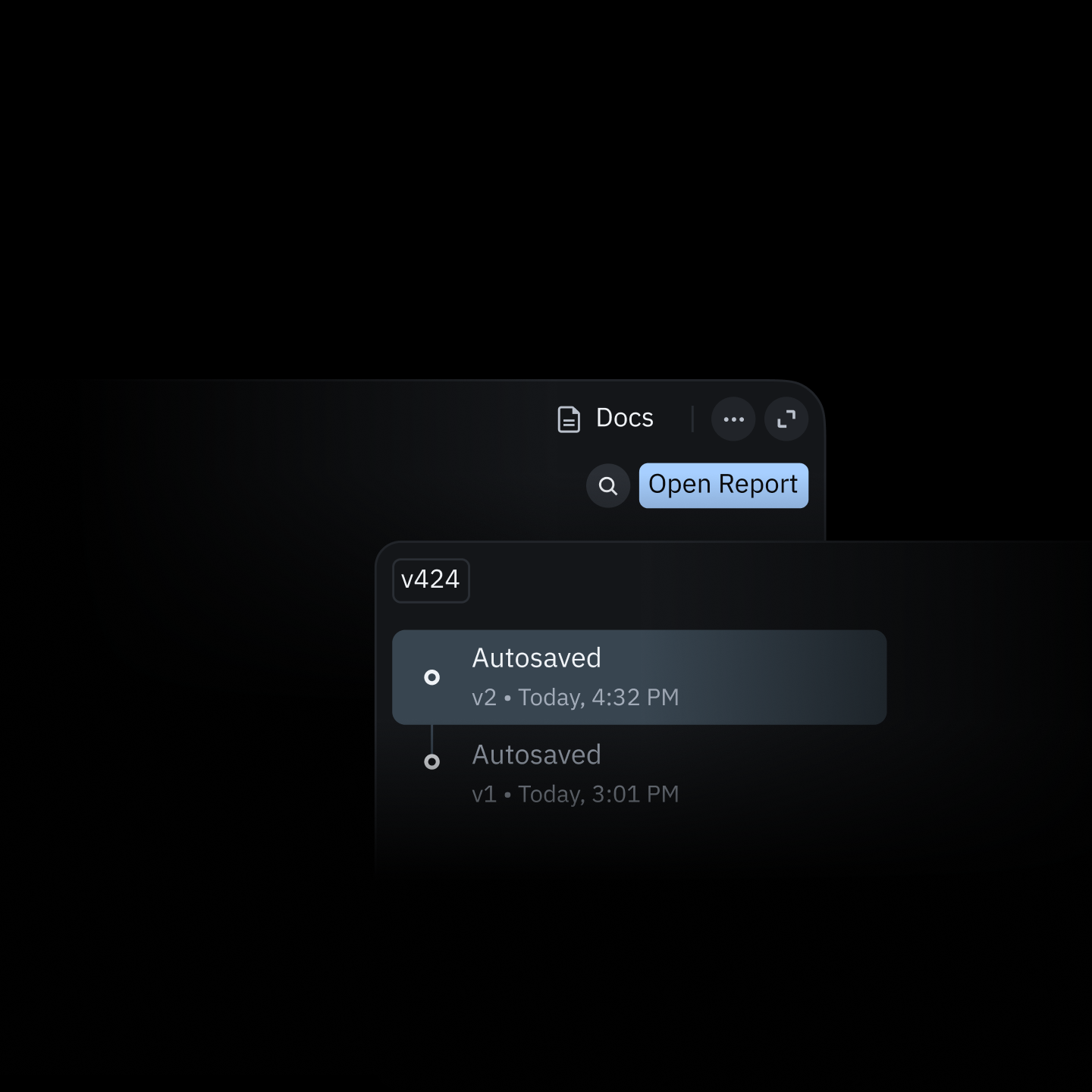
Refine Your Trading
Rewrite logic, re-run the test, compare results. Zero deploy cycle, no separate environment. All inside the TakeProfit platform.
The Indicator Marketplace
Find the missing piece of your strategy — or publish your own and build recurring revenue.
Creator Rewards
Monetize posts, premium analysis, and custom Indie® indicators on your own terms.
Invite Friends
No platform tax on subscriptions, posts, or custom indicators from users you invite.
Earn Cashback
The more you trade the more you earn. Get up to 50% cashback on your trading fees.
Explore Rewards
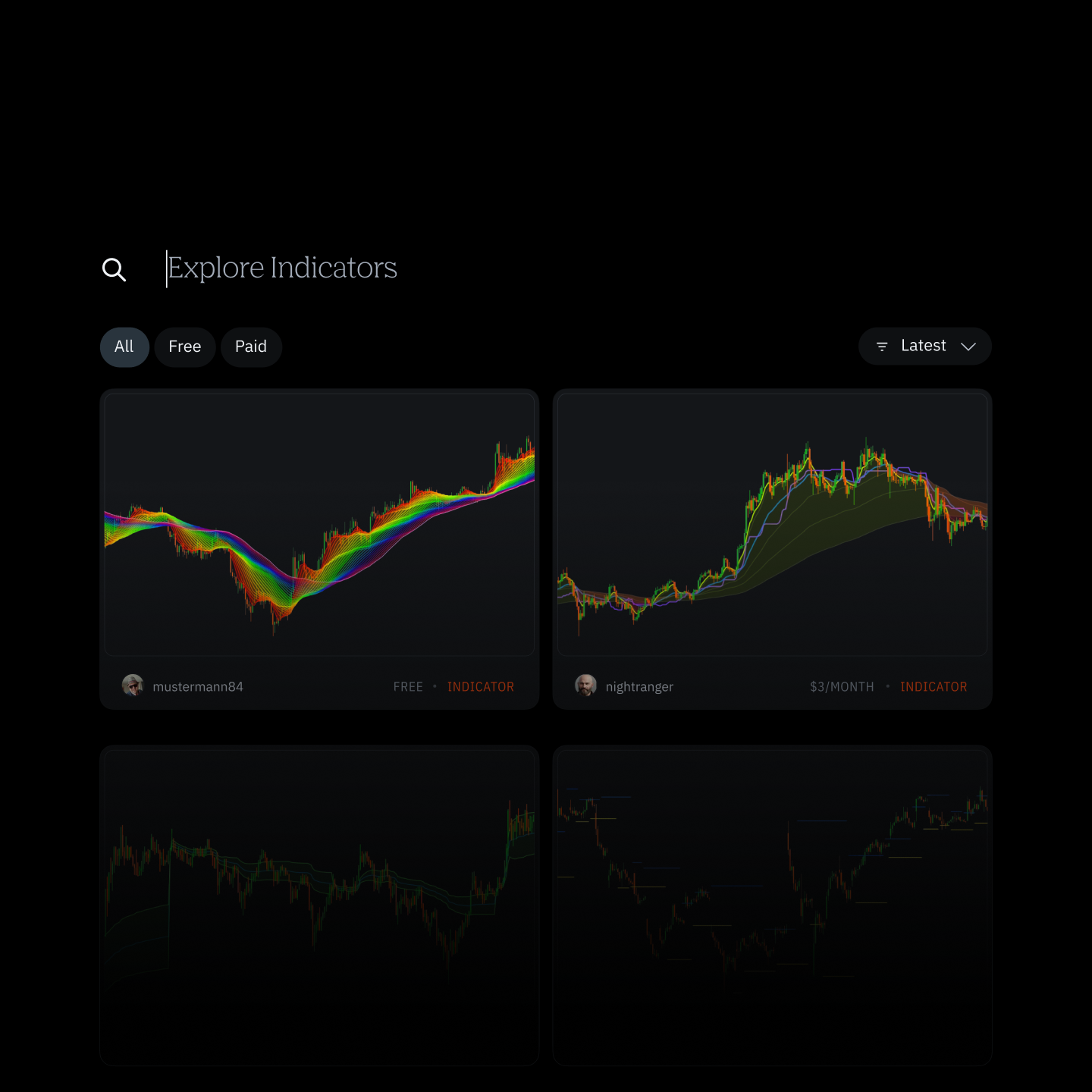
Browse
Discover community indicators across every major category. Filter by free, paid, recent, and popular.
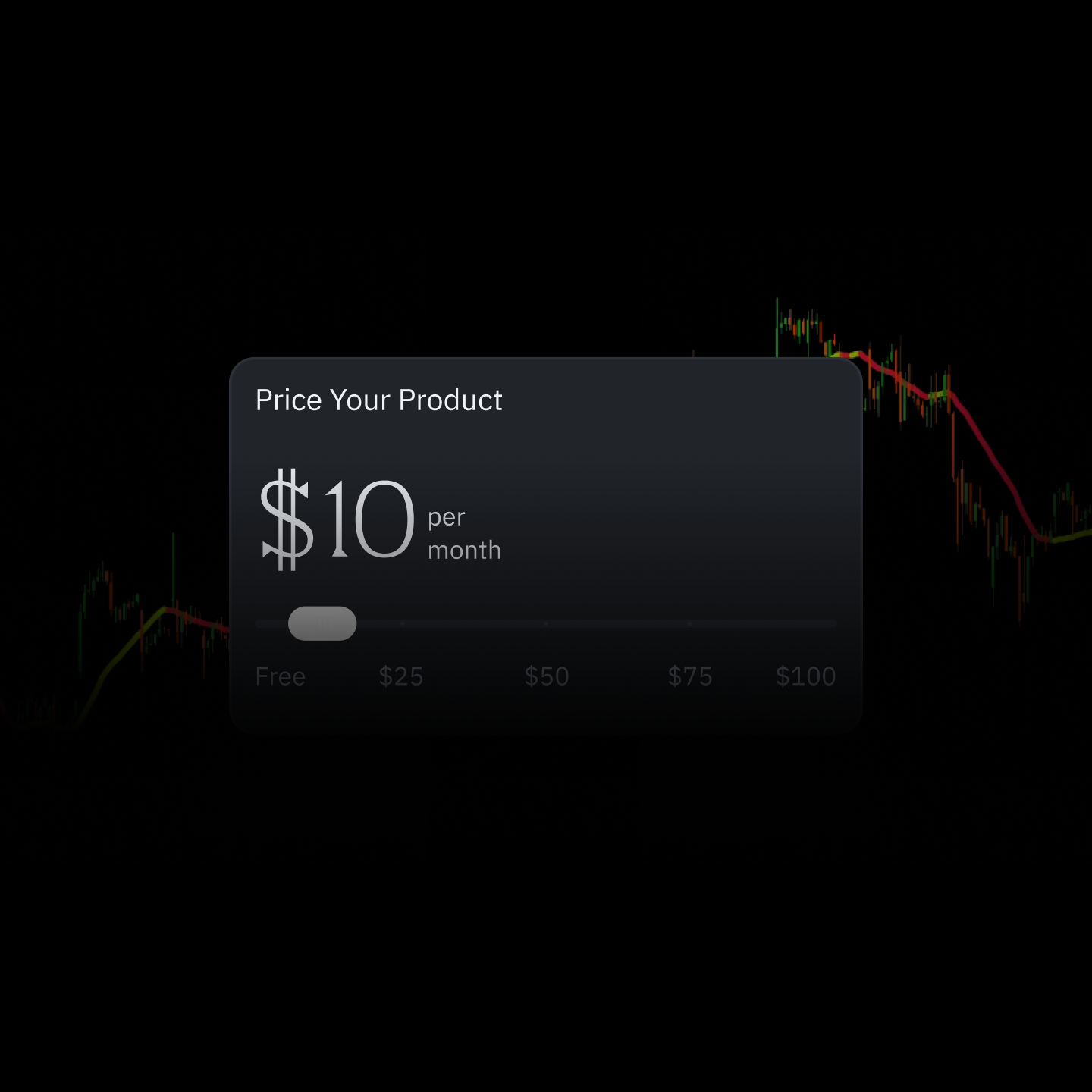
Publish
Upload your Indie® script, set a price from free to $100, and submit. Moderation takes 2–4 business days.
Monetize
Keep 80% of every sale. Keep 100% of sales to traders you referred. Payouts are issued after the $200 threshold is met.
The Platform
Traders Recommend
After implementing my own Indicator, and looking at the alerts through Indicators - All I can say is WOW... What you guys have actually done there is Incredible
Outstanding design and functions! Fresh feeling. For me as an indicator programmer, the monitoring program is ideally suited for billing my clients directly.
The platform and the possibilities for coding indicators and Technical Analysis Tools is solid. The team is always looking for community feedback to further improve the platform.
Woah.. no limit on indicators on a free account??? Sign me up!!!
Everything you need in one platform! 🔥
The MCP server is a game changer for indicator development and learning.
Revolutionizing Innovative Trading Platform. Also, the affiliate program they just launched is by far the best I've seen in the entire industry, which is especially great for me as an influencer.
This loooks promising as an alternative to @tradingview, @Quantower_app, and @StockSharp, and is web-based! It includes scripting for custom indicators, a modern look and feel.
Finally found a killer alternative to TradingView! Came across takeprofit.com, and it's a total game-changer for anyone looking to switch things up.
@TakeProfitHQ ya caught me with the cool domain, ya hooked me with the snazzy platform, i look forward to tire kicking and button pushing ;)
I like your UI design. looks very cool and intuitive.