


Cloud Trading
Alerts
Real-time trading alerts that watch price, indicators, and your custom Indie®
logic 24/7 — pinging you via Telegram, webhooks, email, or inside the platform.


400 Non-Expiring Alerts
Active until you decide otherwise — no silent expiration. Server-side monitoring of the market 24/7 with zero local browser dependencies.
Multi-Channel Delivery
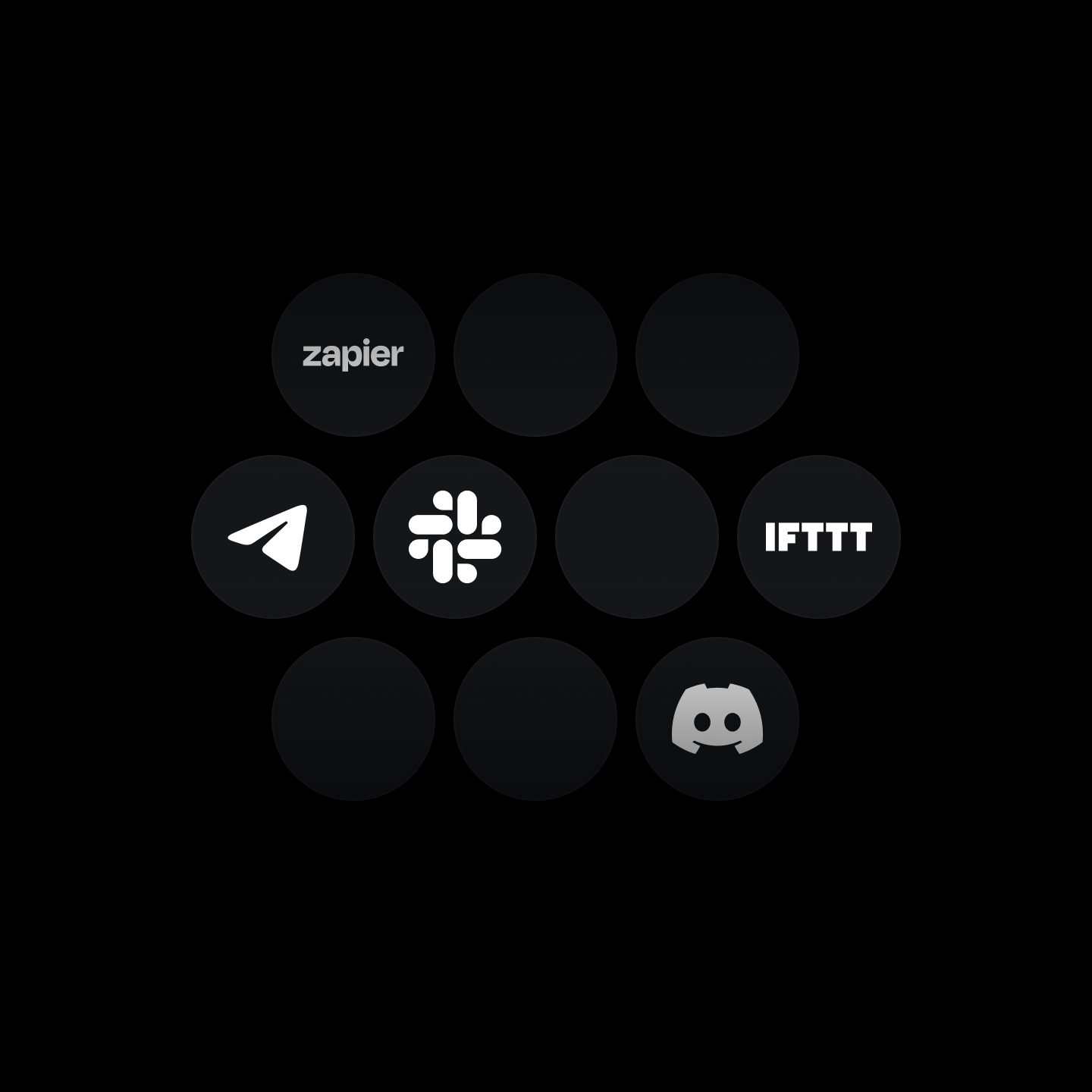
Telegram, webhooks (Discord, Slack, Zapier, IFTTT), email, or in-platform pop-ups. The alert lands wherever you prefer to receive it.
Multi-Conditional
Set criteria with crossover, channel entry, and logic rules across price action, native indicators, and custom Indie® scripts.
Alerts on Indicators
Add alert conditions to any custom indicator — and run it fully in the cloud using Indie®, TakeProfit's Python-based scripting language designed for technical analysis and strategy development.
Explore IndicatorsIndicator-Based Alerts
- Deploy alerts on both native tools and custom Indie® scripts.
- Combine multiple indicator plots into a single alert.
- Supports 80 built-in technical analysis tools.
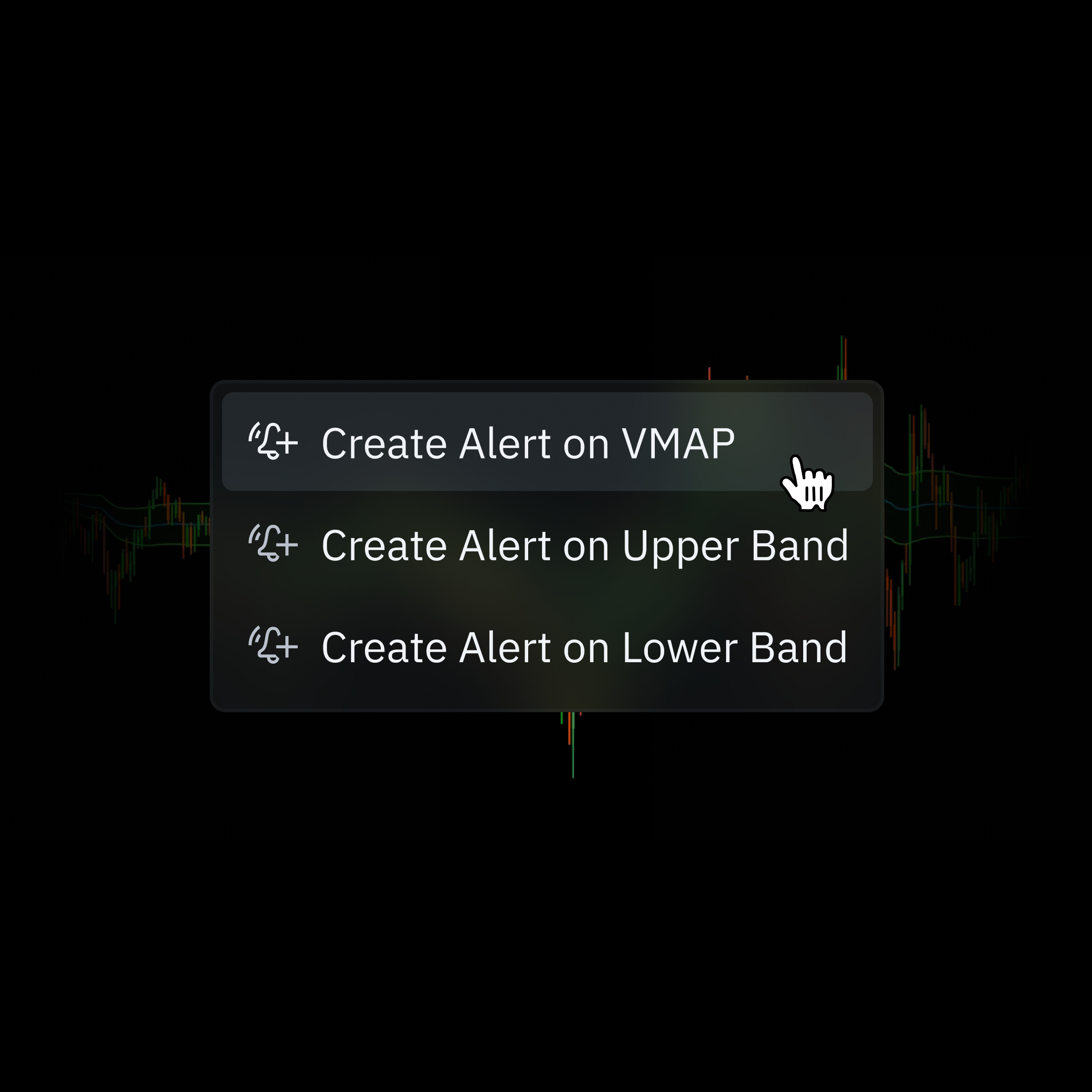
Write Indicator Code
Launch the native IDE widget to script custom logic using Indie® and leverage its integrated AI to co-pilot your indicator development.
Test in Editor
Deploy the script to a live chart and watch it render in real time. Use the integrated AI to review logs and debug syntax.
Deploy as Alert
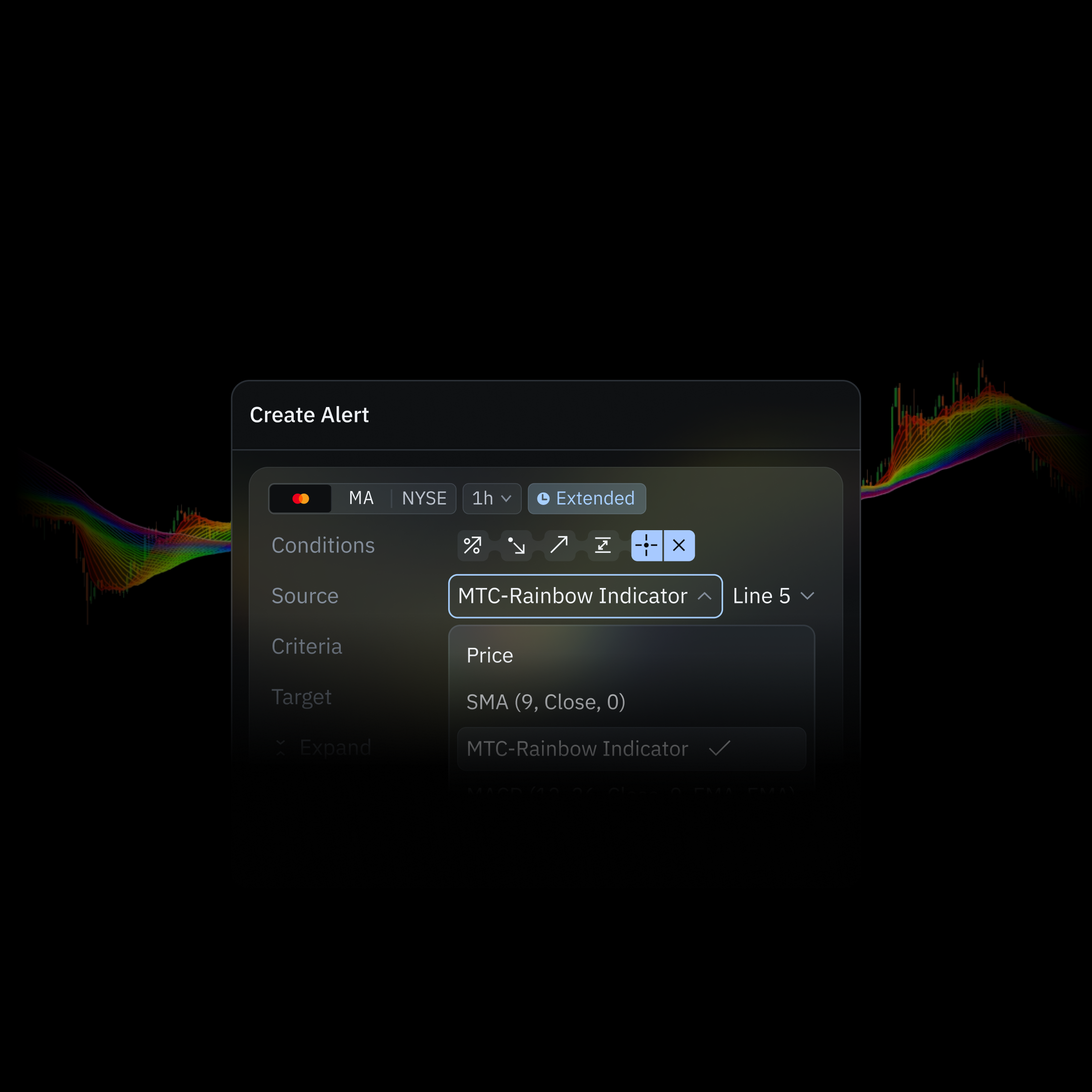
Select your active indicator as a data source within the Alerts dialog. Configure your precise trigger conditions, route, and deploy.
AI Management
Bypass manual coding. Turn your structural setups directly into executable server-side alerts by simply prompting our native AI assistant.
Advanced Conditions & Triggers
Set multi-conditions using price, indicators, or custom logic to create precise, actionable alerts.
Multi-Conditional Alerts
Build alerts from three components:
- Source: Choose between Price and Indicators.
- Enter specific price levels or indicator parameters.
- Criteria: Select the conditions that will trigger the alert.
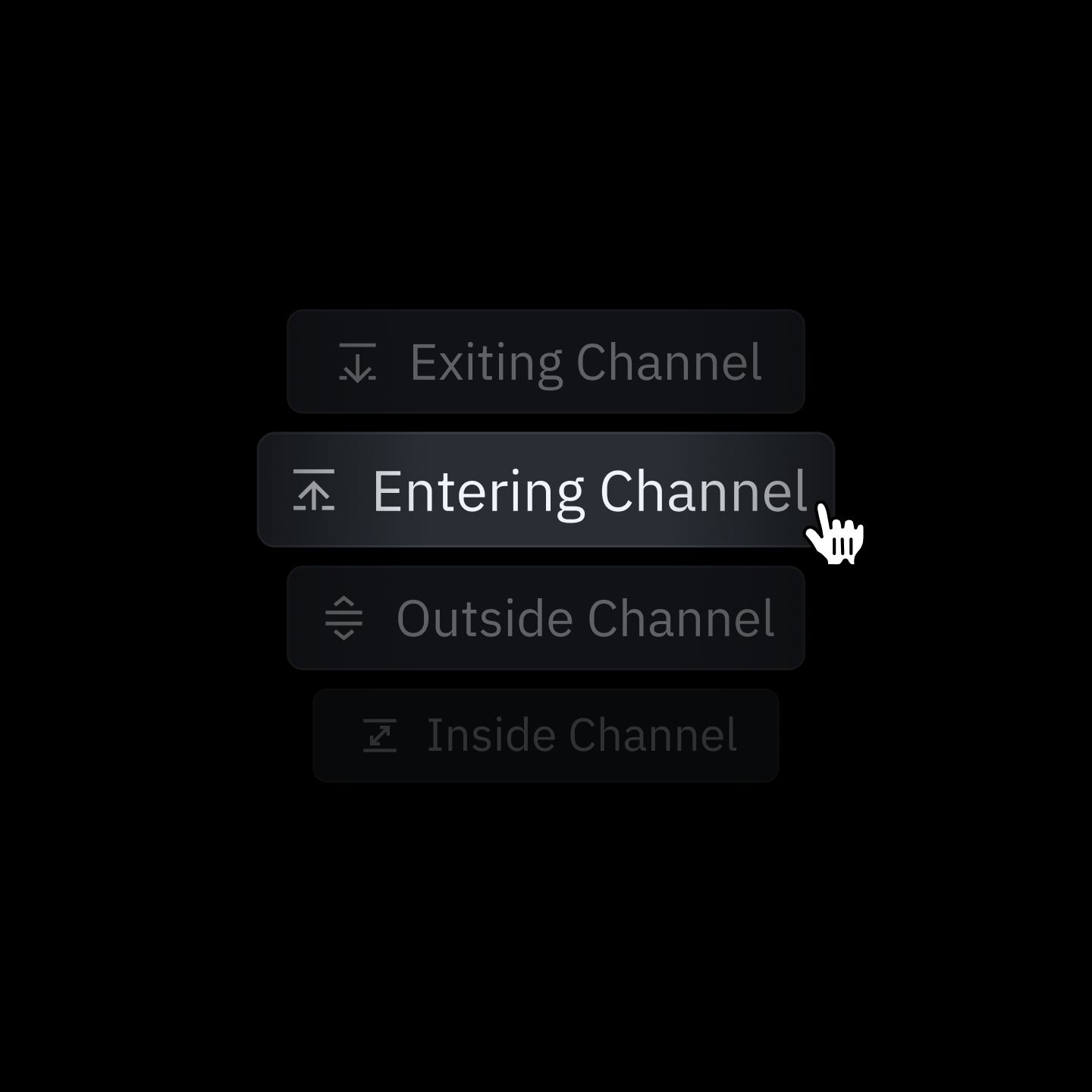
Channel Detection
Get notified when price enters or breaks out of a defined range.
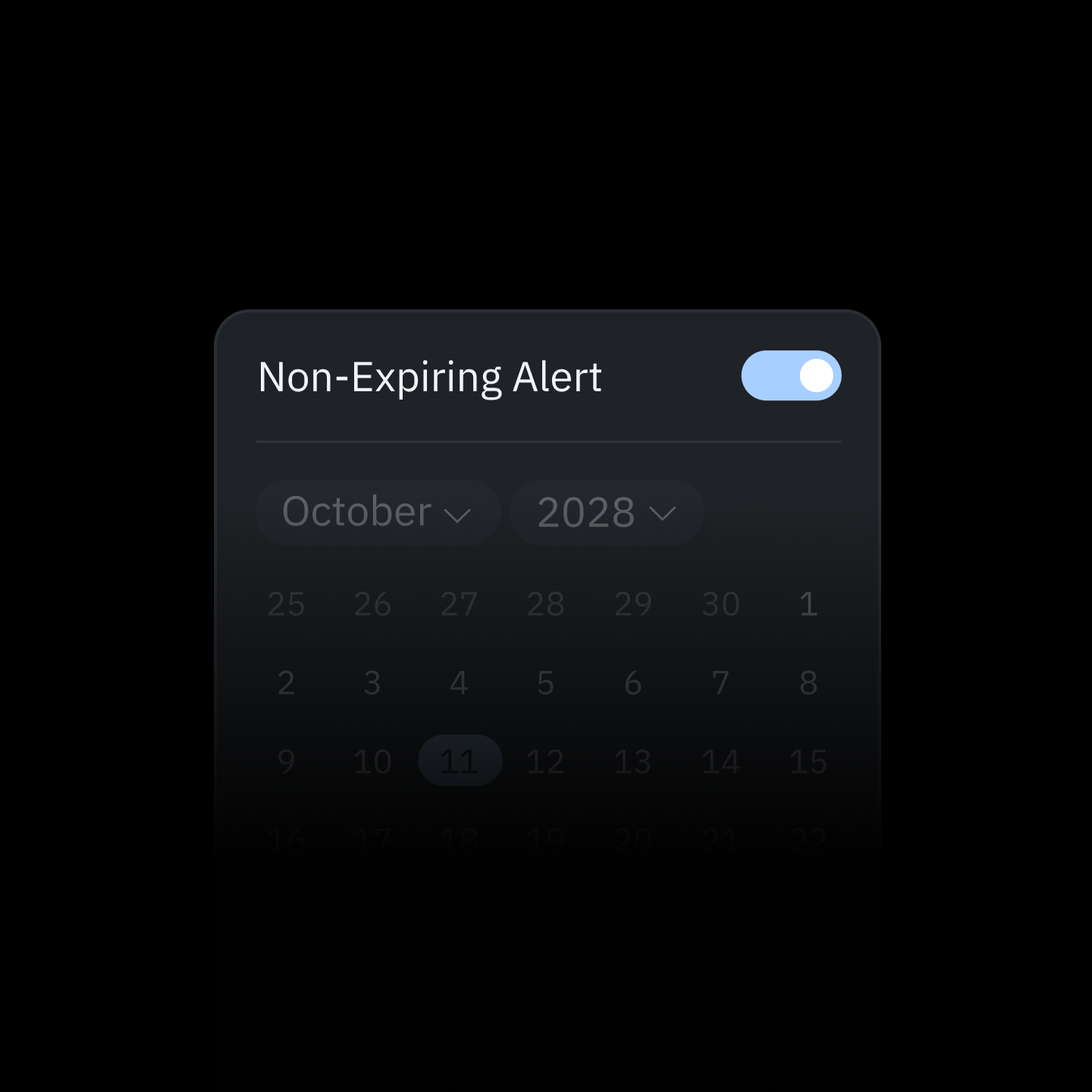
Custom Expiration
Choose a specific end date or keep alerts running indefinitely.
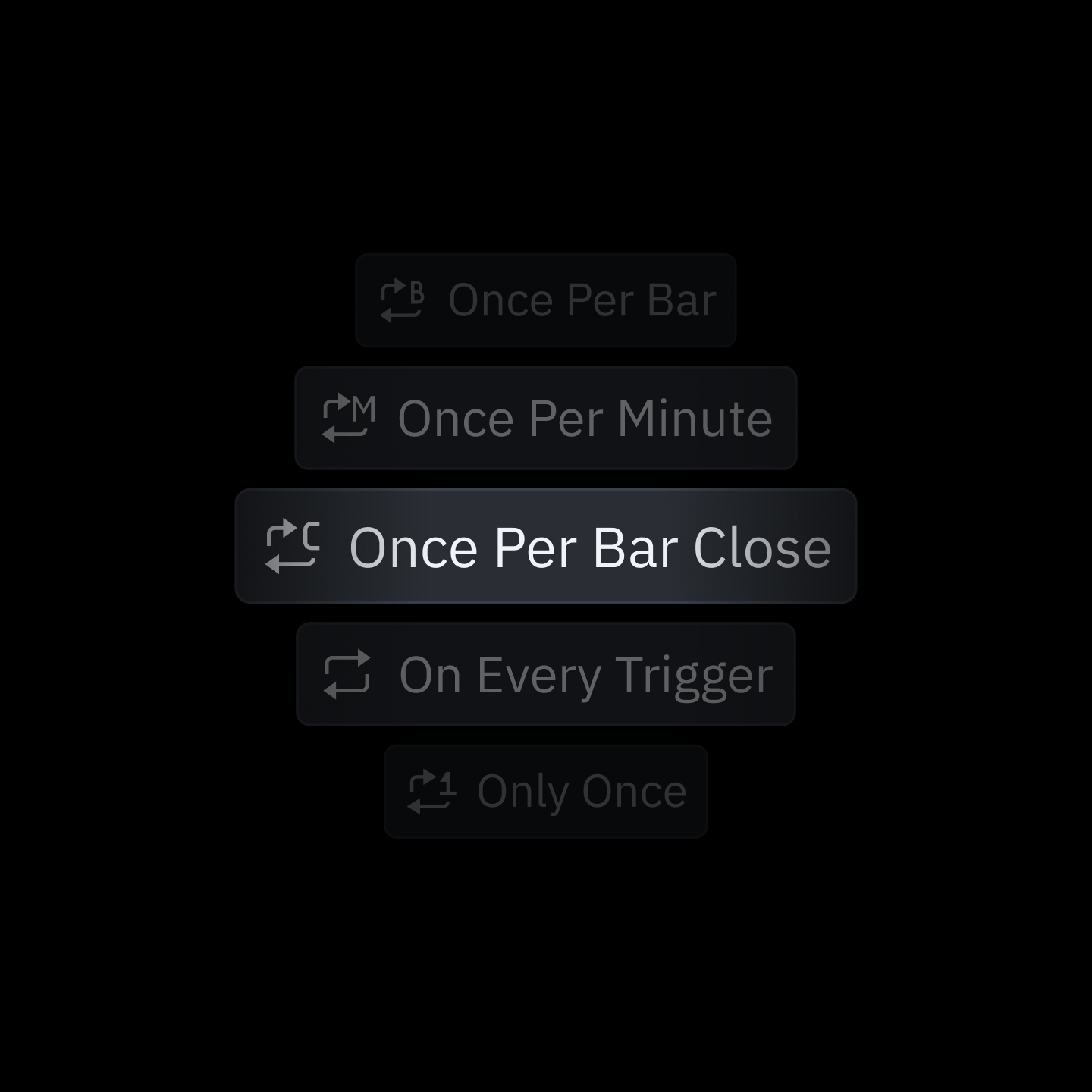
Frequency Settings
Control how often alerts fire — once, per bar, or on every trigger.
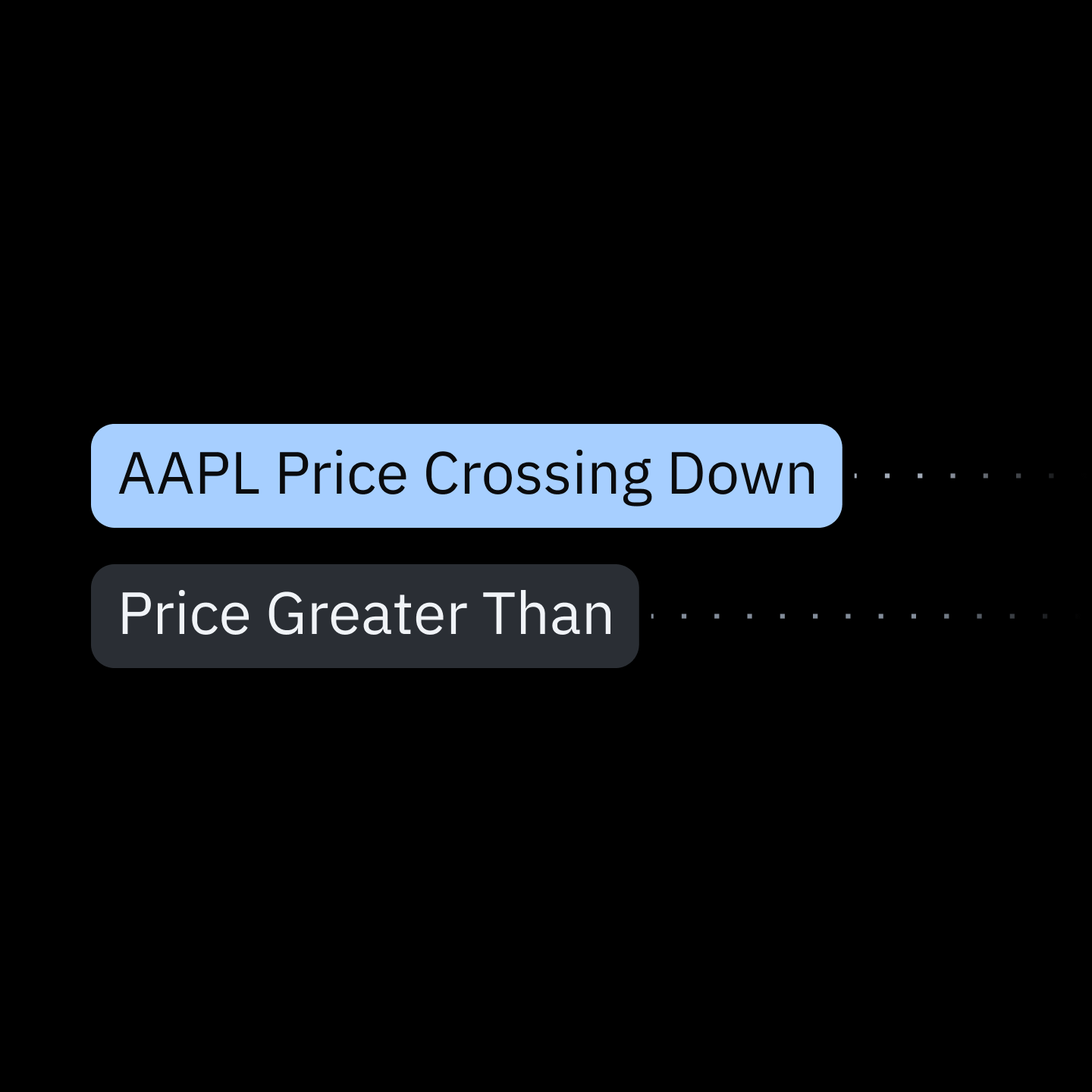
Alert View Options
Toggle alert view elements on the chart, like tickers, inactive alerts, and alert lines.
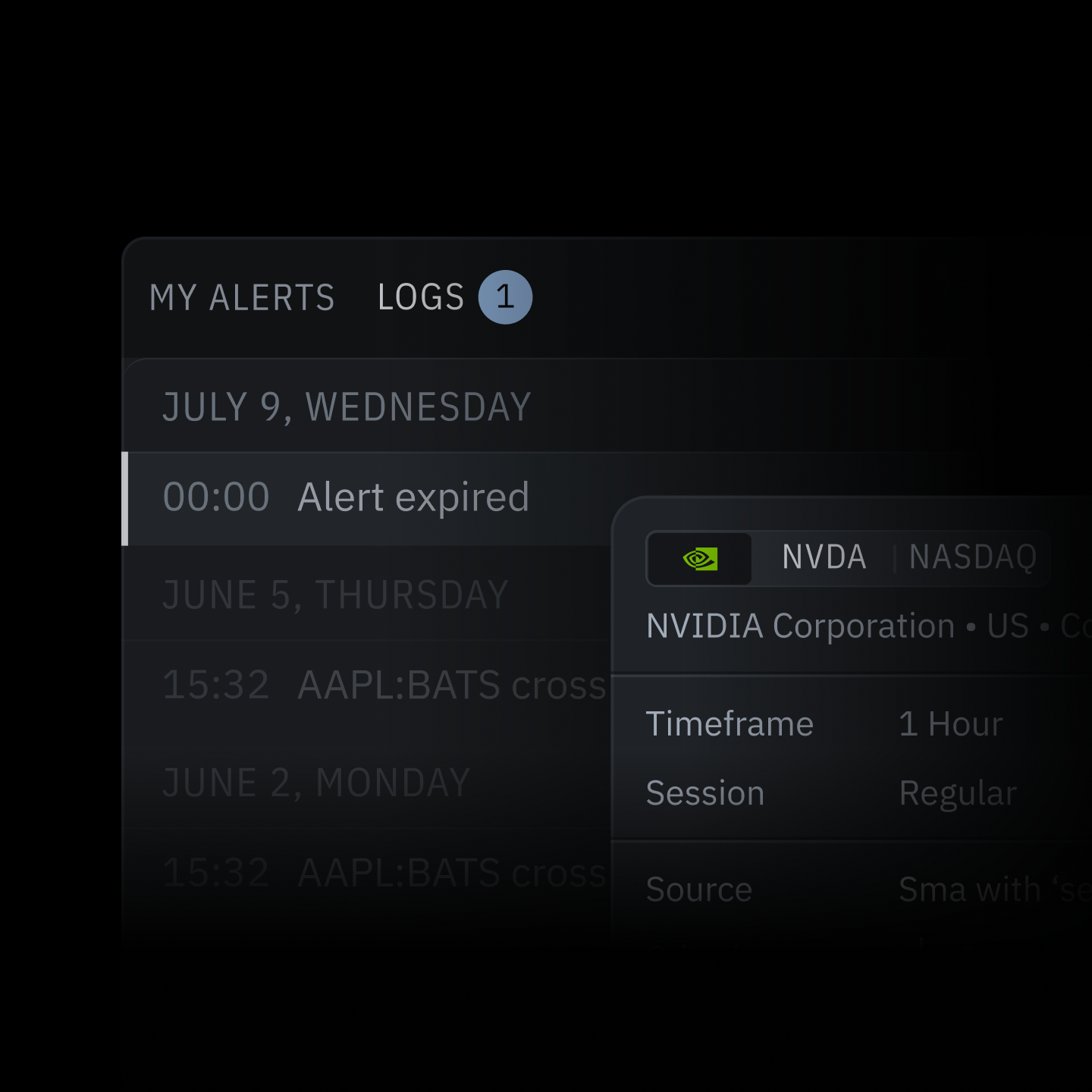
History & Logs
Track alert status and review detailed logs of past triggers.
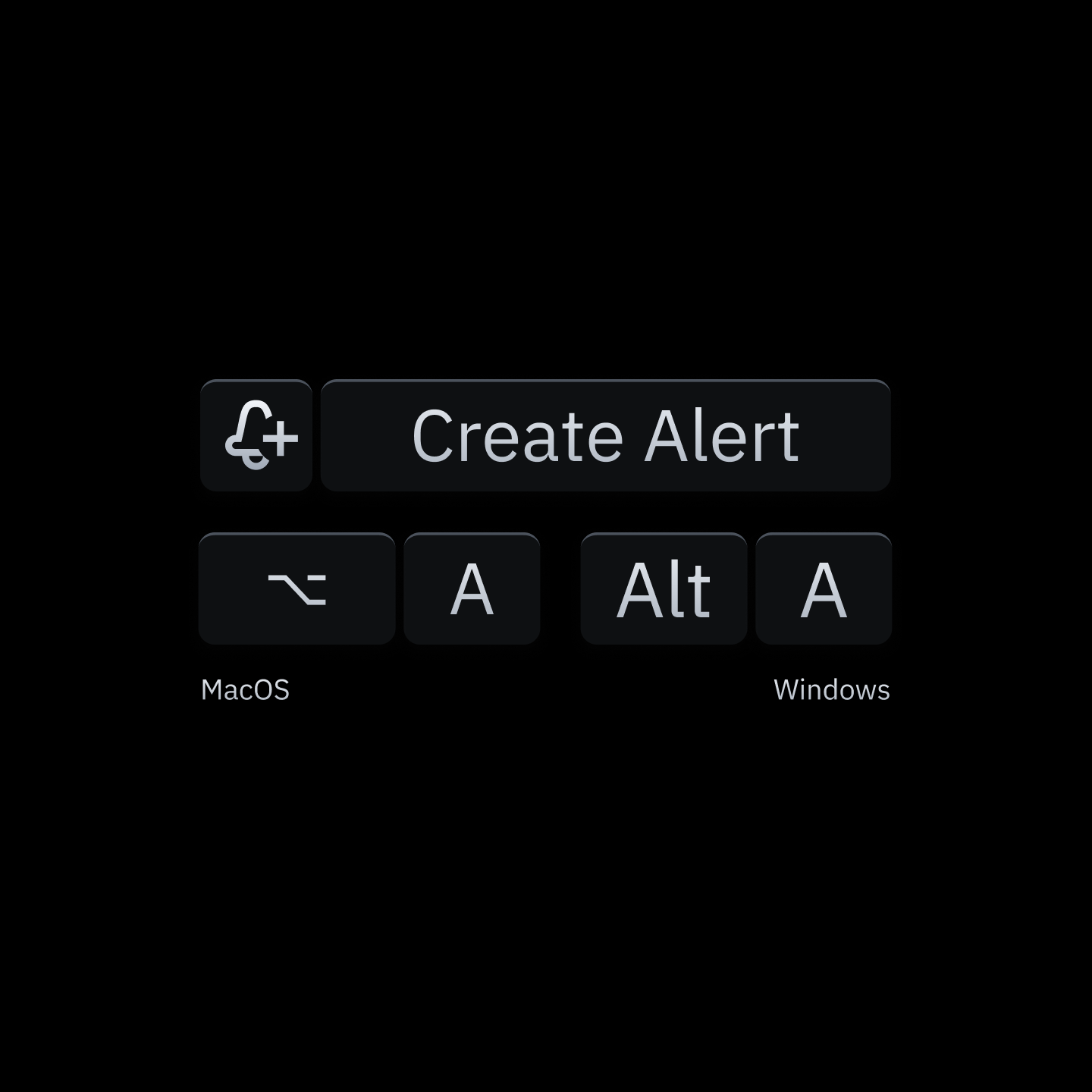
Flexible Setup
Setup from the chart, context menu, or with a hotkey.
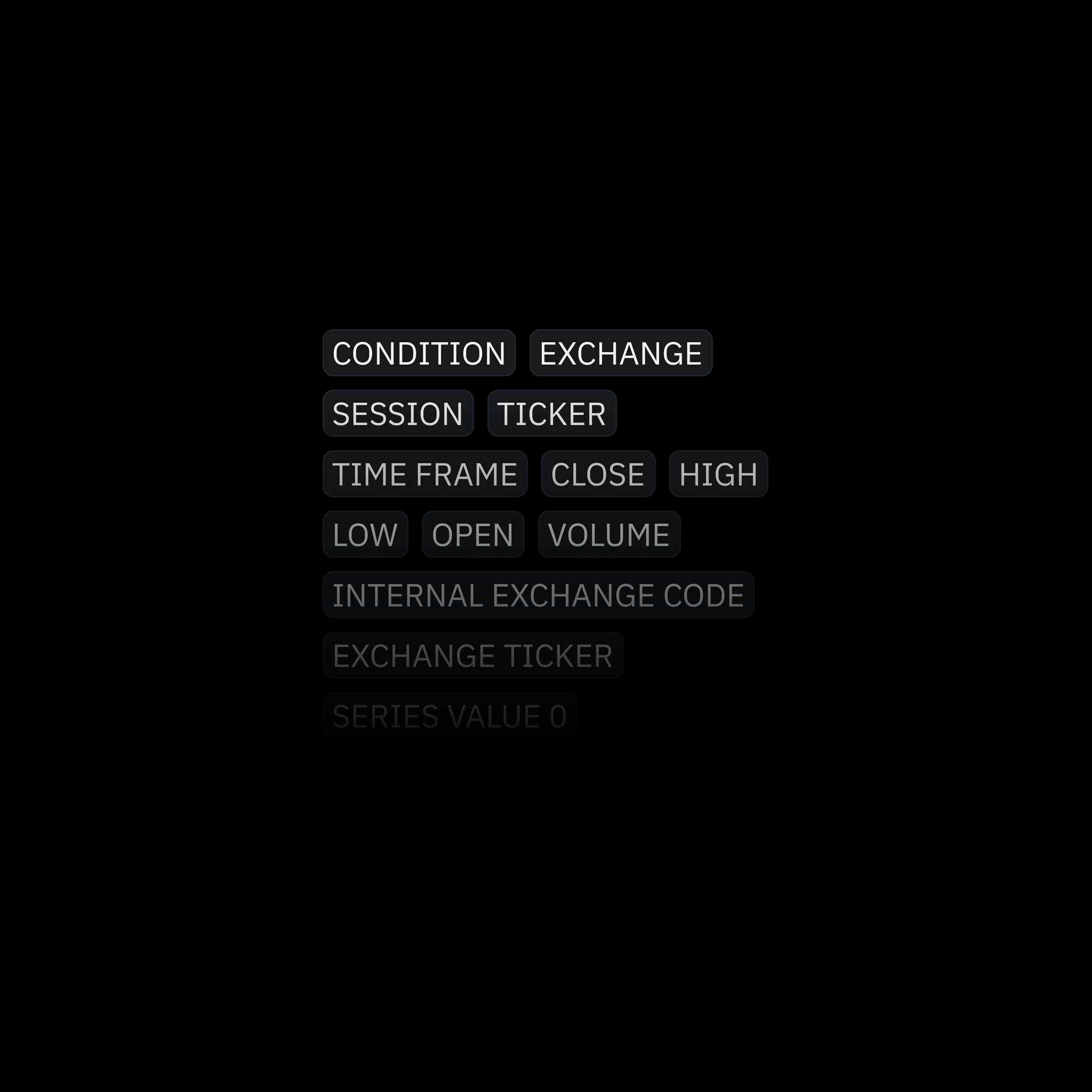
Variables in Messages
Customize alert text or JSON payloads with dynamic variables. Every alert ships with live market context — ready for your bot or broker API to act on.
Available Variables:
- Alert trigger type.
- Exchange, session, ticker and timeframe.
- OHLCV: Open, high, low, close, volume.
- Time: Current time when alert triggers.
- Series: First, second and third series value.
- Other: Exchange code or exchange ticker.
Delivery Methods
TakeProfit delivers your alerts instantly via multiple channels — from in-platform pop-ups to webhooks.
Real-Time Alerts
- Multi-channel support via webhooks.
- Customizable webhook payloads (JSON).
- Variables for dynamic, data-rich messages.
- Security guidance for webhook included.
Webhooks
Send alerts to any API. Automate execution, logging, or notifications across your stack.
Telegram
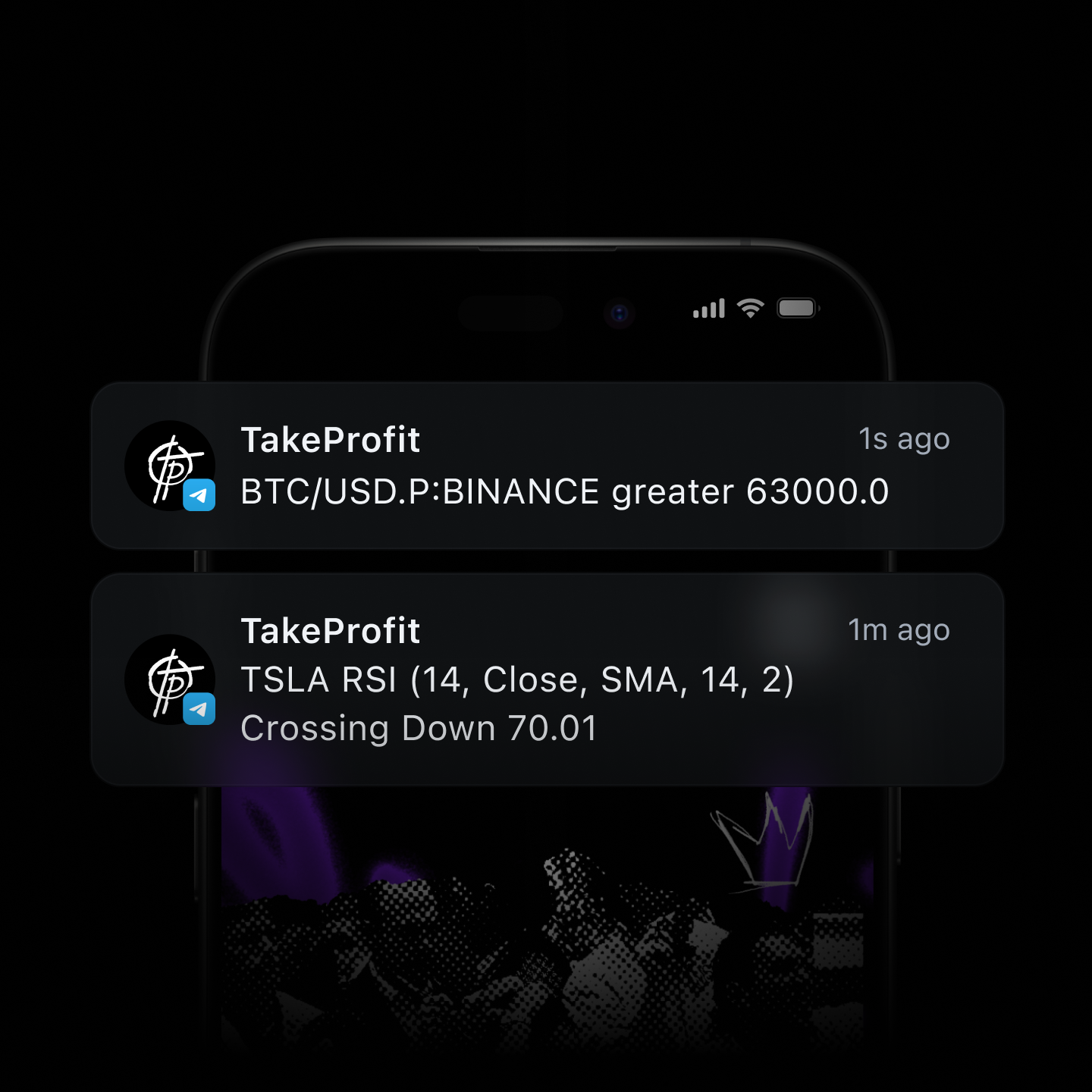
Directly to your private channels or bots. Stay on the top of the market, anywhere.
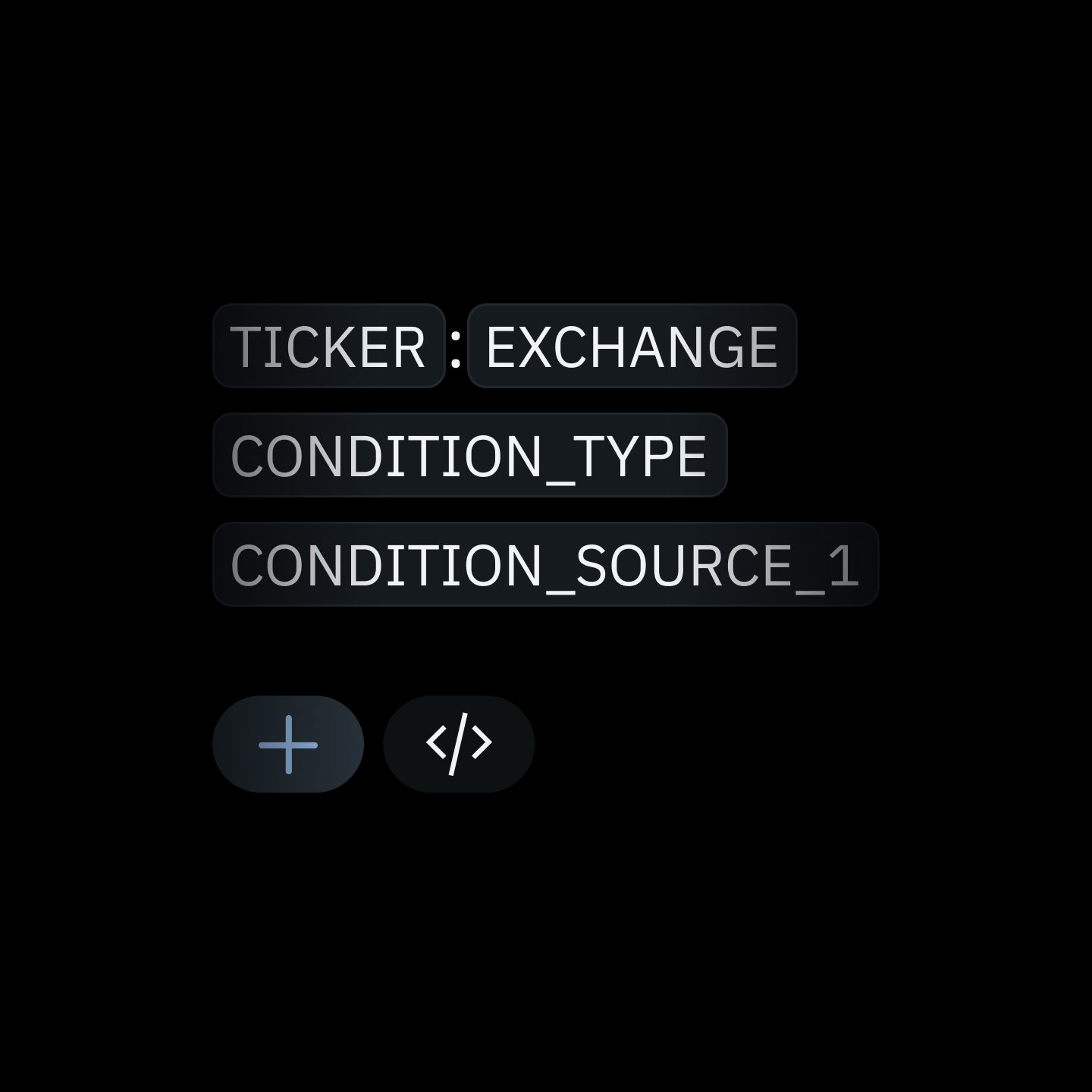
Dynamic Alert Messages
Execution-ready JSON payloads with live variables — ticker, OHLC, triggers, and more.
Trading Automation via Webhooks
Configure alerts to execute trades automatically through external platforms.
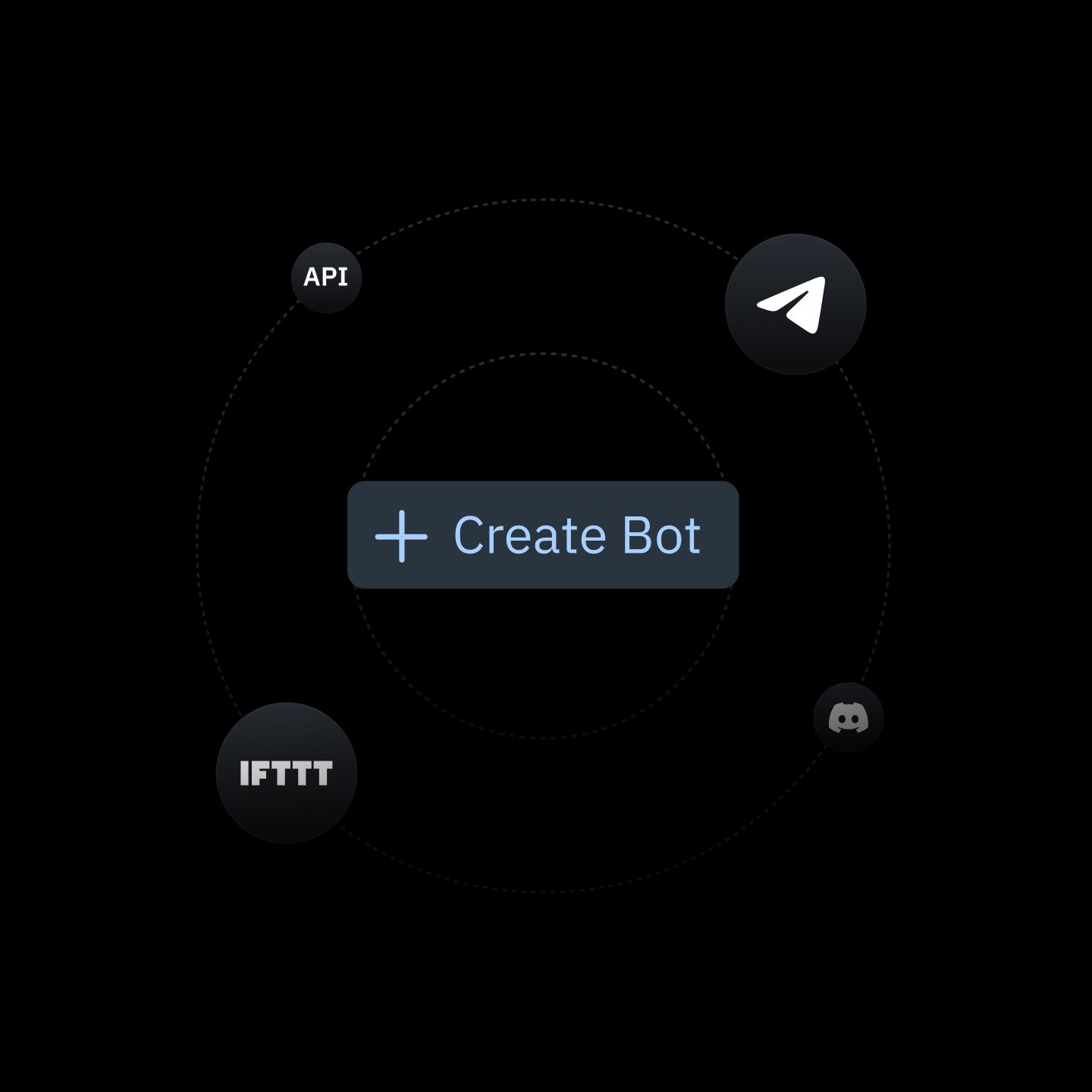
Create a Signal Bot
Connect your favorite external trading bot, or route signals directly to your in-house setup. If you are using your own servers, authorize our connection to ensure secure delivery.
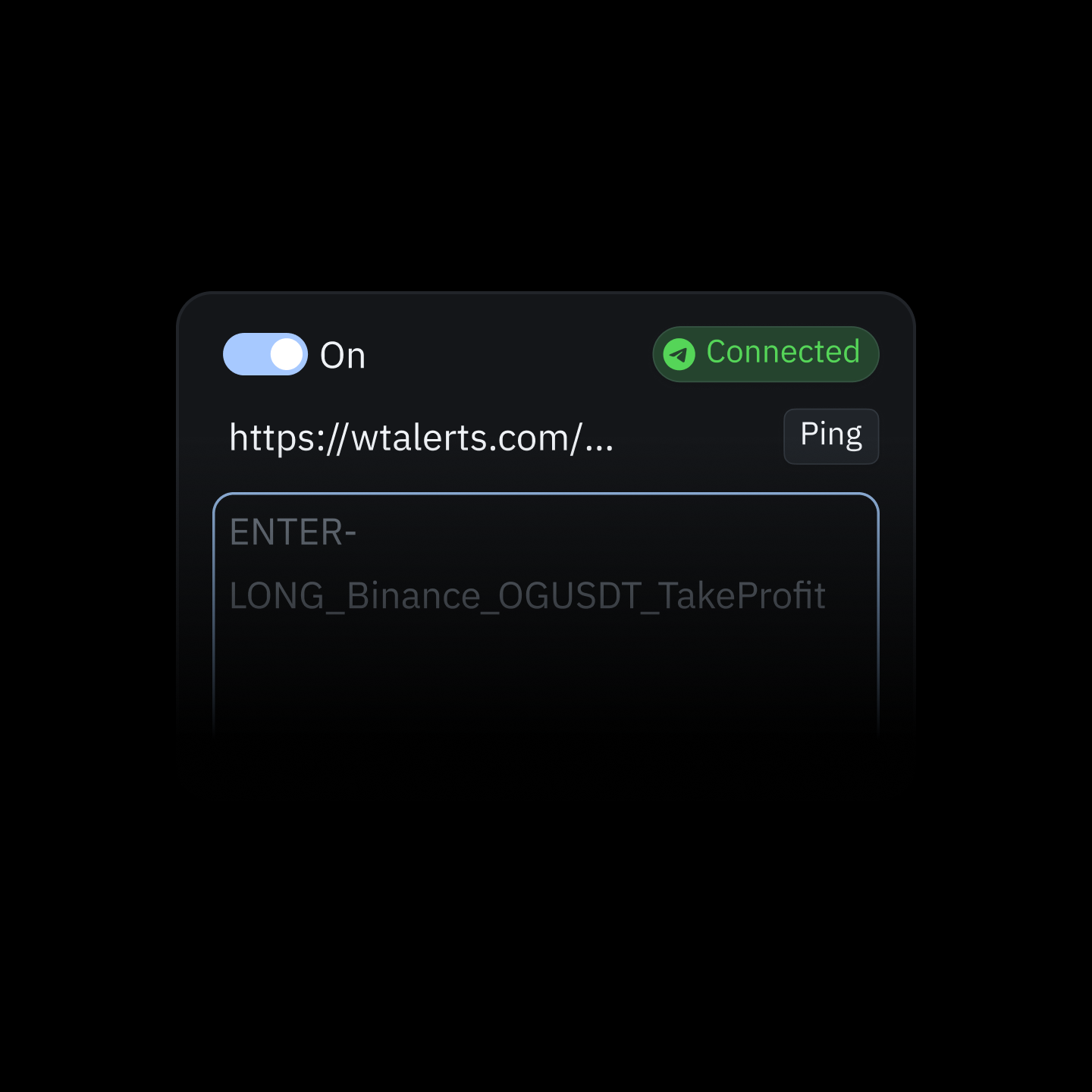
Create Alerts
Open any chart and create a new alert. Turn on the Webhook setting and paste the link where you want the alert sent — whether that is to your bot or your own system.
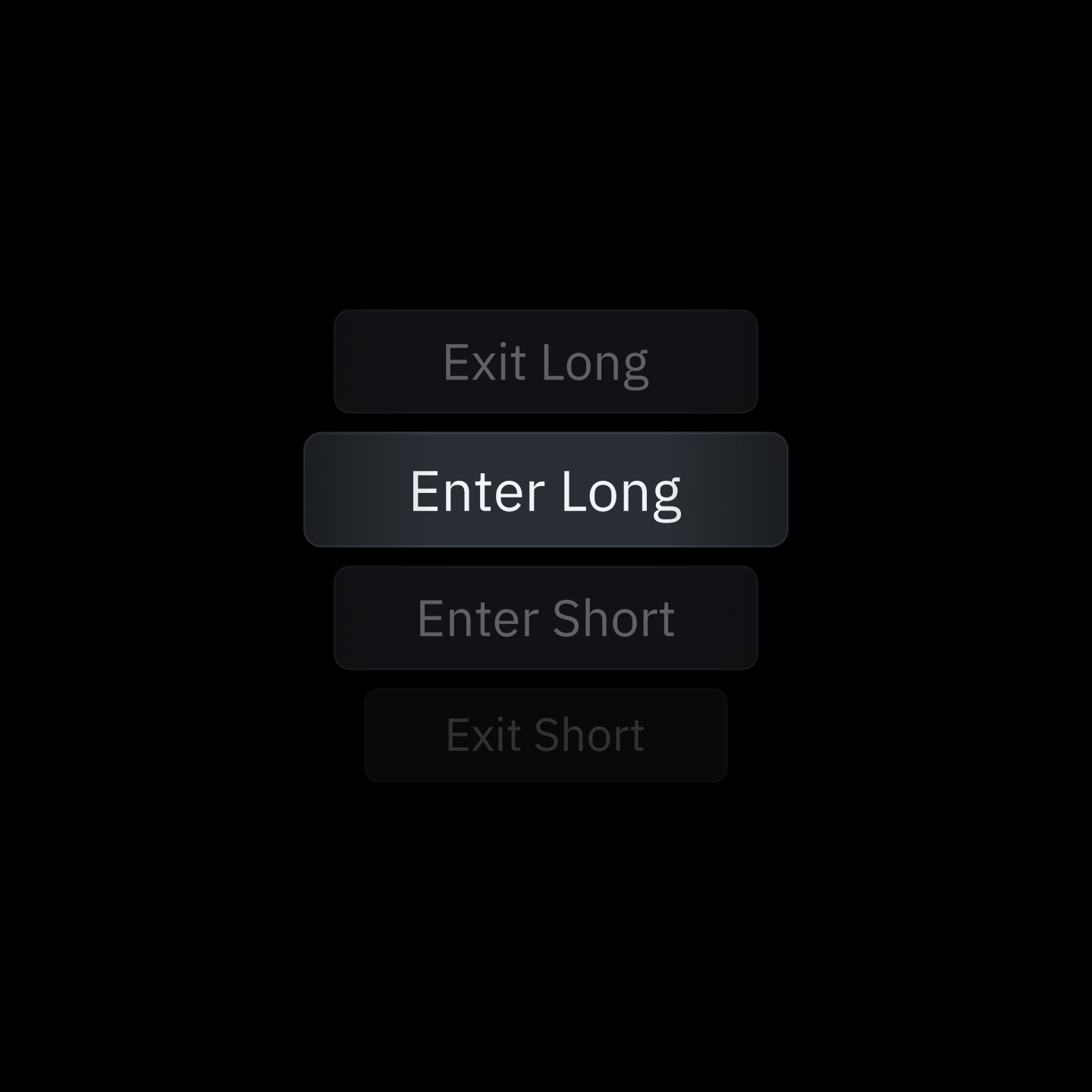
Automate Trading
Paste your bot credentials or custom trade instructions right into the alert message box. Just remember to set up separate alerts for when you want to enter and exit a trade.
The Platform
Traders Recommend
After implementing my own Indicator, and looking at the alerts through Indicators - All I can say is WOW... What you guys have actually done there is Incredible
It's insane how fast TakeProfit works - alerts to execution in under a second!
Finally found a killer alternative to TradingView! Came across takeprofit.com, and it's a total game-changer for anyone looking to switch things up.
I agree it's very fast. In fact, I got to the bottom of a problem I was having and it was my backend dropping webhook calls due to them coming in too fast. I know how hard it is to evaluate alerts on every tick.
Outstanding design and functions! Fresh feeling. For me as an indicator programmer, the monitoring program is ideally suited for billing my clients directly.
The platform and the possibilities for coding indicators and Technical Analysis Tools is solid. The team is always looking for community feedback to further improve the platform.
Woah.. no limit on indicators on a free account??? Sign me up!!!
Everything you need in one platform! 🔥
Just logged into TakeProfit. I like the ease of the drag/drop widgets.
Revolutionizing Innovative Trading Platform. Also, the affiliate program they just launched is by far the best I've seen in the entire industry, which is especially great for me as an influencer.
This looks incredible! ❤️
@TakeProfitHQ ya caught me with the cool domain, ya hooked me with the snazzy platform, i look forward to tire kicking and button pushing ;)
I like your UI design. looks very cool and intuitive.