


Depth of Market
Trading
See resting liquidity, live order flow, and execute directly where liquidity sits without switching panels.
Start TradingOrder Book Into
Execution Ladder
Set your order size once, read real-time order flow at every tick, and manage positions straight from the price column.
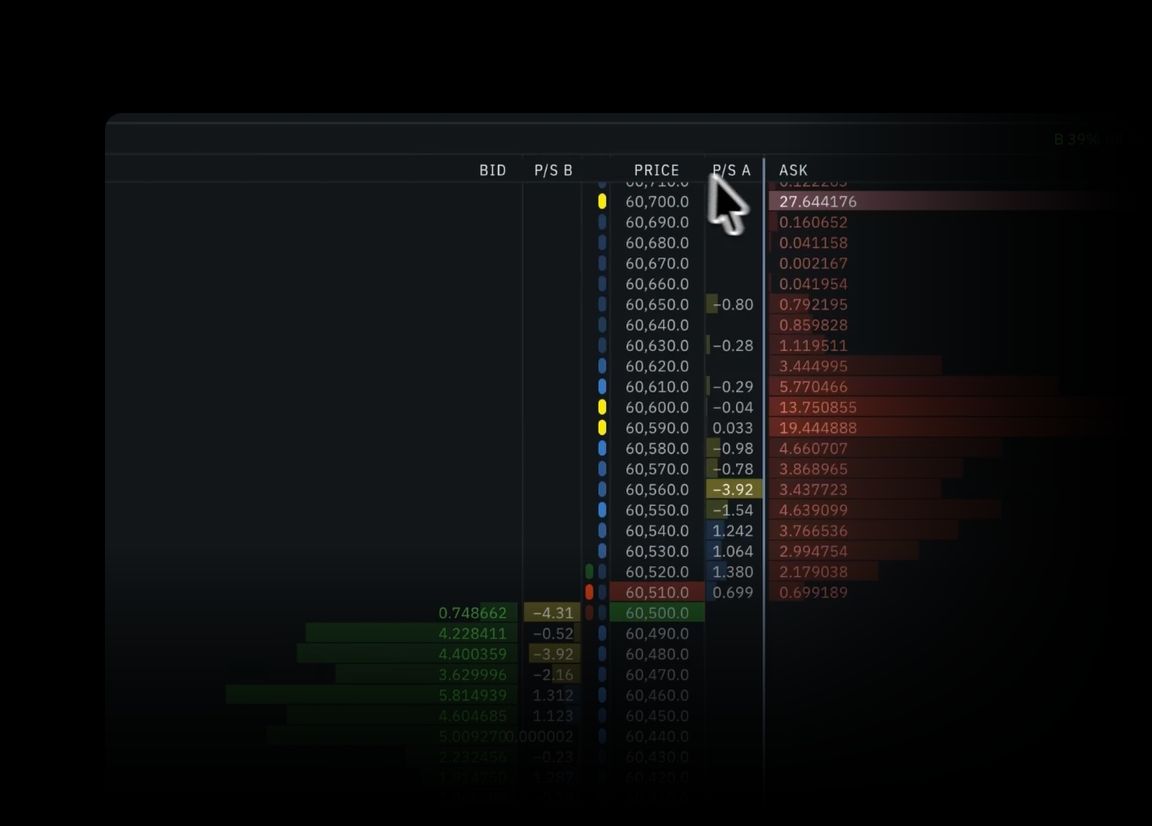
See every print and the cumulative buys and sells at each price.
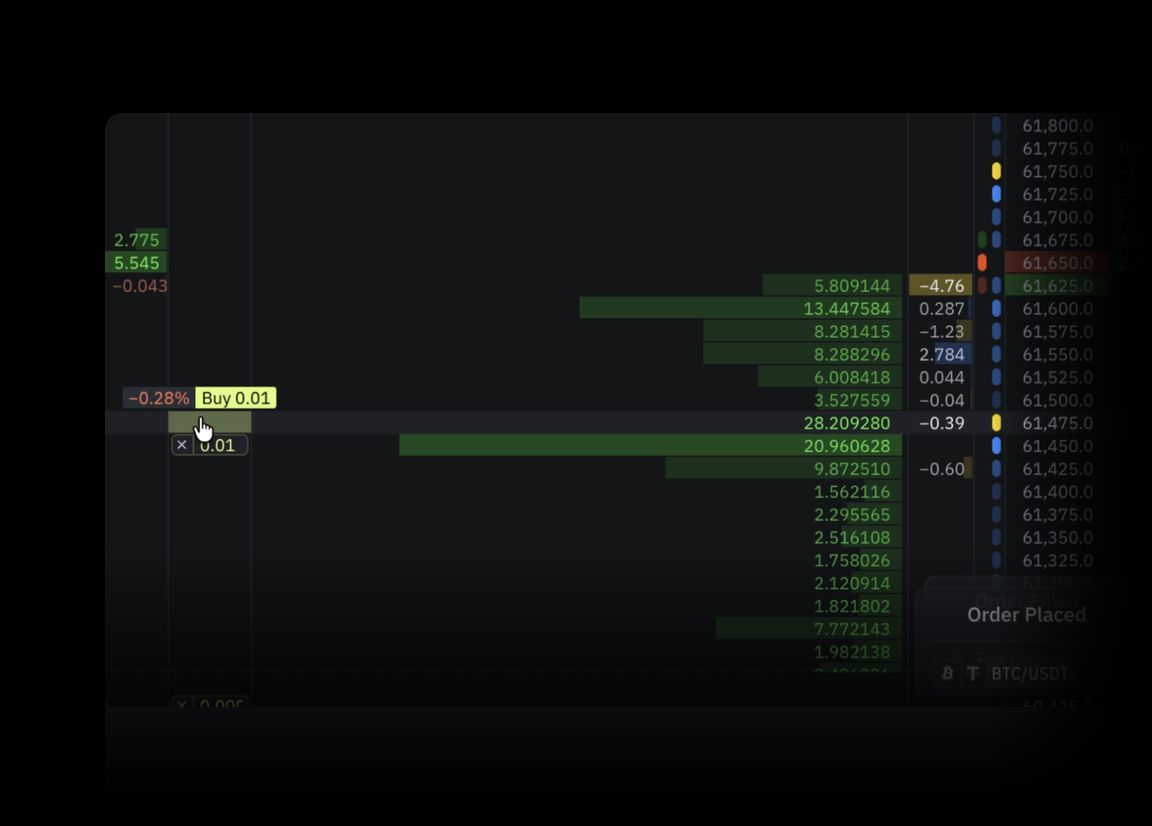
Click any row in the ladder to place a limit order at that price.
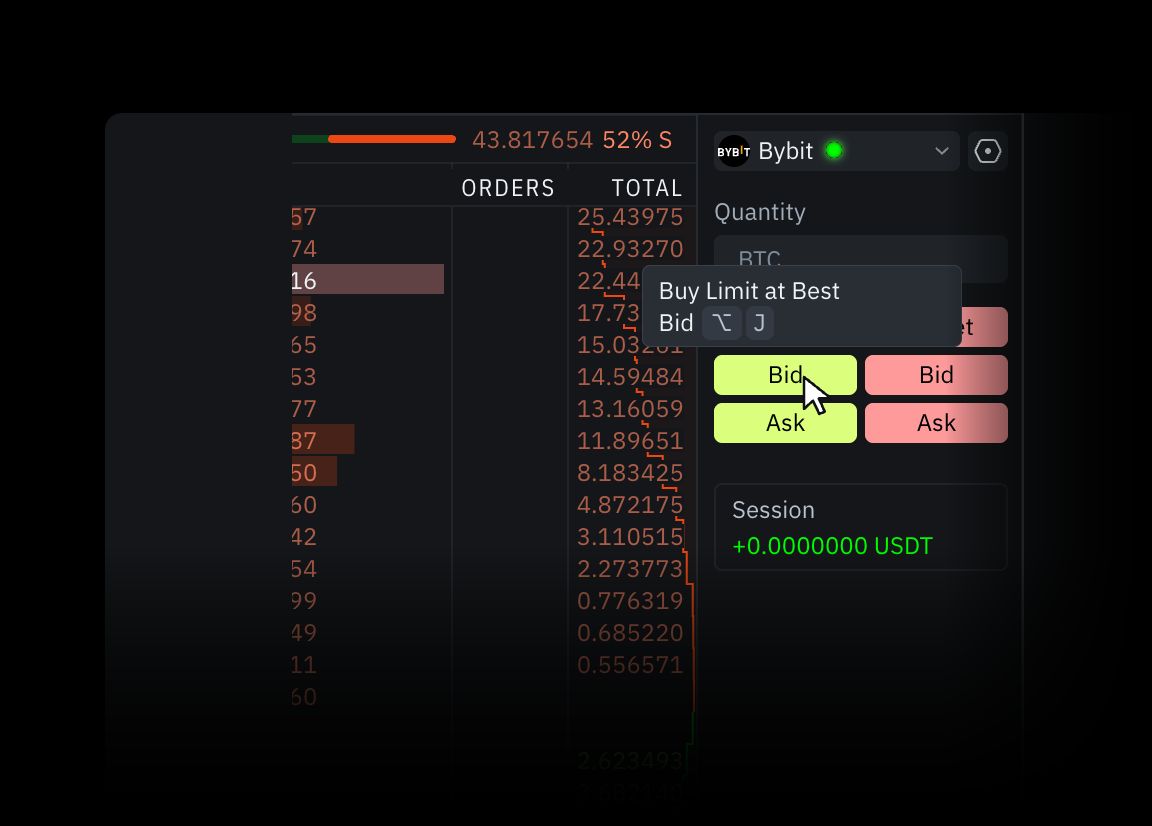
Cross the spread at market, or join the best bid or ask in one click.
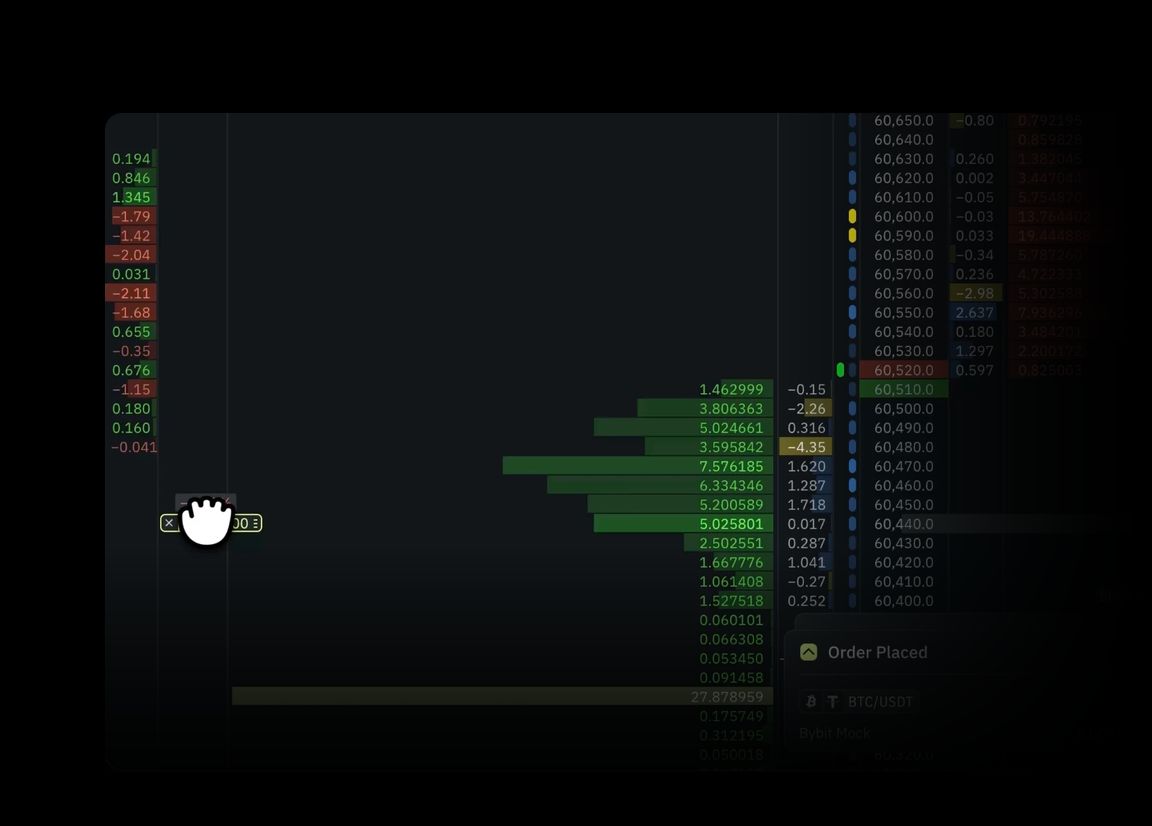
Drag a resting order to a new price, or hit × to cancel it.
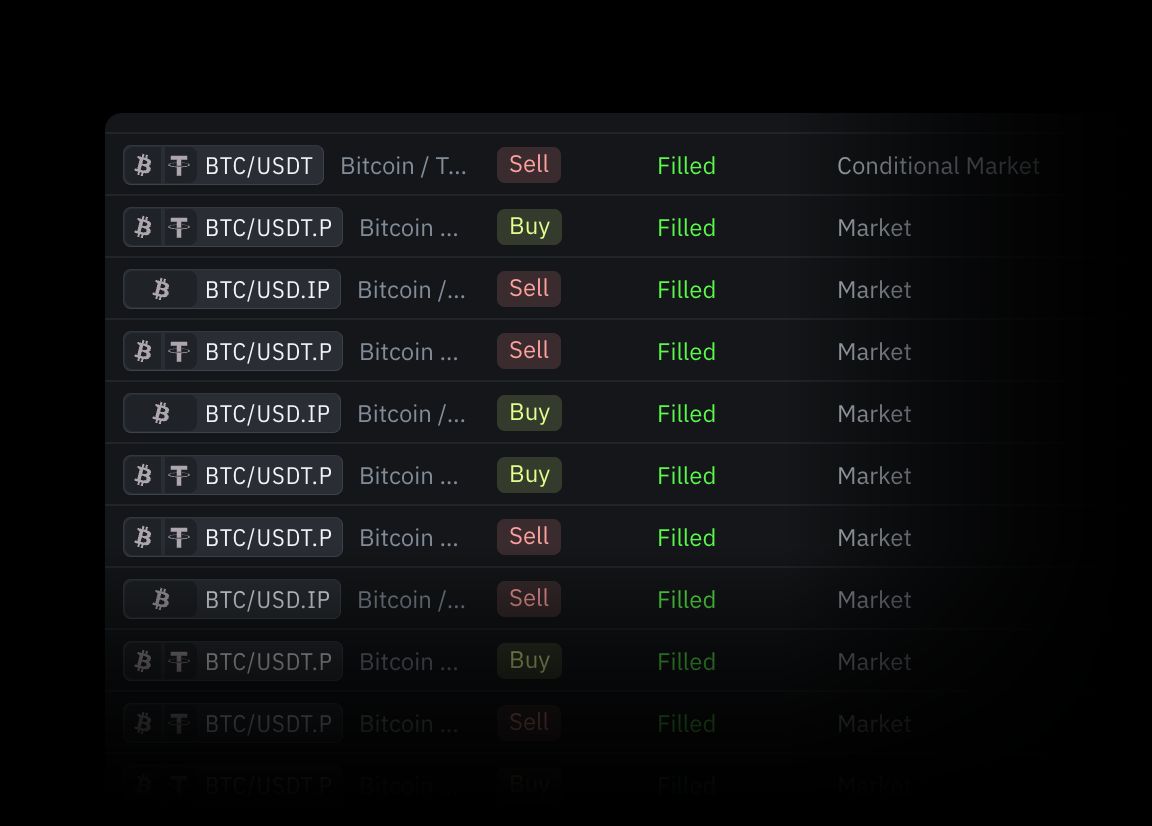
Orders stay in sync across the DOM, your charts and your exchange.


Check the Documentation
Connect Your Account
Link Bybit via official OAuth, or connect Binance and Exness through API keys using trade-only permissions with no withdrawal access.
- Always Up To Date
- Your Keys Stay Yours
- Per-User Isolation
- Data Encryption
- Penetration Testing
Check the Documentation
Trade & Get Cashback
Connect Bybit to earn 50% back on your trading fees, or Exness to earn up to 40%. Cashback applies automatically to every trade and stacks into your withdrawable cash rewards balance.

Select Exchange or Broker
Your Account Cashback Rate
Monthly Trading Volume
- Monthly trading fees
- $2,750.00
- Net fee after cashback
- $1,375.00
Rates may vary by exchange, broker, and account.
Check Cashback Details
Unlock All-In for free
Two ways to get your first month — or year — on us. Connect your broker and let your activity do the rest.
First trade. First month free.
Connect your Bybit or Exness account and trade through TakeProfit. Once your first cashback is credited, we unlock 1 month of All-In for free.
- No minimum trading volume required
- Eligible live accounts only
Trade more. Unlock All-In.
Trade through TakeProfit and unlock free access based on your cumulative trading volume. Demo and paper trading are excluded.
- $200K trading volume cumulative via TakeProfit 1 month free
- $2M trading volume cumulative via TakeProfit 1 year free


