Algorithmic Trading
Build, Test & Execute

Choose a built-in strategy, generate logic with AI or convert your Pine Script, then backtest it before going live.

Start Trading

Turn Strategies Into
Algo Trading Bots

Turn trading ideas into Indie® strategies, set execution parameters in the Order Form and let your bot trade 24/7.
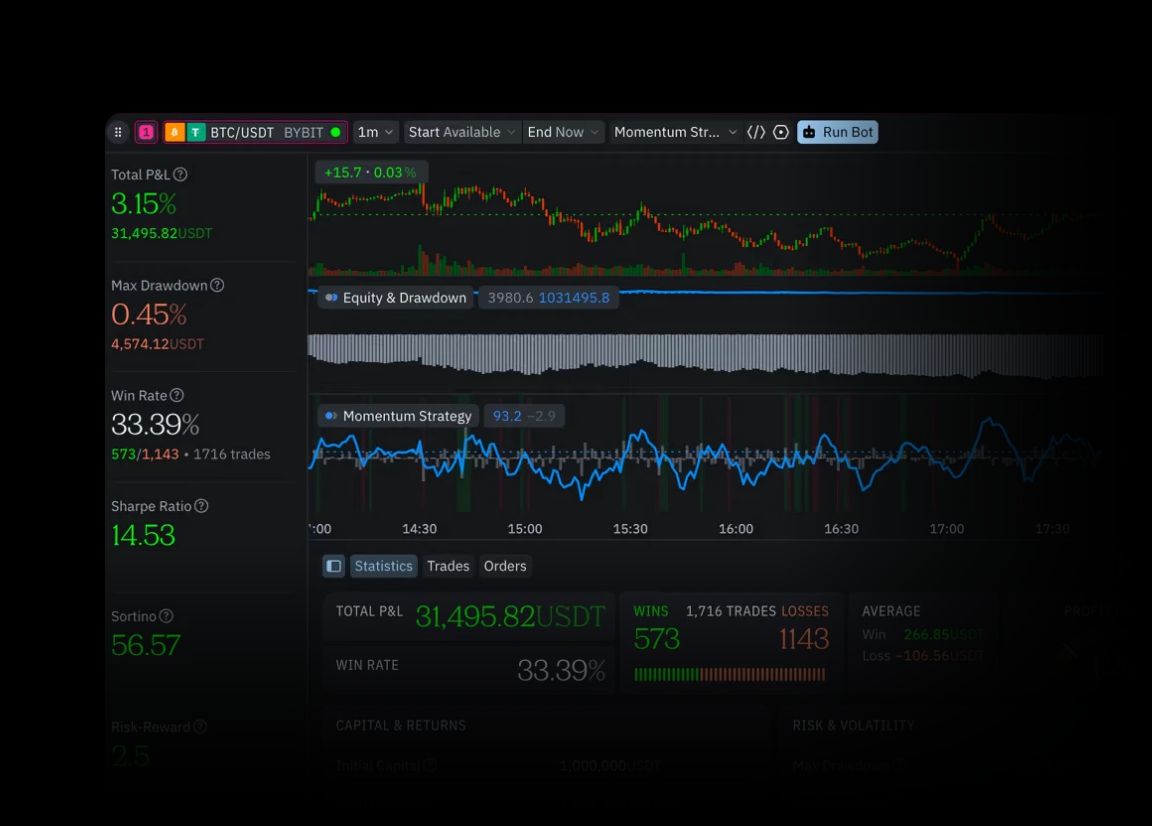
  1. Backtest report with total P&L, drawdown, win rate and the equity curve, next to the Run Bot button

    Test a strategy, then run it live on the same code with one click.
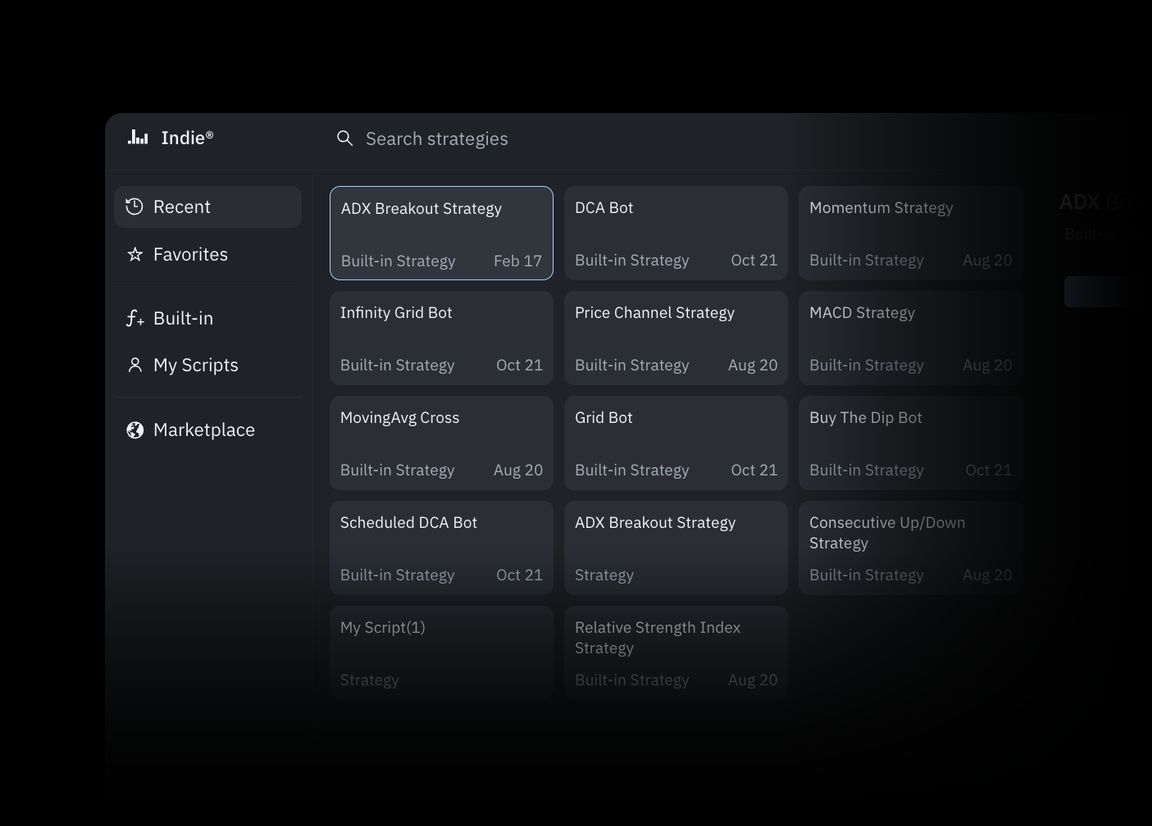
  2. Indie strategy library with built-in strategies such as DCA Bot, Grid Bot and Momentum Strategy

    Run a built-in strategy as a bot, no code needed.
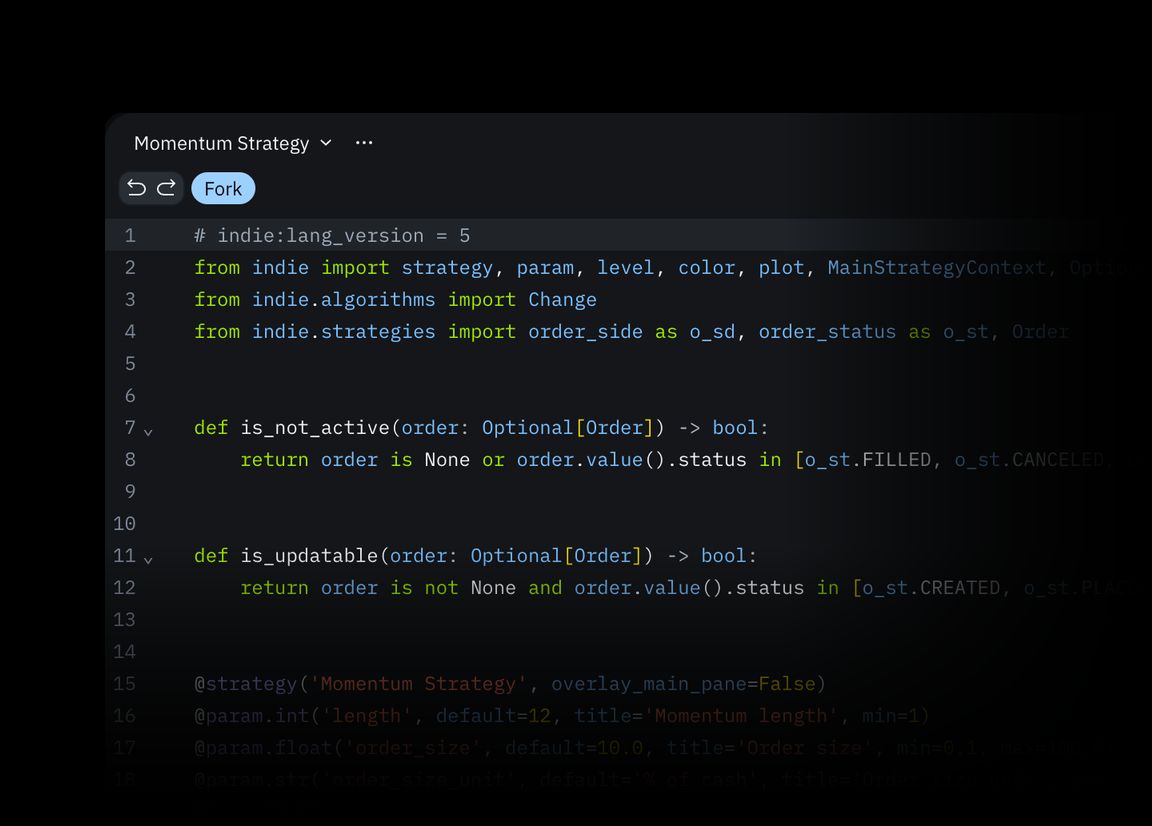
  3. Indie® strategy code in the TakeProfit editor

    Code any strategy in Python-based Indie®, or let the AI write it.
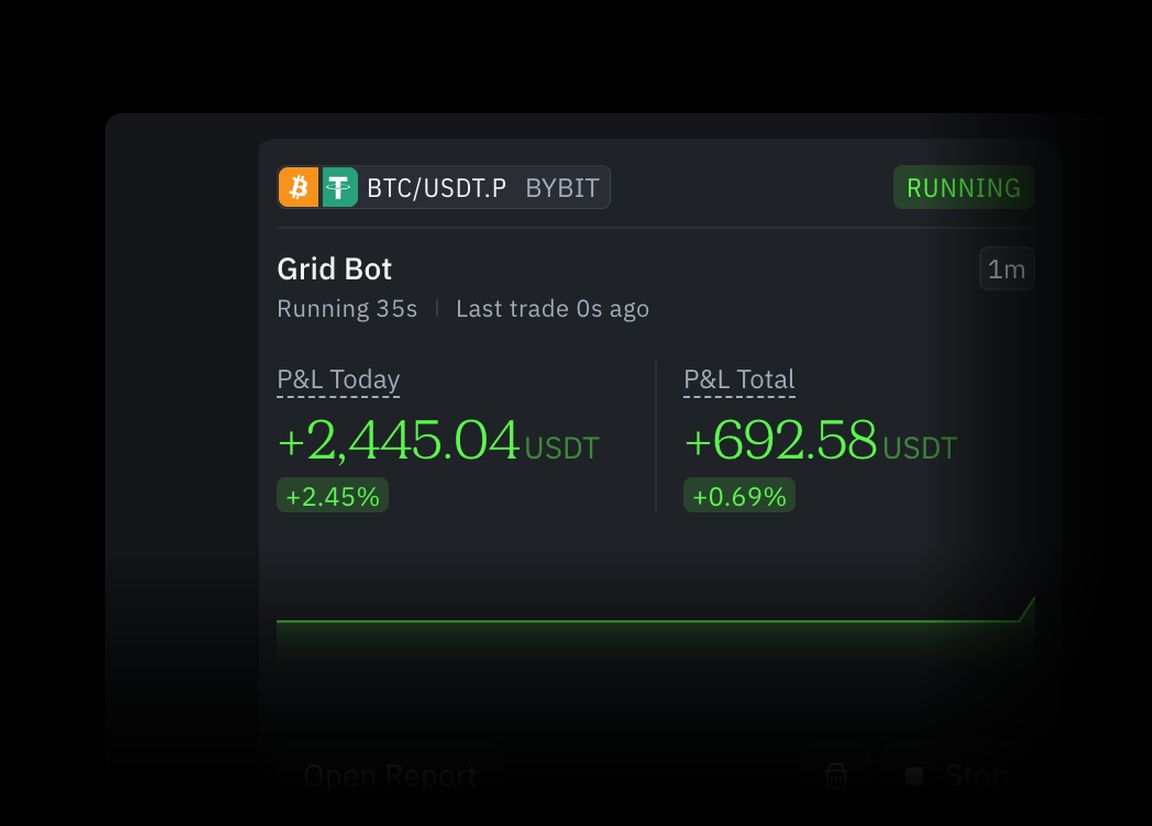
  4. Running bot card with live P&L, status and Stop button

    Your bot keeps trading with the tab closed or the computer off.
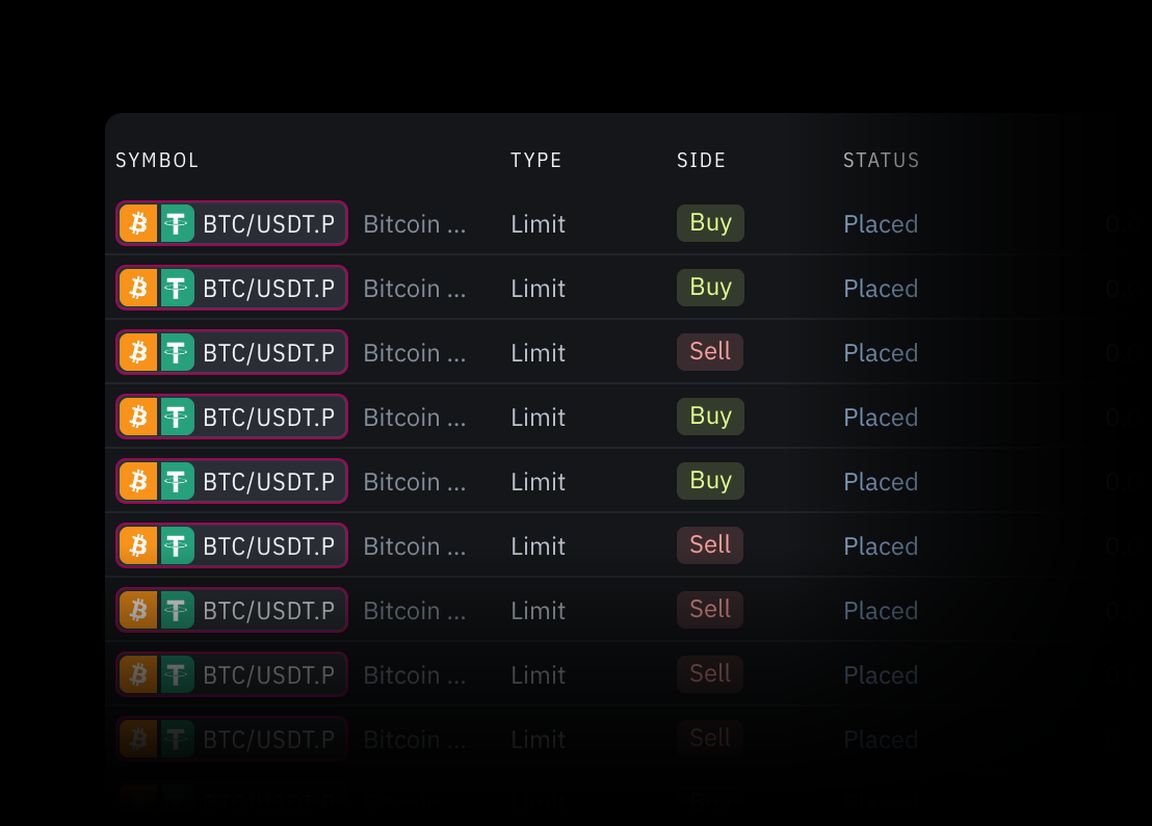
  5. Open orders placed by a bot, listed with side and status

    See which bot placed each order, on the chart and in your history.

Swipe
Algo Trading · Backtest to Live
01 / 05
Backtest report with total P&L, drawdown, win rate and the equity curve, next to the Run Bot button
Scroll through features

Check the Documentation

Connect Your Account

Link Bybit via official OAuth, or connect Binance and Exness through API keys using trade-only permissions with no withdrawal access.

  • Always Up To Date
  • Your Keys Stay Yours
  • Per-User Isolation
  • Data Encryption
  • Penetration Testing

Check the Documentation

Trade & Get Cashback

Connect Bybit to earn 50% back on your trading fees, or Exness to earn up to 40%. Cashback applies automatically to every trade and stacks into your withdrawable cash rewards balance.

Check Cashback Details

Unlock All-In for free

Two ways to get your first month — or year — on us. Connect your broker and let your activity do the rest.

The Platform
Traders Recommend

Have Questions
Before You Try It?

No. Bots run on TakeProfit's servers. You can close the tab, shut down your computer or switch devices, and your bot keeps trading.

If a strategy fails, the bot stops placing orders and shows an Error status in the Bots tab of the Account widget. Open its report to see what happened, then duplicate it to start a new bot.

Yes. Bot orders appear next to your manual orders on the chart and in the Account widget, marked with the bot's name. If you cancel an order a bot placed, TakeProfit asks you to confirm first, because the bot's record may then no longer match the exchange.

When you stop a bot, its open orders are canceled and its position is closed at market price. A stopped bot can't be resumed; duplicate it to start a new one.

Bots trade on the exchange account you connect to TakeProfit: Bybit, Binance or Exness, the same connection you use for manual trading.

Strategies are written in Indie®, a Python-like language built for indicators and strategies. If you know Python you will read it on sight, though it has its own syntax for series and plotting. The same script powers both your backtests and your live bot.

Yes. Validate your trading strategies using our built-in backtesting. You can analyze historical price action, test your edge, and refine your trading style directly on your trading platform before committing live capital.

Yes. Trades your bots place on a connected Bybit or Exness account earn the same cashback as manual trades: up to 50% on Bybit and up to 40% on Exness.

Yes, a Freeroll tier is available and includes tools like Volume Footprint, TPO, Order Book Profile, liquidity heatmaps, the Indie® script editor, and a one-time $5 AI budget. Upgrading to All-In ($24.99/month or $179/year) unlocks unlimited indicators and workspaces, 20,000 bars of history and 1,000 non-expiring alerts. You can also unlock All-In at zero cost through your trading: place your first trade via Bybit or Exness to get 1 month free, or trade via Binance to unlock 1 month free at $200K volume and 1 year free at $2M volume.

Bybit connects through its official OAuth; Binance and Exness connect through API keys with only trading and read permissions. Keys and tokens are stored encrypted on our servers, and TakeProfit never gets withdrawal permissions on your exchange account.

No. TakeProfit doesn’t hold your funds — it connects to your existing exchange or broker account. Your money stays there; TakeProfit is the workspace where you place orders and manage positions.

You can contact our team directly through Discord.