

Step 1. Create a Signal Bot in WunderTrading
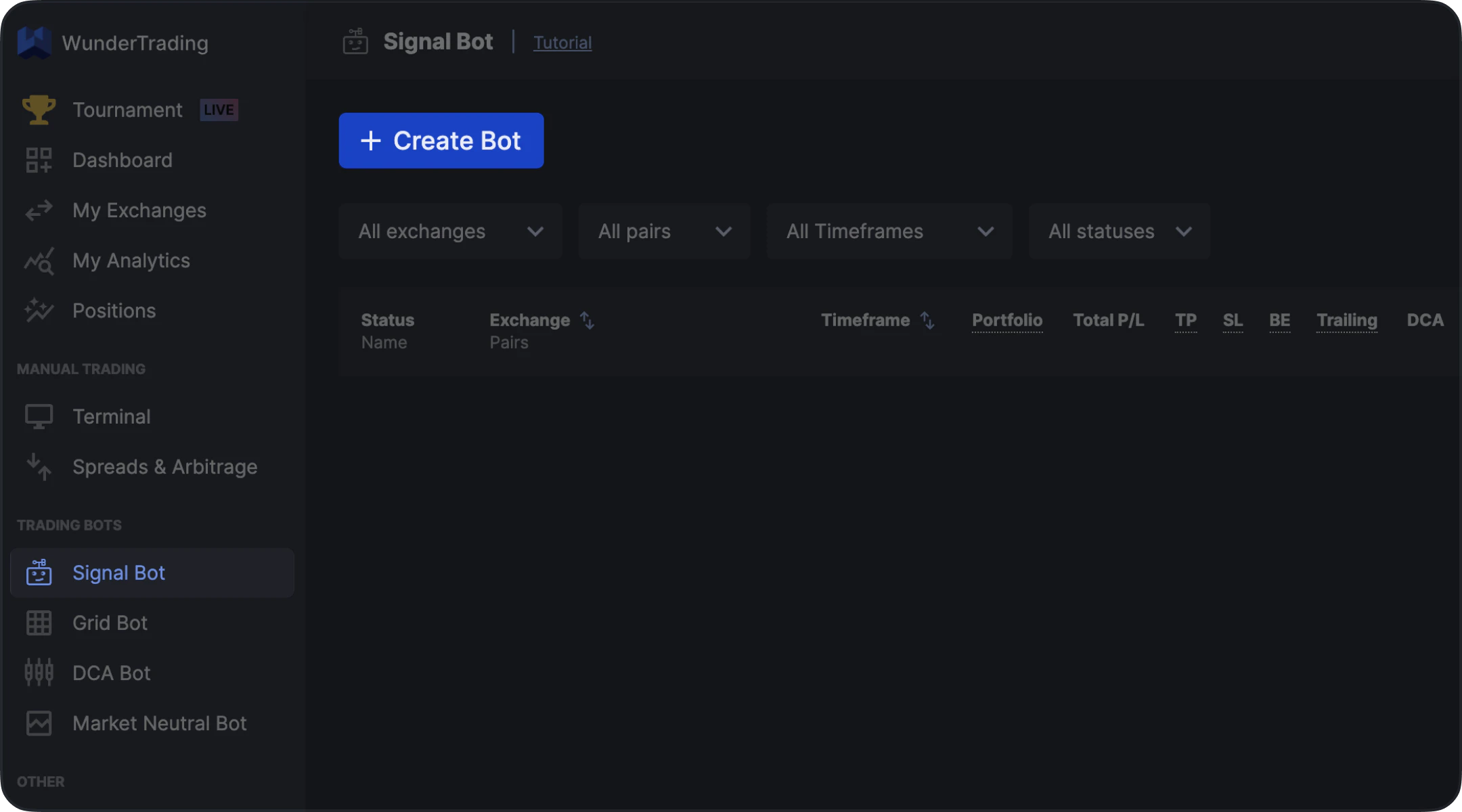
- Open WunderTrading
- Navigate to the Signal Bot tab
- Click Create Bot
Step 2. Configure Bot Settings
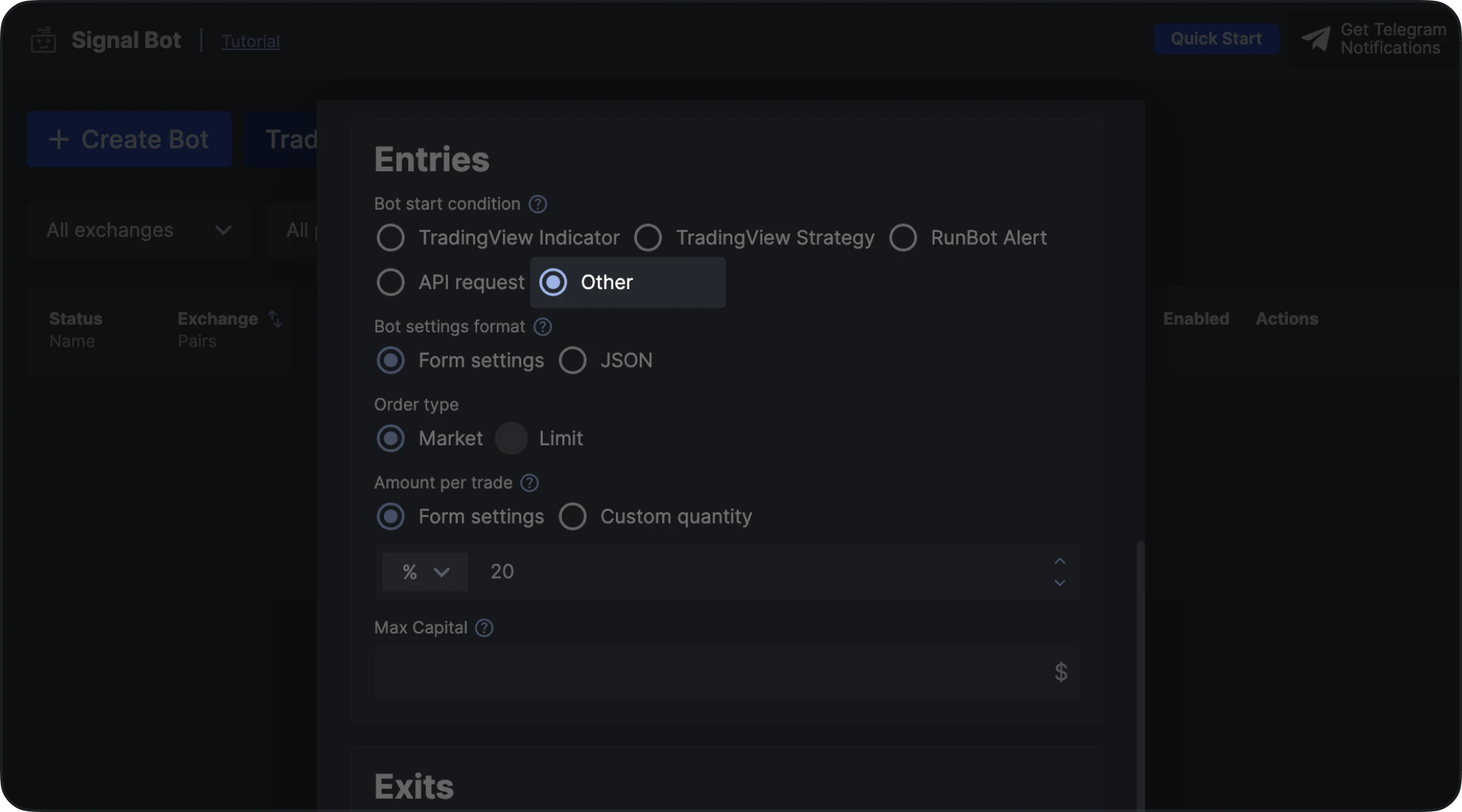
- Other
Step 3. Finalize Bot Setup
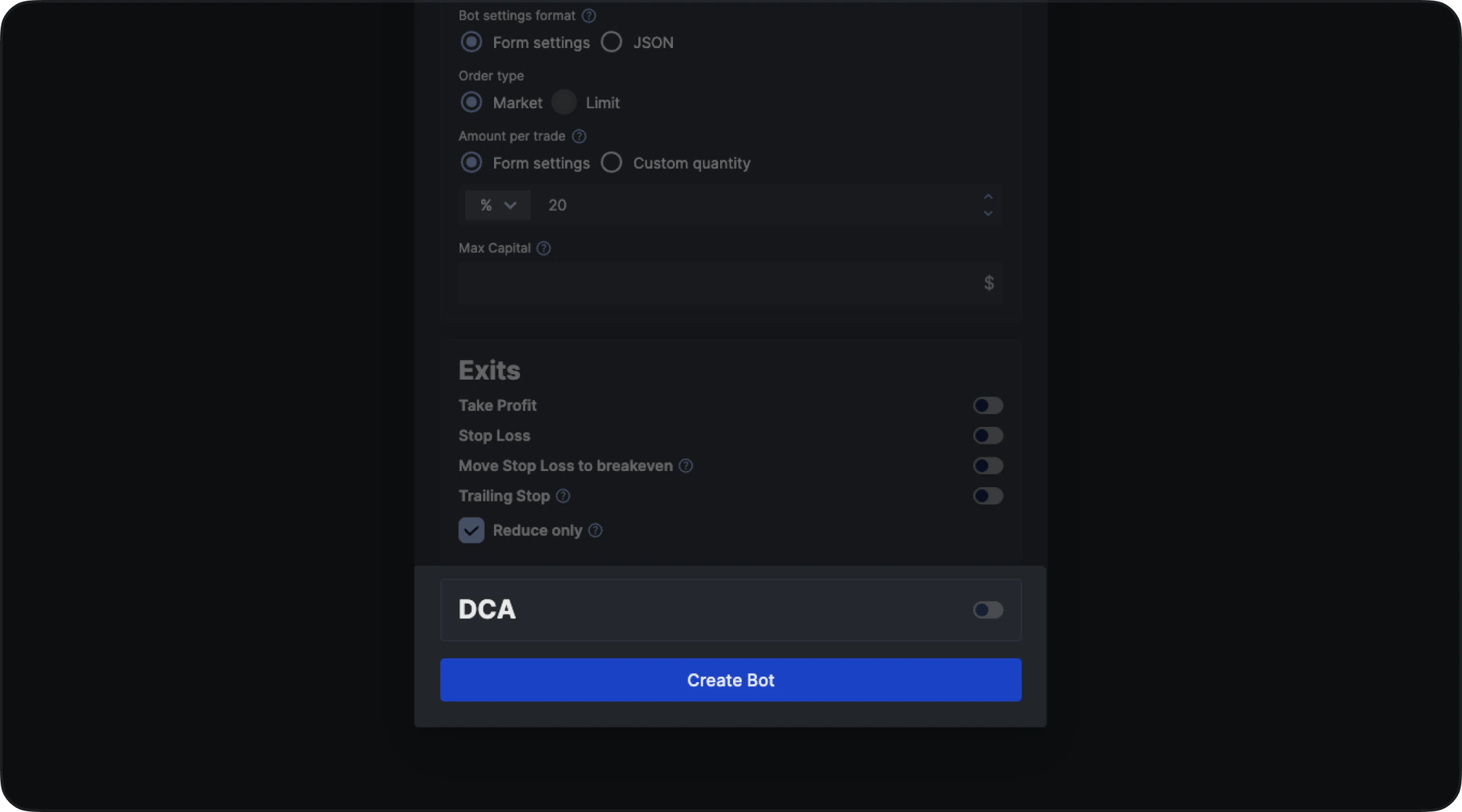
- Select your exchange
- Choose the trading pair
- Configure remaining parameters (order type, size, exits, etc.)
- Click Create Bot
Step 4. Copy Alert Message (Credentials)
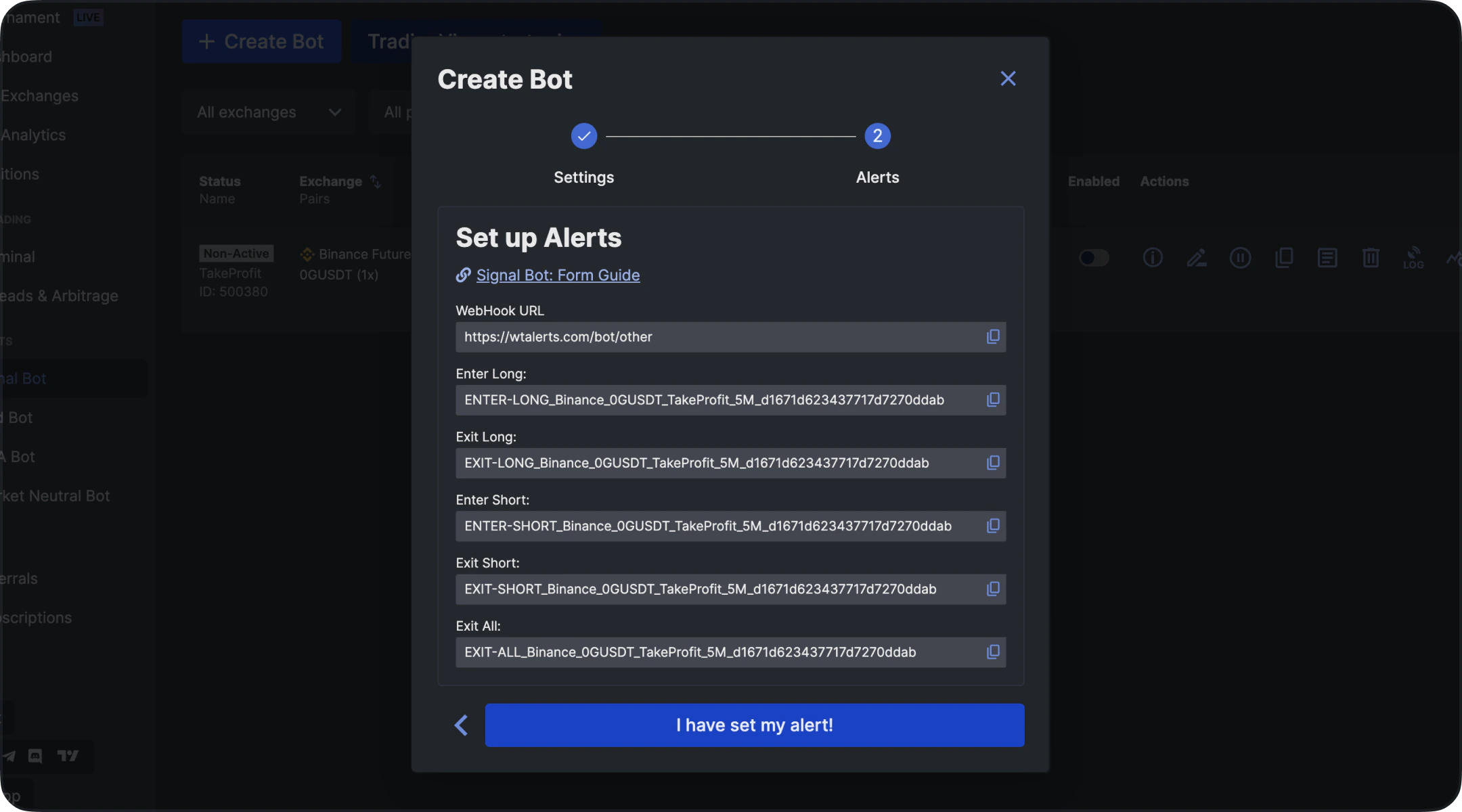
- Stay on the Signal Bot Alert Comments page
- Copy the generated message (this is required for TakeProfit alerts)
Step 5. Create an Alert in TakeProfit
- Open your chart in TakeProfit
- Make sure your indicator or strategy is active
- Click Create Alert
Step 6. Configure Webhook
In the alert settings:- Enable Webhook
- Set the URL to: https://wtalerts.com/bot/other
Step 7. Insert Alert Message
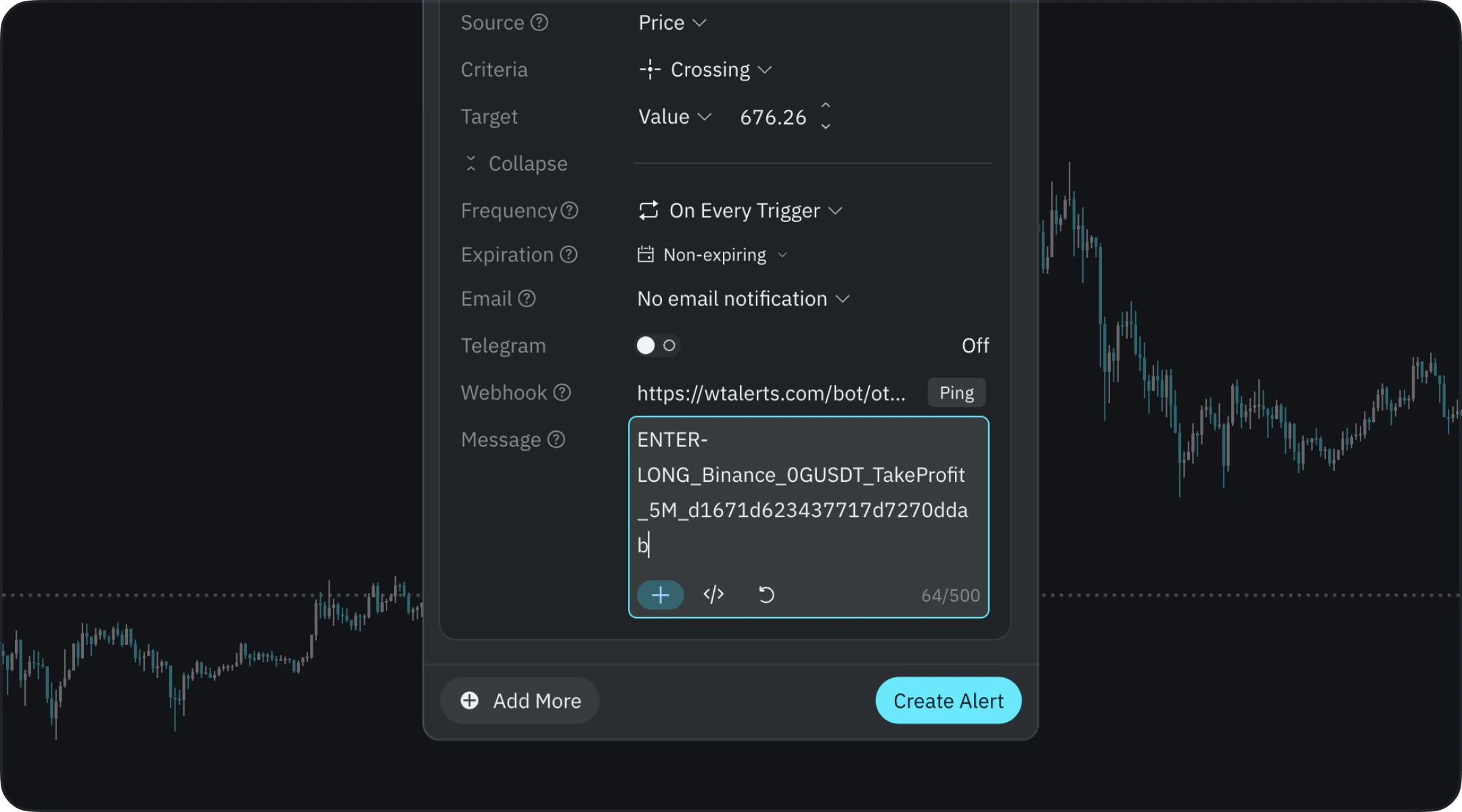
- Paste the Alert Comment copied from WunderTrading
- Enter Long
- Exit Long
- Enter Short
- Exit Short
Step 8. Create Alerts for Each Action
You must create separate alerts for each trading action:- Long Entry → paste Long message
- Long Exit → paste Exit message
- Short Entry → paste Short message
- Short Exit → paste Exit message
Important Notes
- Always verify that the Exit message in TakeProfit matches the Close command in WunderTrading
- Incorrect mapping may result in open (orphaned) positions
- Double-check all messages before activating alerts